Blogs and long reads
Let readers enlarge an article without zooming the whole page.
 I Build Elementor.
Add buttons that let readers enlarge the text and loosen the line spacing of one article section, within limits you set.
These are the actual published outputs of the widget, wired to the article section below them: the default size and spacing buttons, rounded navy buttons capped at 160%, and size buttons only.
Content › Target region takes the CSS ID of the container or widget holding your article and names the button group for screen readers. Allowed range turns the size and spacing buttons on or off and sets their limits and steps. Behaviour can remember the choice for the browser session. Labels sets every button name and the status text. The Style tab covers the button states, layout and status text.
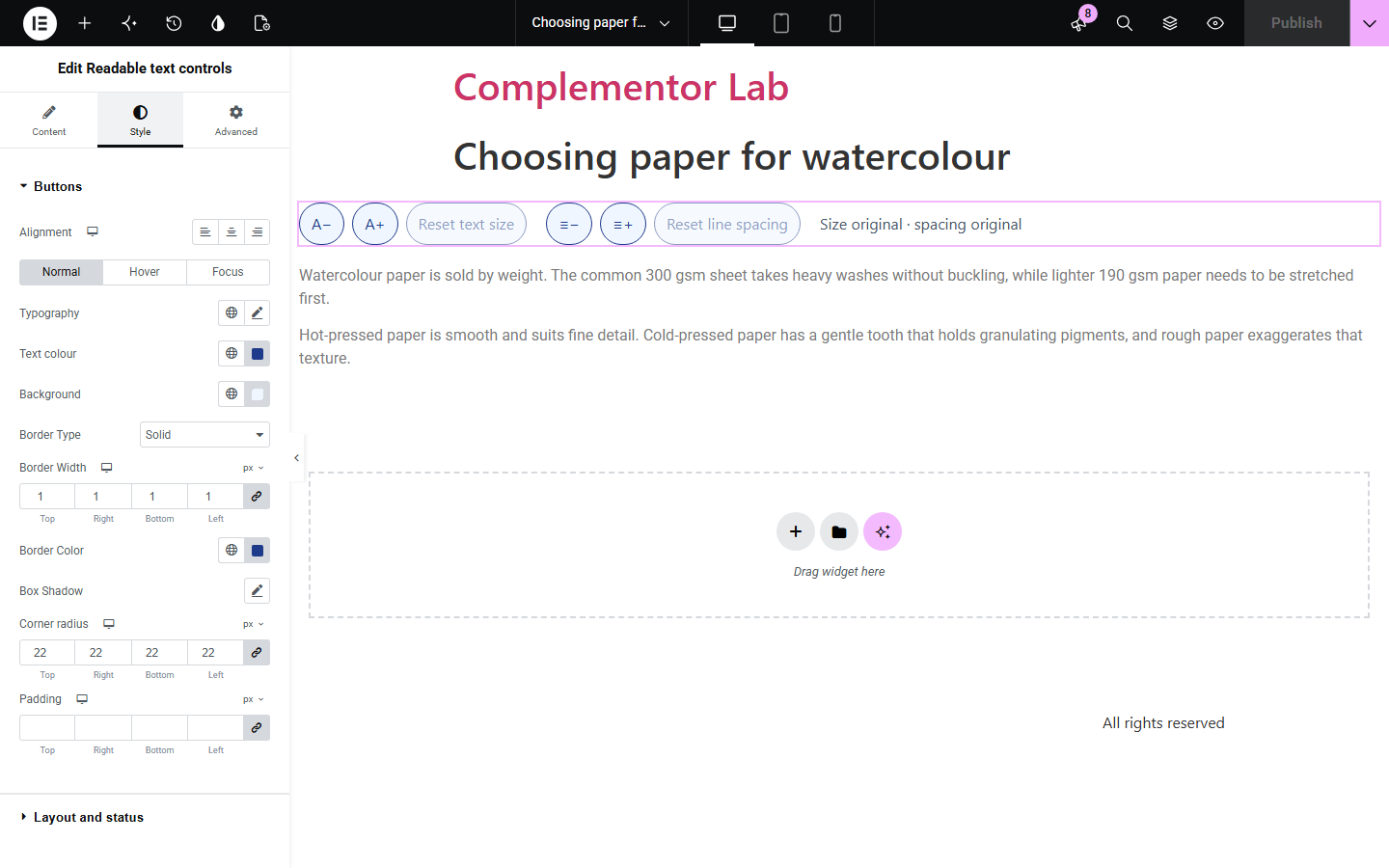
Long articles can be hard to read at the size and spacing that suits most visitors, and browser zoom enlarges the whole page, menus and all. Readable text controls adds labelled buttons that change only the section you choose, within the limits you set, and can remember the choice for the reading session.
Let readers enlarge an article without zooming the whole page.
Offer bigger, roomier text on guides and documentation.
Let learners adjust lesson text to suit them.
Start with Complementor installed and your license connected. Enable this module in the WordPress library, then configure it in Elementor.
Install Complementor, connect your license and enable Readable text controls in the Complementor library.
Give the container or text widget holding your article a CSS ID in its Advanced tab.
Add Readable text controls near it and enter the same ID.
Set the size and line spacing limits.
Publish and press the buttons to check the article changes.
Configure the settings available for this module to suit the page you are building.
Text size buttons with your smallest, largest and step sizes.
Line spacing buttons with your own range.
Separate resets for size and spacing.
Optional memory for the browser session.
Status text that is announced to screen readers.
Style: button states, alignment, gap and status text.
Compare the existing Elementor workflow with this Complementor module before choosing your setup.
Zoom enlarges everything, including menus and images. These buttons change only your article.
Overlays change the whole site and add a floating panel. This widget is two labelled button groups for one section.
Complementor uses classic Elementor APIs. Atomic-native controls are not implemented. Check your theme, cache and integrations on a staging site before release.
Check these settings if the published page behaves differently from the editor.
No element with the CSS ID was found on the page. The editor shows a hint; check the ID in the Advanced tab.
The largest size or loosest line height is reached. Raise it in Allowed range.
Set Remember choice to the browser tab session.
No. It changes one region; give a wrapping container the ID to cover more.
No. It works with the free version of Elementor.
Yes. Buttons have spoken names, unavailable ones are marked, and the new size is announced.
Only when session memory is on, and then only in the reader's own browser tab.
No. Changes apply in the reader's browser and reset is exact.
No. The buttons need JavaScript; the article reads normally without it.
This module is included with all 1007 current Complementor solutions. Choose your production website allowance; every plan includes the same modules.
Renews at $29 USD each year.
Renews at $49 USD each year.
Renews at $99 USD each year.
Applicable taxes extra. Annual subscriptions renew automatically unless canceled in your customer account. Elementor Pro is required for Exclude current post. Read the terms and 14-day technical-issue refund policy.