Editorial teams
A check before every post goes live.
 I Build Elementor.
Check the alternative text of every image in a post while editing in Elementor, and see which images to fix. Visitors never see it.
The live page shows nothing; these captions describe what editors see in Elementor.
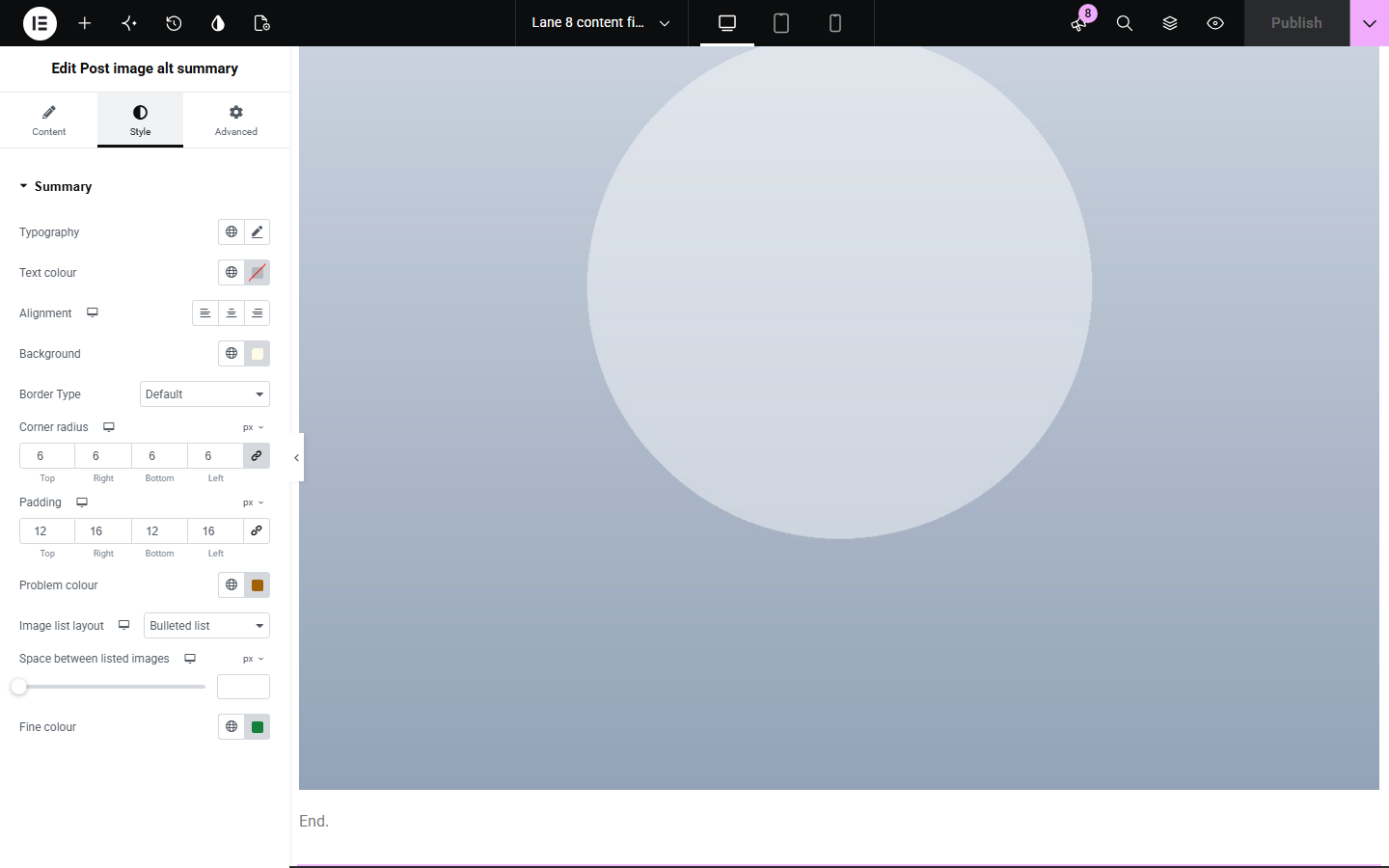
Content sets whether to show a fine result, the list of images to check, how many to list and the edit links. The Style tab covers the summary's text, surface, border and the problem and fine colours.
Images without useful alternative text shut out screen reader users and are easy to miss in a long post. Post image alt summary checks every image in the post as readers see it, while you edit, and lists the ones with missing, file-name, "image of" or very long text, and linked images that leave a link without a name, with a link to fix each one.
A check before every post goes live.
Find old posts with missing text.
Check product guides and lookbooks.
Start with Complementor installed and your license connected. Enable this module in the WordPress library, then configure it in Elementor.
Install Complementor, connect your license and enable Post image alt summary in the Complementor library.
Add the widget to a single post template.
Open a post in Elementor.
Read the summary and the images to check.
Fix each one and save.
Configure the settings available for this module to suit the page you are building.
Every image in the content.
Missing, file-name and long text.
Linked images without a name.
Decorative images counted.
Edit links for Media Library images.
Only editors see it.
Compare the existing Elementor workflow with this Complementor module before choosing your setup.
Run separately and report after publishing.
Easy to miss images in long posts.
Complementor uses classic Elementor APIs. Atomic-native controls are not implemented. Check your theme, cache and integrations on a staging site before release.
Check these settings if the published page behaves differently from the editor.
It is an editing aid shown only to people who can edit the post.
Elementor content is read from the last saved version; save and reload.
Empty text tells screen readers to skip the image, which is right for decoration.
The image is not from the Media Library, or you cannot edit it.
No. It works with the free version of Elementor.
From the images in the post's own content, as readers see it, and their Media Library entries.
In a single post template or on a post, where editors will see it while editing.
No. Everything is read from your own WordPress site while the page is built.
No. It applies a few simple checks to images only.
This module is included with all 1007 current Complementor solutions. Choose your production website allowance; every plan includes the same modules.
Renews at $29 USD each year.
Renews at $49 USD each year.
Renews at $99 USD each year.
Applicable taxes extra. Annual subscriptions renew automatically unless canceled in your customer account. Elementor Pro is required for Exclude current post. Read the terms and 14-day technical-issue refund policy.