Writing and SEO tools pages
Offer a quick text tidy-up next to your other free tools.
 I Build Elementor.
Let visitors paste text and clean it up: trim each line, collapse repeated spaces, tidy blank lines and copy the result, all in the browser.
These are the actual published widgets. Edit the text and press Clean text, or type in the live example; the result and the count of removed characters update in your browser.
Content sets the heading and its tag, the input label and placeholder, example text, the button and result labels and an optional icon. Behaviour chooses how blank lines are handled, whether special spaces are normalised, live updating, the removed-characters summary and the copy button. The Presentation tab styles text, gap, alignment, the input, both buttons with hover states, and the result box.
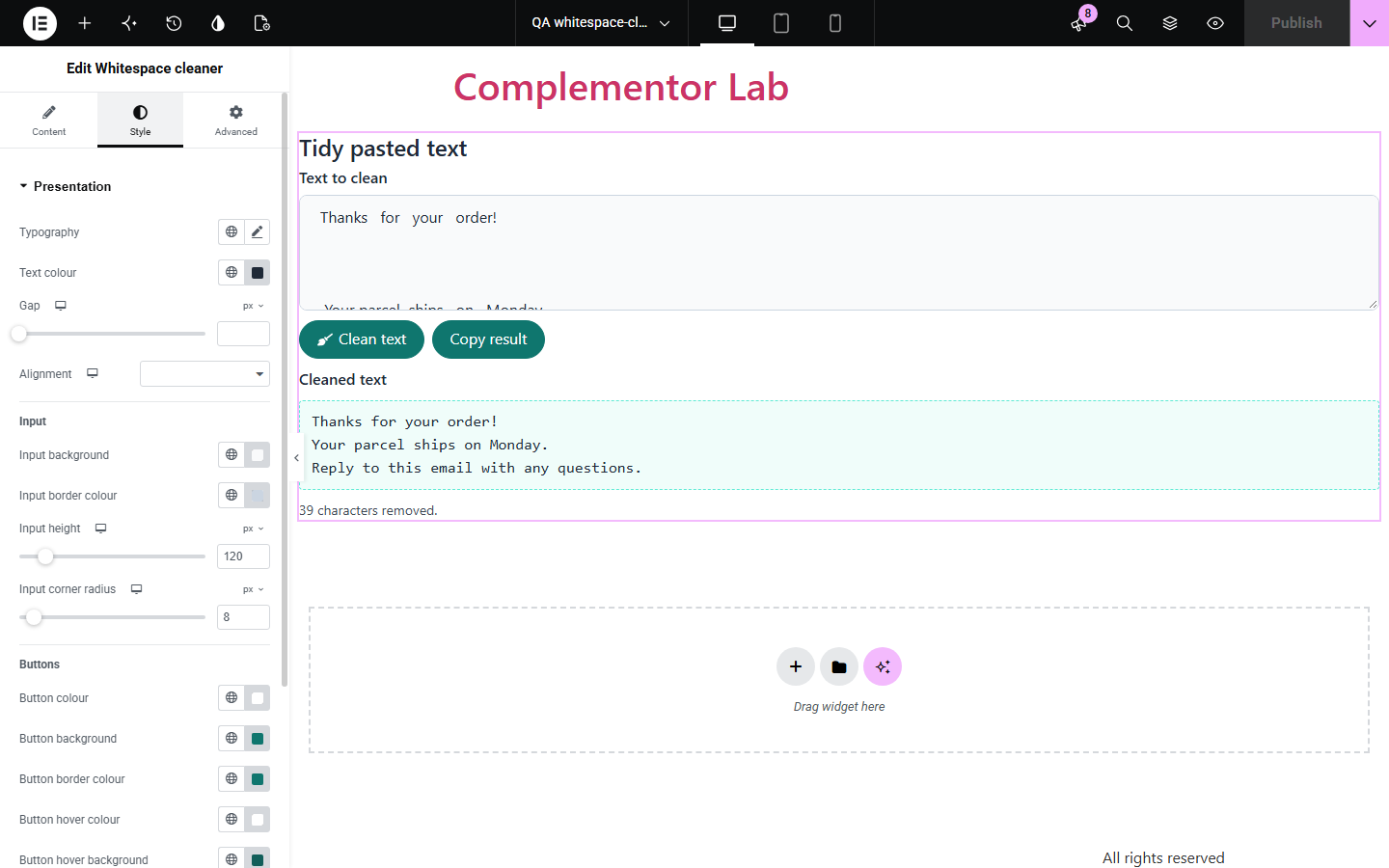
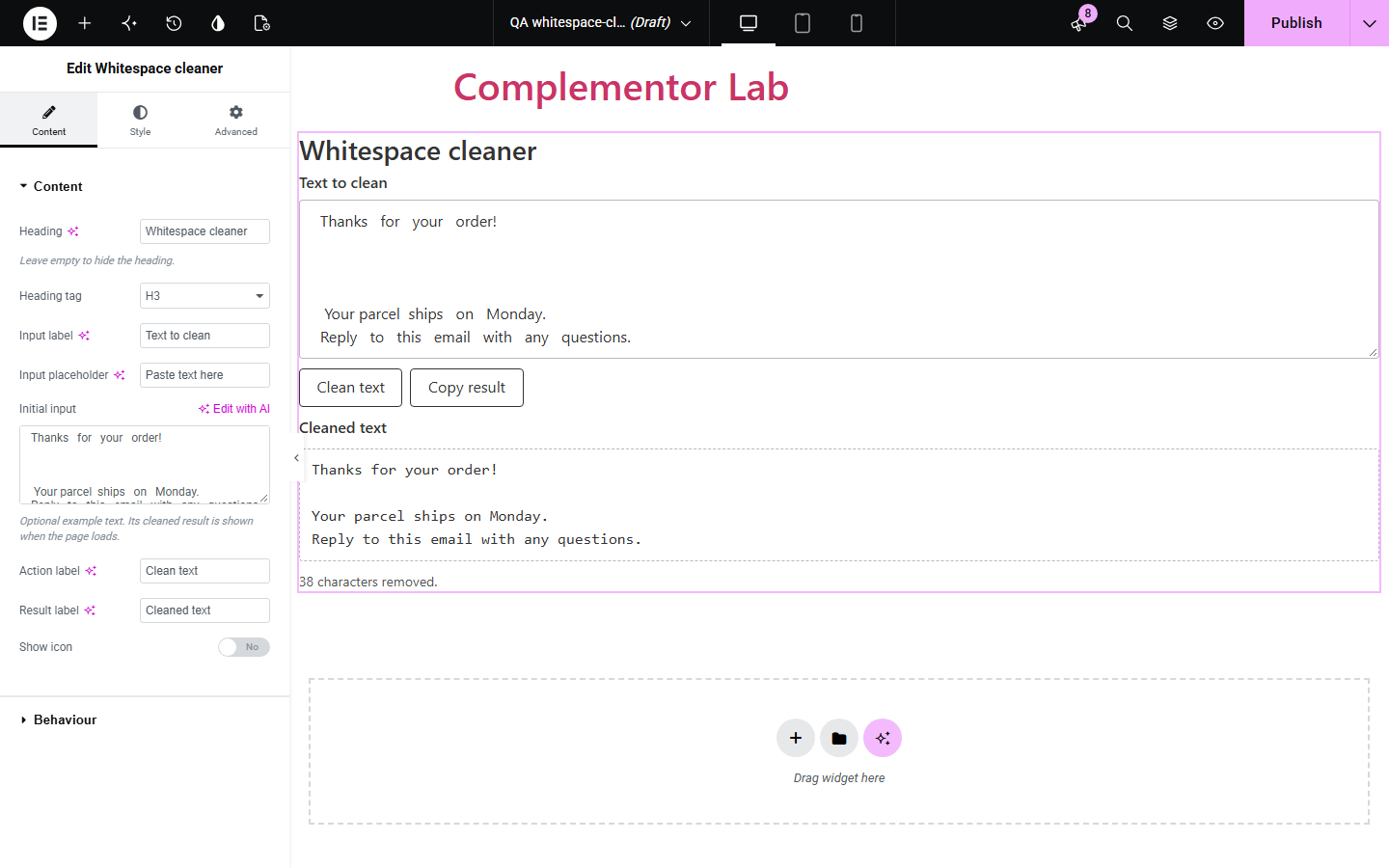
Text pasted from documents, emails and web pages often carries double spaces, tabs, non-breaking spaces and stray blank lines that break forms, listings and code. Whitespace cleaner gives your visitors a small on-page tool: paste the text, press Clean text, see how many characters were removed and copy the result. Nothing is sent to a server.
Offer a quick text tidy-up next to your other free tools.
Help customers clean pasted log lines or addresses before sending them.
Give staff a simple on-site tool for tidying copy from documents.
Start with Complementor installed and your license connected. Enable this module in the WordPress library, then configure it in Elementor.
Install Complementor, connect your license and enable Whitespace cleaner in the Complementor library.
Drag the Whitespace cleaner widget onto the page in Elementor.
In Content, set the heading, labels and optional example text.
In Behaviour, choose how blank lines are handled and whether to update while typing.
Style the input, buttons and result box in Presentation, then publish and try it.
Configure the settings available for this module to suit the page you are building.
Trims each line and collapses runs of spaces and tabs.
Blank lines: keep one between paragraphs, keep all or remove all.
Turns non-breaking and other Unicode spaces into normal spaces and drops zero-width spaces.
Shows “21 characters removed.” or that the text was already tidy.
Copy result button with a fallback for sites without the Clipboard API.
Optional live updating while visitors type.
Style the input, buttons with hover colours and the result box.
Compare the existing Elementor workflow with this Complementor module before choosing your setup.
Code editors can do this with regular expressions. Prefer them for one-off private work; use this widget when your visitors need the tool on your site.
WordPress cleans some markup when content is saved, but it does not tidy spacing in text visitors want to reuse elsewhere.
You can write your own tool in an HTML widget. This widget gives the same result with native controls, translations and styling.
Complementor uses classic Elementor APIs. Atomic-native controls are not implemented. Check your theme, cache and integrations on a staging site before release.
Check these settings if the published page behaves differently from the editor.
Each line is trimmed, so leading spaces and tabs go. This tool is for prose and lists, not for indented code.
Blank lines is set to Keep one between paragraphs. Choose Remove all to join them.
Some browsers block copying without a user action. The widget then says so; select the result and copy it manually.
Update while typing is off. Turn it on in Behaviour, or press Clean text.
No. It works with the free version of Elementor.
No. Cleaning and copying happen in the visitor's browser; nothing is submitted or stored.
No. Line breaks are kept; only spaces within and around lines, and extra blank lines, are changed.
Yes. The field and result have labels, buttons are keyboard accessible with a visible focus outline, and the summary is announced as a status message.
Yes. Initial input is cleaned when the page loads, so visitors see a before and after.
This module is included with all 1007 current Complementor solutions. Choose your production website allowance; every plan includes the same modules.
Renews at $29 USD each year.
Renews at $49 USD each year.
Renews at $99 USD each year.
Applicable taxes extra. Annual subscriptions renew automatically unless canceled in your customer account. Elementor Pro is required for Exclude current post. Read the terms and 14-day technical-issue refund policy.