Help pages
Ask whether an article was useful.
 I Build Elementor.
Ask visitors for a star rating, such as “How useful was this page?”, and thank them with a message or a link that depends on the rating.
These are the actual published outputs of the widget. Try each one on this page.
Content sets the question, the number of stars, the words for each value, whether to remember the rating, the result text, the threshold, the messages, the link and the small print. The Style tab covers the stars, the question, the result and the buttons.
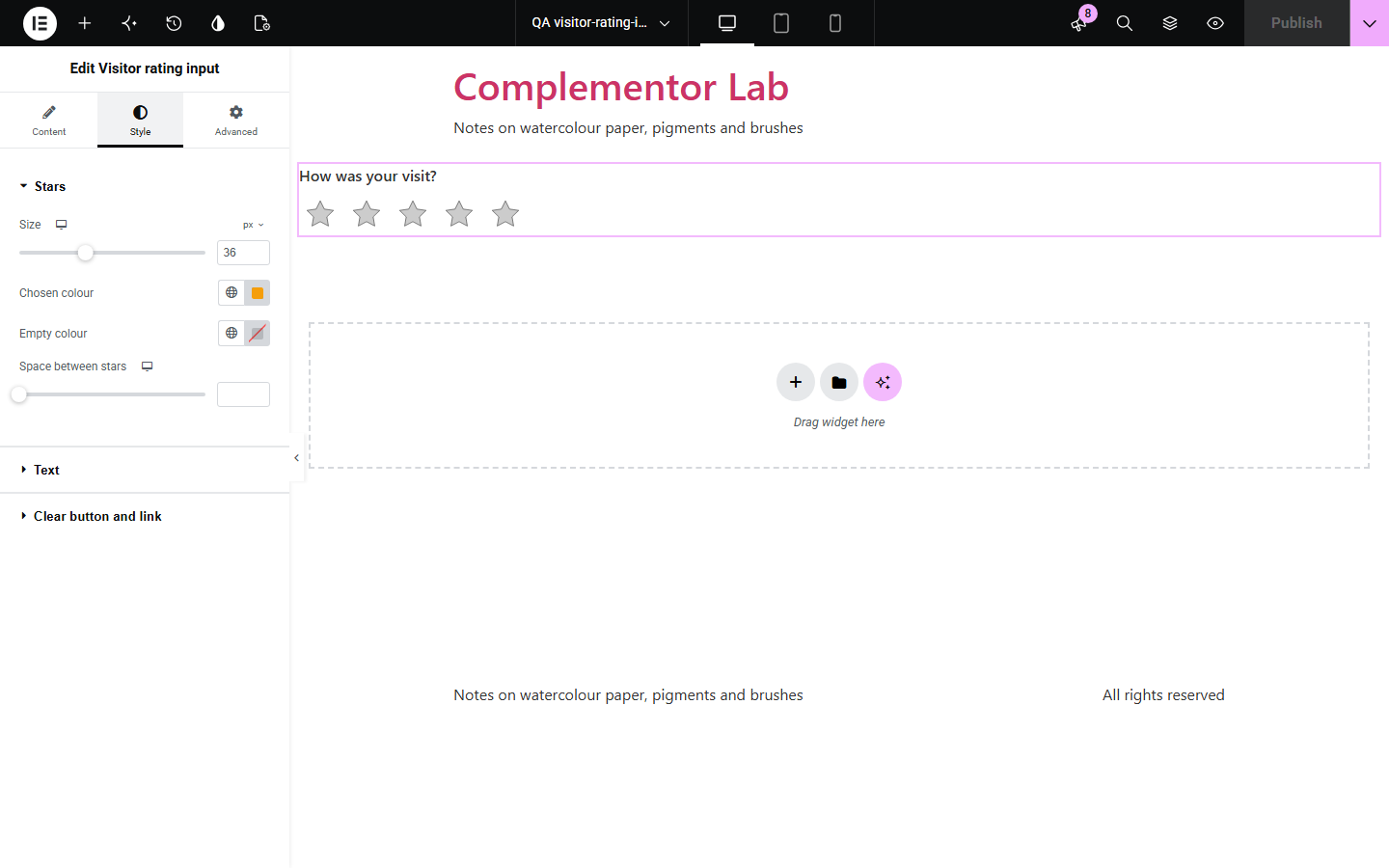
Star ratings are often drawn with clickable icons that keyboards and screen readers cannot use, and they quietly send data somewhere. Visitor rating input uses a real radio group drawn as stars, thanks the visitor with a message or a link to your review page, and keeps the rating only in the browser.
Ask whether an article was useful.
Point happy visitors to your review page.
A quick score out of 10.
Start with Complementor installed and your license connected. Enable this module in the WordPress library, then configure it in Elementor.
Install Complementor, connect your license and enable Visitor rating input in the Complementor library.
Add the widget and enter the question.
Choose the number of stars and the words for each value.
Write the messages and, if you like, add a review link for high ratings.
Publish the page and try it.
Configure the settings available for this module to suit the page you are building.
Real radio group drawn as stars.
3 to 10 stars with words.
Messages for high and lower ratings.
Review link for high ratings.
Clear rating.
Kept in the tab only if you choose.
Compare the existing Elementor workflow with this Complementor module before choosing your setup.
Displays a fixed rating; visitors cannot choose one.
Collect and store ratings on the server.
Complementor uses classic Elementor APIs. Atomic-native controls are not implemented. Check your theme, cache and integrations on a staging site before release.
Check these settings if the published page behaves differently from the editor.
Nowhere on the server. Use a form or survey plugin to collect them.
It is kept only while the tab is open, and only if you choose that.
It shows only for a high rating, and only for http, https or /path links.
Yes. Tab to the stars and use the arrow keys.
No. It works with the free version of Elementor.
No. It stays in the visitor’s browser.
Yes. It is a labelled radio group with the result announced.
Yes, from 3 to 10.
Yes, as a plain choice of radio buttons without messages.
This module is included with all 1007 current Complementor solutions. Choose your production website allowance; every plan includes the same modules.
Renews at $29 USD each year.
Renews at $49 USD each year.
Renews at $99 USD each year.
Applicable taxes extra. Annual subscriptions renew automatically unless canceled in your customer account. Elementor Pro is required for Exclude current post. Read the terms and 14-day technical-issue refund policy.