Events
Count visitors at the door on a tablet.
 I Build Elementor.
Give visitors a tally counter with Add, Take away and Reset buttons and an optional goal, for counting people, reps, stitches or votes.
These are the actual published outputs of the widget. Try each one on this page.
Content sets the start value, what each press adds, the take-away button, negative counts, the goal, how long the count is kept, and every label. The Style tab covers the count box, number, label and goal text, and the buttons.
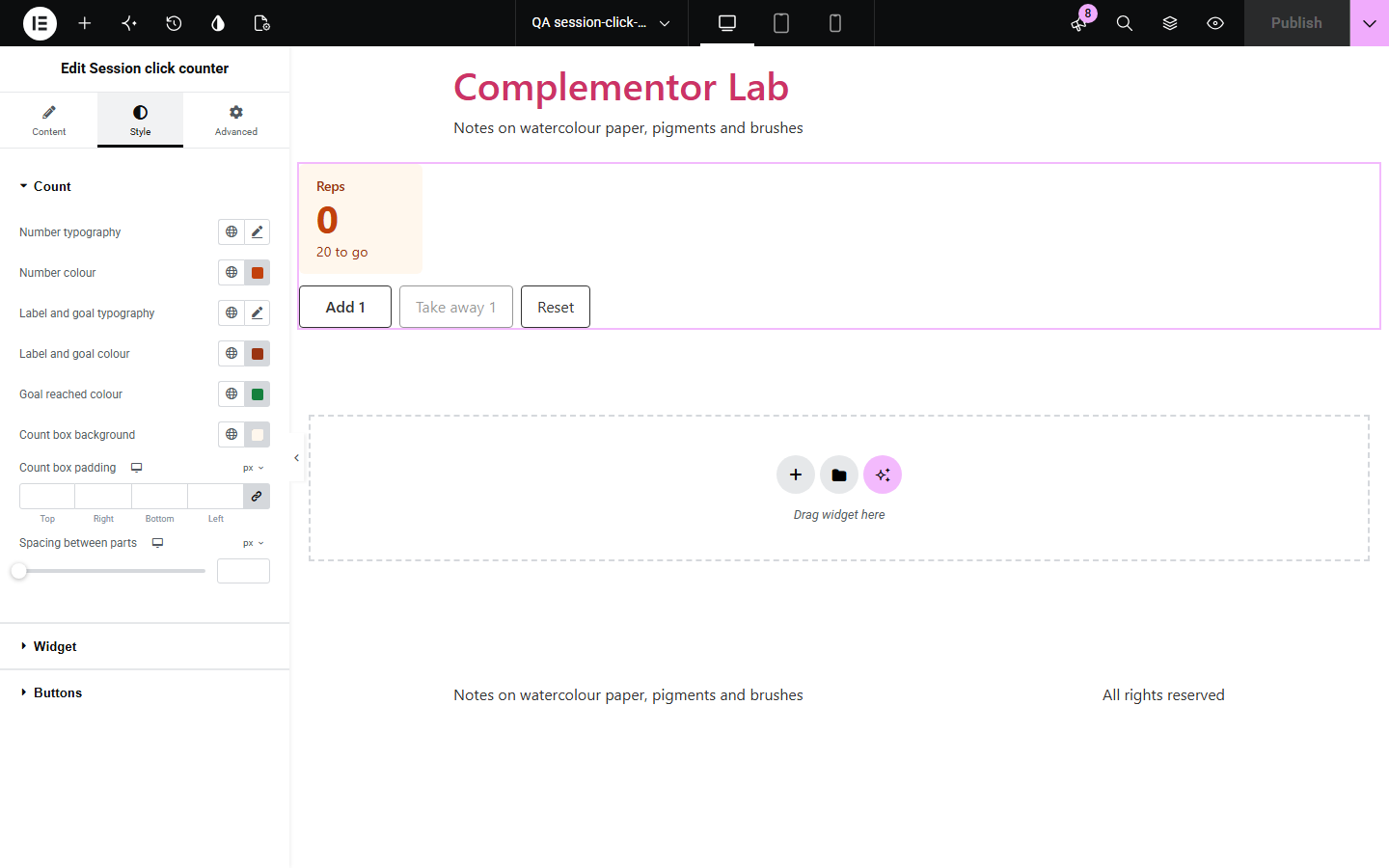
Event staff count people at the door, gym visitors count reps, knitters count rows, and they reach for a phone app or paper. Session click counter puts a tally on your page: large buttons, a big number, an optional goal and a reset. The count survives a reload in the same tab and is never sent to your server.
Count visitors at the door on a tablet.
Count reps or laps towards a goal.
Count rows or stitches while you work.
Start with Complementor installed and your license connected. Enable this module in the WordPress library, then configure it in Elementor.
Install Complementor, connect your license and enable Session click counter in the Complementor library.
Set the start value and what each press adds.
Add a goal if visitors are counting towards one.
Style the number and buttons.
Publish the page and try it.
Configure the settings available for this module to suit the page you are building.
Add, Take away and Reset.
Count by any step.
Optional goal with how many are left.
Kept through a reload in the same tab.
Announced to screen readers.
Nothing sent to the server.
Compare the existing Elementor workflow with this Complementor module before choosing your setup.
Works, but is not on your page or in your brand.
Animates to a fixed number; visitors cannot count with it.
Complementor uses classic Elementor APIs. Atomic-native controls are not implemented. Check your theme, cache and integrations on a staging site before release.
Check these settings if the published page behaves differently from the editor.
Counts are kept only while the tab stays open. That is by design.
Keep the count is set to Until the page is left, or the browser blocks storage.
The count is at zero and negatives are not allowed.
No. Each visitor’s count is in their own browser.
No. It works with the free version of Elementor.
No. It stays in the visitor’s browser.
Yes. The buttons are real buttons and the new count is announced after each press.
Yes. Without it a short message is shown instead.
Yes. Each copy works on its own.
This module is included with all 1007 current Complementor solutions. Choose your production website allowance; every plan includes the same modules.
Renews at $29 USD each year.
Renews at $49 USD each year.
Renews at $99 USD each year.
Applicable taxes extra. Annual subscriptions renew automatically unless canceled in your customer account. Elementor Pro is required for Exclude current post. Read the terms and 14-day technical-issue refund policy.