Made-to-order and restocking products
Tell shoppers they can still order an item that is out of stock and will ship when restocked.
 I Build Elementor.
Show an honest backorder or unavailable message from a WooCommerce product's real stock settings, and nothing when it is simply in stock.
These are the actual published outputs of the widget for sample WooCommerce products: backorders allowed, backorders with a customer notice (styled), out of stock with no backorders, and a product in stock where nothing is shown.
Content › Source uses the current product or a selected published product. Behaviour holds the three editable messages for backorder allowed, backorder with notice and unavailable. Display adds an optional icon. The Style tab sets typography, colour, alignment, background, border, radius and padding, plus icon colour, size and gap.
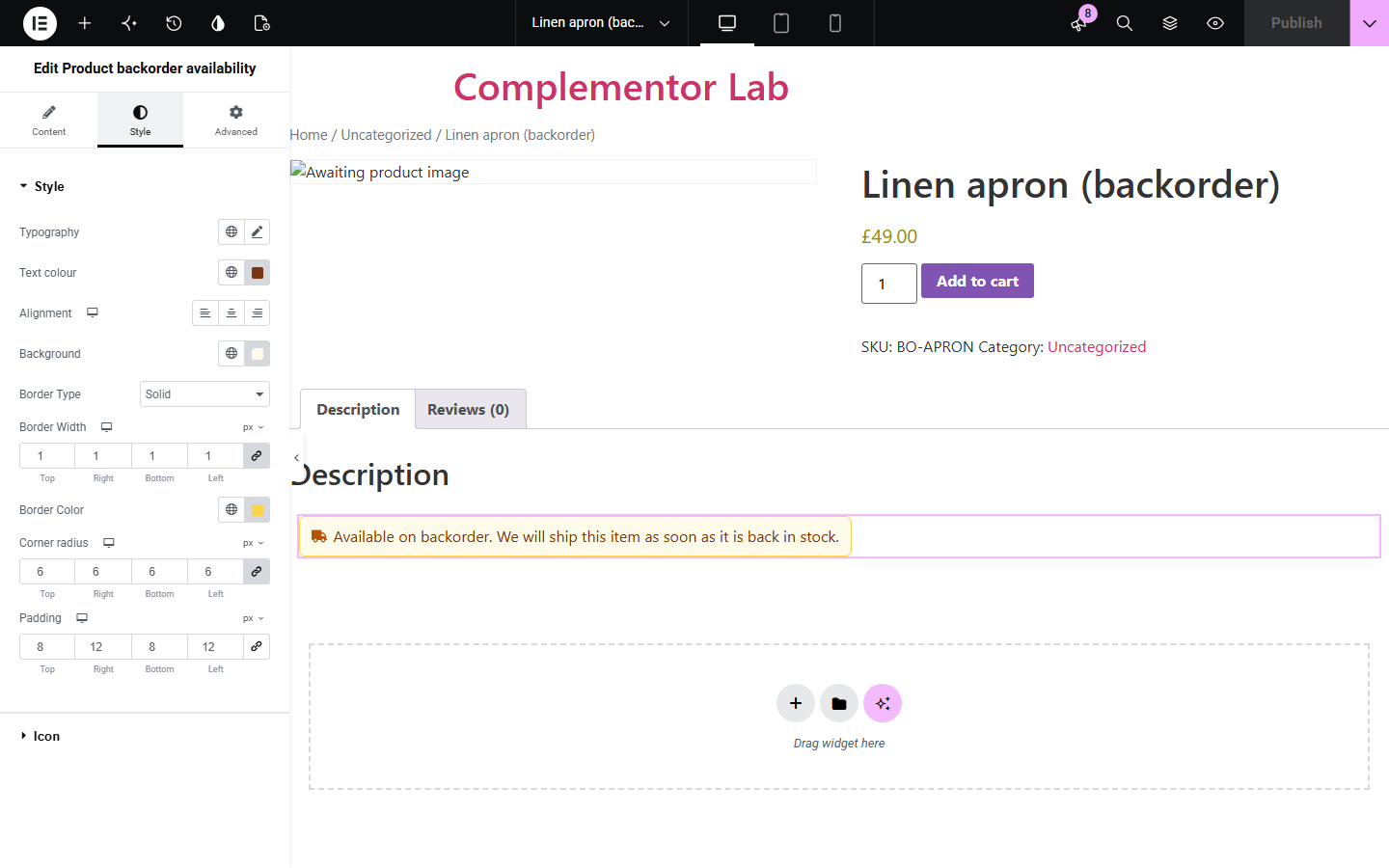
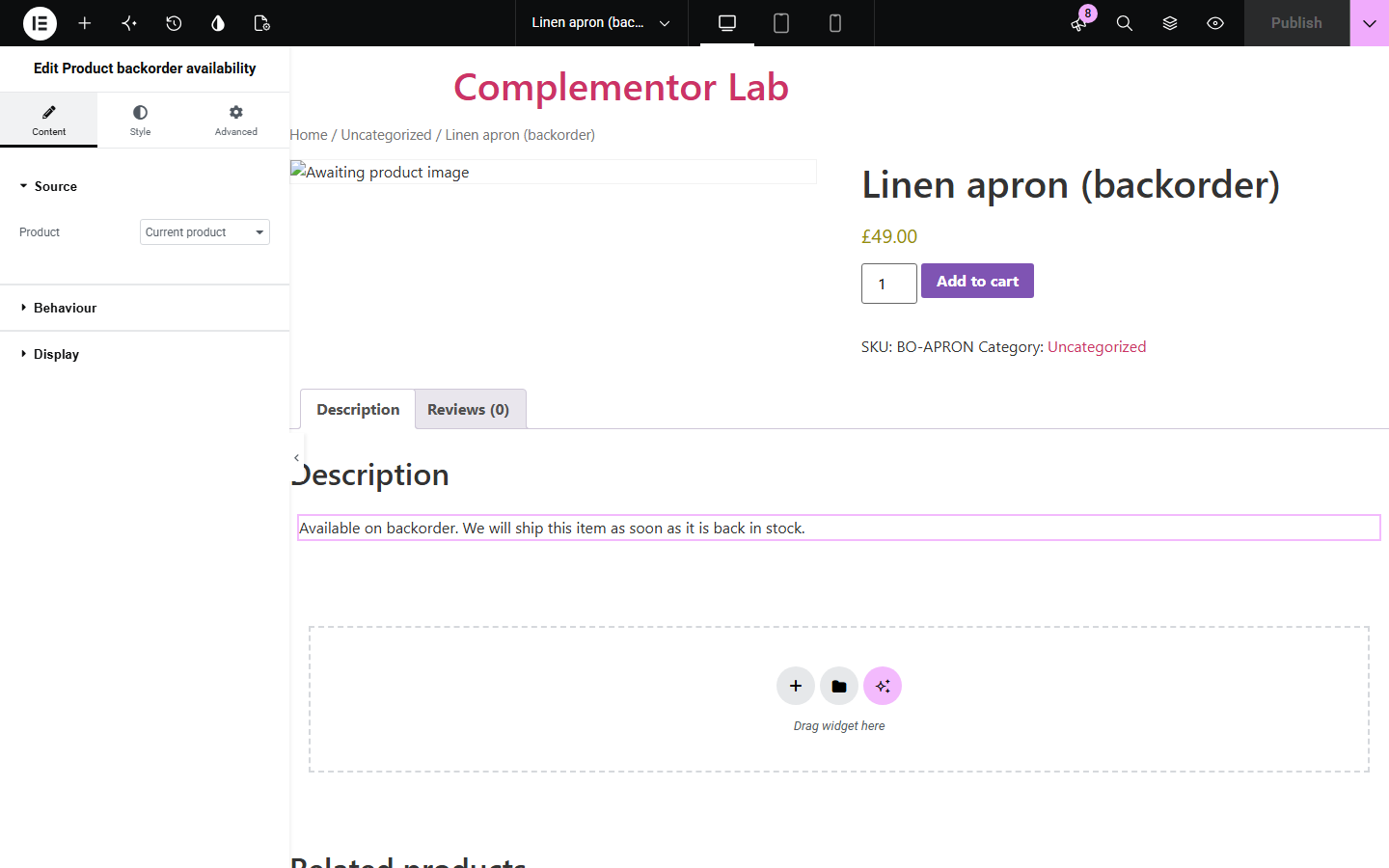
When a WooCommerce product runs out of stock, shoppers need to know whether they can still order it. Product backorder availability reads the product's saved stock and backorder settings and shows your message for backorders allowed, backorders with notice, or unavailable, and stays hidden when the product is in stock.
Tell shoppers they can still order an item that is out of stock and will ship when restocked.
Show a friendly, styled sold-out message for products that cannot be ordered.
Point a widget at a selected product to show its live availability on a campaign page.
Start with Complementor installed and your license connected. Enable this module in the WordPress library, then configure it in Elementor.
Install Complementor and WooCommerce, connect your license and enable Product backorder availability in the Complementor library.
In WooCommerce, set the product's Inventory: stock management, stock quantity and Allow backorders (Do not allow, Allow but notify, or Allow).
Add the widget to your single product template, a product page, or any page with a Selected product in Content › Source.
Edit the three messages in Behaviour and optionally add an icon in Display.
Style the message in the Style tab, publish, and check products in each stock state.
Configure the settings available for this module to suit the page you are building.
Source: the current product (on product pages and single product templates) or a selected published product.
Three editable messages chosen from the product's real state: on backorder with Allow, on backorder with Allow but notify, and out of stock with backorders not allowed.
Stays hidden for products that are normally in stock; no delivery or restock date is ever estimated.
Optional icon with colour, responsive size and gap.
Message style: typography, text colour, alignment, background, border, corner radius and padding.
Compare the existing Elementor workflow with this Complementor module before choosing your setup.
WooCommerce already prints stock text such as 'Available on backorder' in the product summary. Use it if the default wording and position suit you; this widget lets you write each message and place and style it anywhere in Elementor.
Elementor Pro's Product Stock widget shows WooCommerce's stock text in a template. This widget uses your own message for each backorder state and hides itself for normal stock.
Complementor uses classic Elementor APIs. Atomic-native controls are not implemented. Check your theme, cache and integrations on a staging site before release.
Check these settings if the published page behaves differently from the editor.
The product is in stock, so there is no backorder status to show. The widget only appears for products on backorder or out of stock without backorders.
The product's Allow backorders setting is Do not allow. Change it in the product's Inventory tab to Allow or Allow, but notify customer.
The page is not a published product and no product is selected. Use Selected product in Source, or add the widget to a single product template.
No. WooCommerce has no restock date field, so the widget never shows or guesses one. Write timing information into your message if you know it.
No. It works with Elementor and WooCommerce. With Elementor Pro you can also place it in single product templates.
The product's stock status and its Allow backorders setting, the same values WooCommerce uses at checkout.
No. It stays hidden for normally in-stock products so it never adds misleading text.
Yes. Each of the three messages is editable, and an empty message hides the widget for that state.
It reads the parent product's stock and backorder state. It does not update when a shopper selects a variation.
This module is included with all 1007 current Complementor solutions. Choose your production website allowance; every plan includes the same modules.
Renews at $29 USD each year.
Renews at $49 USD each year.
Renews at $99 USD each year.
Applicable taxes extra. Annual subscriptions renew automatically unless canceled in your customer account. Elementor Pro is required for Exclude current post. Read the terms and 14-day technical-issue refund policy.