Seasonal and flash sales
Show the real end of a scheduled sale on each discounted product.
 I Build Elementor.
Show when a WooCommerce product's scheduled sale ends, as a date or remaining time, and never invent a deadline for open-ended sales.
These are the actual published outputs of the widget for sample WooCommerce products: an exact end date, the same sale shown as remaining time with styling, an open-ended sale with custom text, and a sale that has not started yet where nothing is shown.
Content › Source uses the current product or a selected published product. Behaviour chooses exact date and time or remaining time, the message with a {time} placeholder, and whether to hide or show your own text for sales with no end date. Display adds an optional icon. The Style tab sets typography, colour, alignment, background, border, radius and padding, plus icon colour, size and gap.
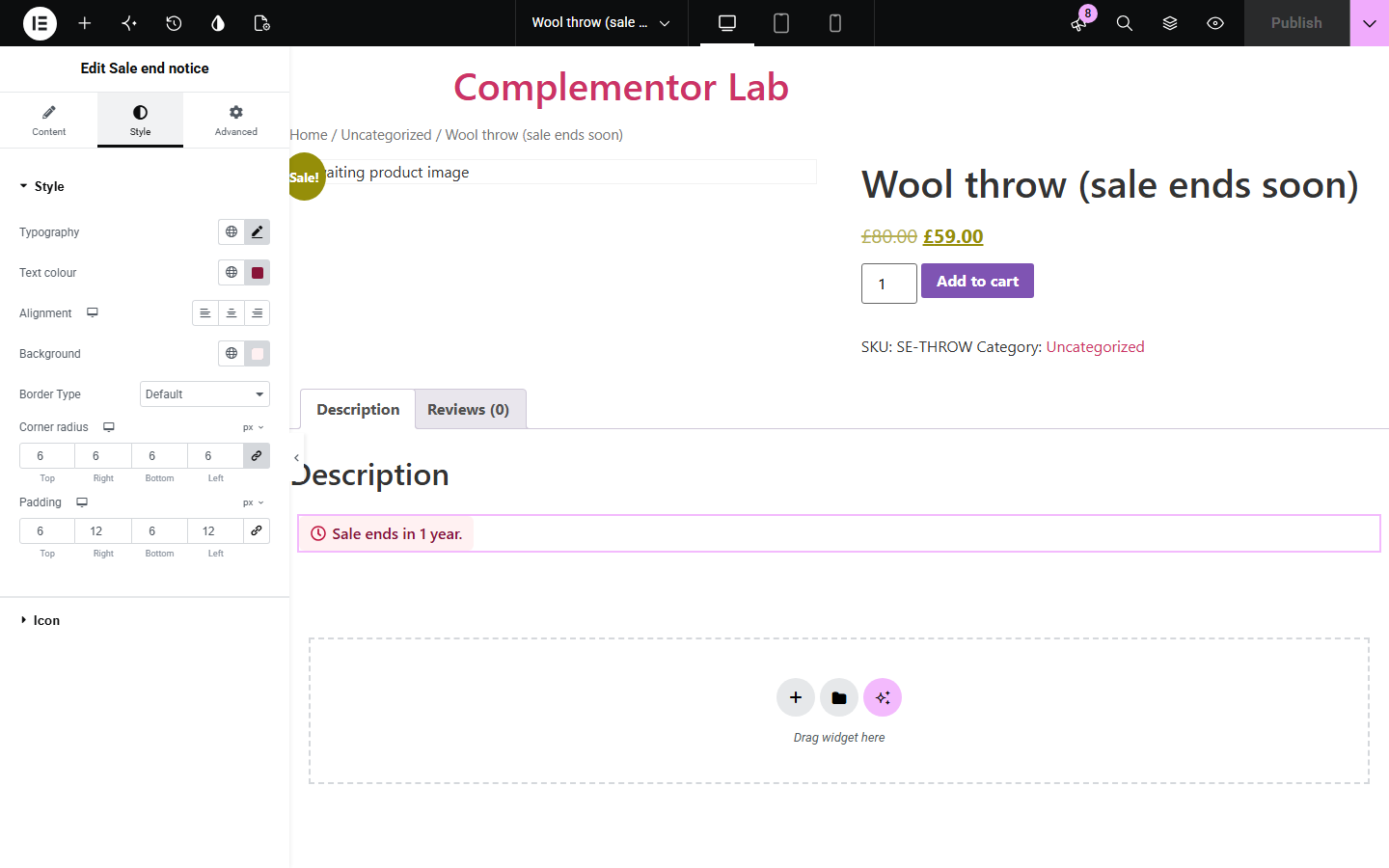
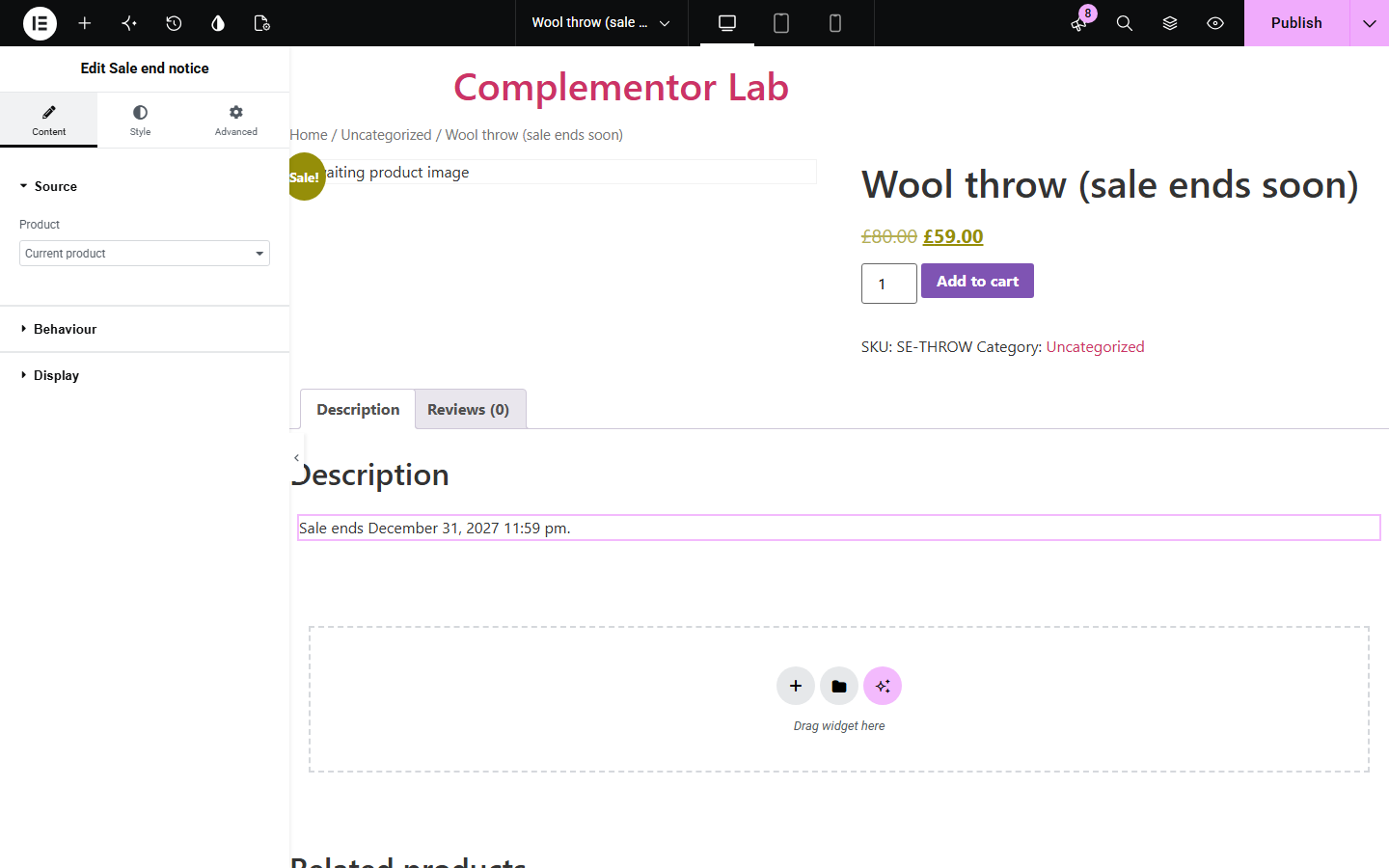
A sale with a deadline converts better when shoppers can see the deadline, but a fake countdown erodes trust. Sale end notice reads the scheduled sale end date of a WooCommerce product and shows it as a date or as time remaining, only while the product is actually on sale.
Show the real end of a scheduled sale on each discounted product.
Point the widget at a featured product to show when its offer finishes.
Show 'Limited-time offer' for sales without an end date instead of inventing one.
Start with Complementor installed and your license connected. Enable this module in the WordPress library, then configure it in Elementor.
Install Complementor and WooCommerce, connect your license and enable Sale end notice in the Complementor library.
In the product's General tab, set a Sale price and click Schedule to choose the sale end date.
Add the widget to a single product template or product page, or choose a Selected product in Content › Source.
In Behaviour choose exact date or remaining time, edit the message with {time}, and decide what to show for open-ended sales.
Style the notice and icon, publish, and check a product on sale, one not on sale and one with an open-ended sale.
Configure the settings available for this module to suit the page you are building.
Source: the current product on product pages and templates, or a selected published product.
Show end as the exact date and time in your site format, or remaining time such as 'in 3 days'.
Message with a {time} placeholder; shown only while the product is on sale.
Open-ended sales: hide the notice or show your own text without any date.
Optional icon with colour, responsive size and gap.
Notice style: typography, text colour, alignment, background, border, corner radius and padding.
Compare the existing Elementor workflow with this Complementor module before choosing your setup.
Elementor Pro's Countdown counts down to a date you enter in the widget. Use it for a single campaign; this widget reads each product's own WooCommerce sale schedule, so every product shows its real end date.
WooCommerce shows a 'Sale!' badge on discounted products but not when the sale ends. Add this widget to tell shoppers the deadline.
Complementor uses classic Elementor APIs. Atomic-native controls are not implemented. Check your theme, cache and integrations on a staging site before release.
Check these settings if the published page behaves differently from the editor.
The product must be a simple product that is on sale now. A sale scheduled to start later, a product without a sale price, or a variable product shows nothing; the editor explains which case applies.
The sale has no scheduled end date in WooCommerce. Schedule an end date in the product's General tab, or choose Show custom text for open-ended sales.
Remaining time is calculated when the page is generated. If your site uses page caching, the text updates when the cache is refreshed.
Dates use your WordPress timezone in Settings › General. Choose a city-based timezone so daylight saving is applied.
No. It works with Elementor and WooCommerce; Elementor Pro lets you place it in single product templates.
From the product's scheduled sale end date in WooCommerce, the same date WooCommerce uses to end the sale.
No. If a sale has no scheduled end, the widget hides or shows your own text without a date.
No. Sale schedules are read from simple products only, because a variable product's variations can each have different schedules.
No. It shows the date or remaining time when the page is generated. Use a countdown widget if you need ticking seconds.
This module is included with all 1007 current Complementor solutions. Choose your production website allowance; every plan includes the same modules.
Renews at $29 USD each year.
Renews at $49 USD each year.
Renews at $99 USD each year.
Applicable taxes extra. Annual subscriptions renew automatically unless canceled in your customer account. Elementor Pro is required for Exclude current post. Read the terms and 14-day technical-issue refund policy.