Columns
Fit a fixed space in print or a newsletter.
 I Build Elementor.
Count the characters of a post's text, as readers see it, against a budget while editing, with a bar and clear wording.
These are the actual published outputs of the widget, set to show to everyone.
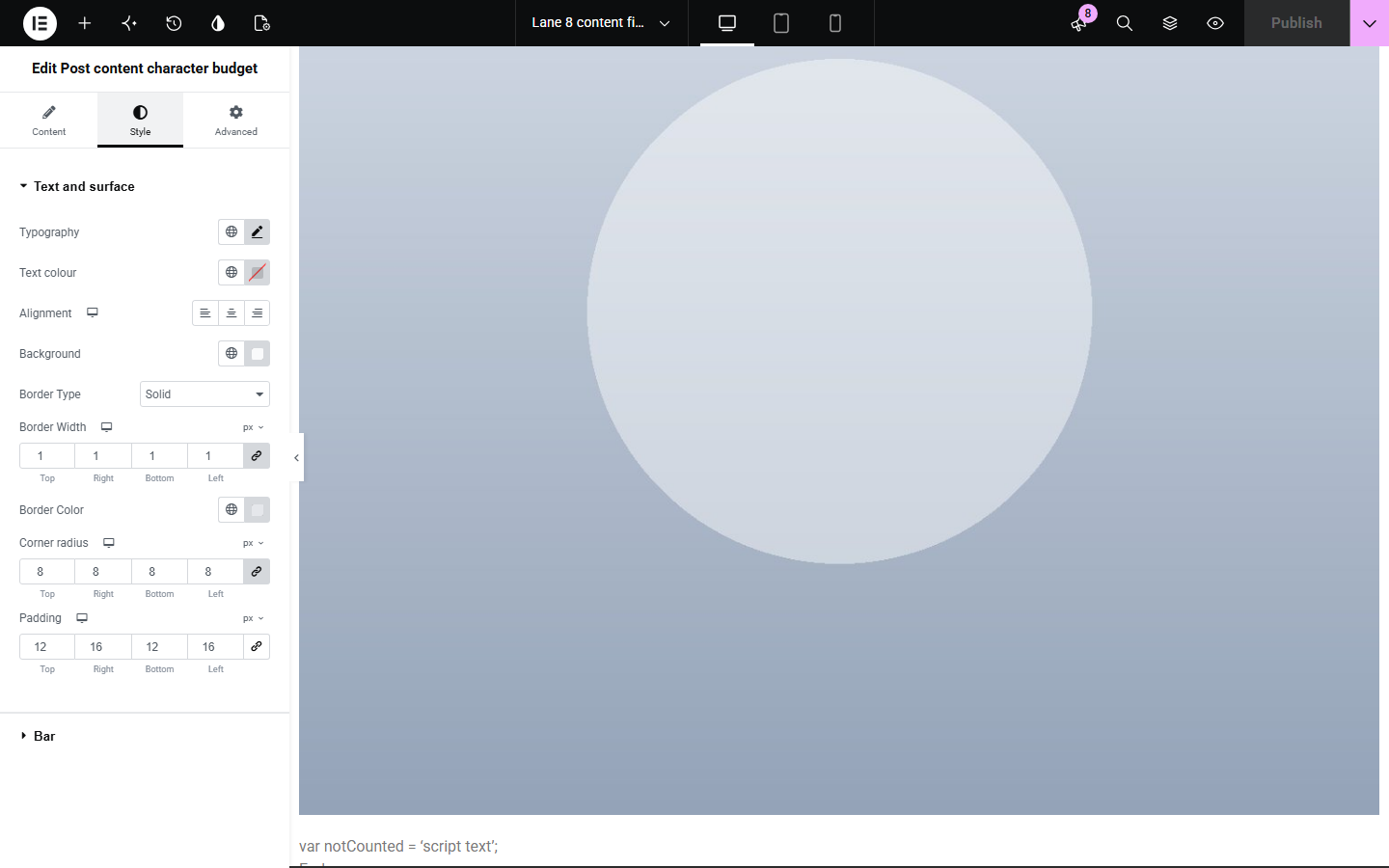
Content sets who sees it, the budget, whether spaces count, the texts within and over the budget and the bar. The Style tab covers the text, the surface and the bar.
Writers with a set length, such as a column, a product story or a summary, have no character count in Elementor. Post content character budget counts the post's text as readers see it, emoji and accents once, against your budget, and shows how much is left or over. Show it to readers, or only to people editing the post.
Fit a fixed space in print or a newsletter.
Keep descriptions consistent.
Stay within a set length.
Start with Complementor installed and your license connected. Enable this module in the WordPress library, then configure it in Elementor.
Install Complementor, connect your license and enable Post content character budget in the Complementor library.
Add the widget to a single post template.
Set the character budget.
Choose whether spaces count.
Open a post in Elementor and write.
Configure the settings available for this module to suit the page you are building.
Counts text as readers see it.
Emoji and accents count once.
With or without spaces.
Left and over wording.
Shown to everyone by default; can be limited to editors.
Styled bar.
Compare the existing Elementor workflow with this Complementor module before choosing your setup.
Count a copy, not the post as published.
Do not fit character limits.
Complementor uses classic Elementor APIs. Atomic-native controls are not implemented. Check your theme, cache and integrations on a staging site before release.
Check these settings if the published page behaves differently from the editor.
Yes. Set Show to to people who can edit the post: they see it in the Elementor editor and preview, and visitors see nothing.
Elementor content is read from the last saved version; save and reload.
Yes. All visible text in the content counts.
No. Only the content.
No. It works with the free version of Elementor.
From the visible text of the post's own content, as readers see it.
In a single post template or on a post, where writers will see it while editing.
No. Everything is read from your own WordPress site while the page is built.
Characters are counted as readers see them, not as computer code points.
This module is included with all 1007 current Complementor solutions. Choose your production website allowance; every plan includes the same modules.
Renews at $29 USD each year.
Renews at $49 USD each year.
Renews at $99 USD each year.
Applicable taxes extra. Annual subscriptions renew automatically unless canceled in your customer account. Elementor Pro is required for Exclude current post. Read the terms and 14-day technical-issue refund policy.