Shops and wholesalers
Let buyers work out prices with a markup or check a margin.
 I Build Elementor.
Add a calculator that works out a percentage of a number, a percentage change, a price with markup, or the markup from a cost and price, showing the working.
These are the actual published outputs of the widget in each mode: percentage of a number, percentage change, price with markup (styled), and markup from cost and price. Enter two numbers and calculate.
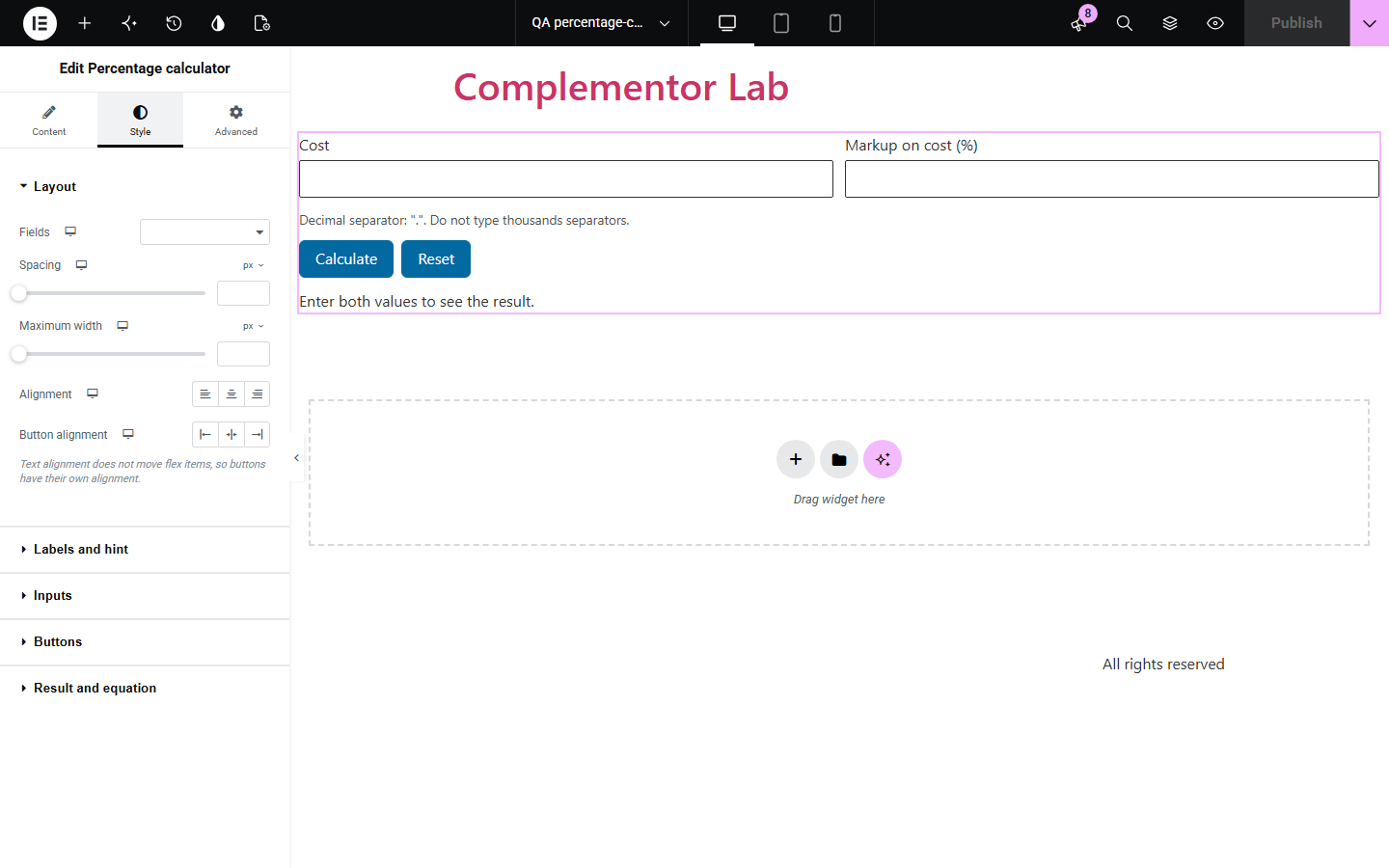
Content › Calculation picks the mode and optional starting values. Behaviour sets the decimal separator accepted, decimal places, rounding and whether the working and a reset button are shown. Display sets the field labels, result label, button texts and an icon. The Style tab covers layout and spacing, labels, fields with Normal, Hover and Focus states, buttons with states, and the result and working text.
Visitors pricing products, checking discounts or comparing figures often get percentage sums wrong, especially markup and percentage change. Percentage calculator adds a small calculator in one of four modes that shows the result and the exact working, and refuses ambiguous input instead of guessing.
Let buyers work out prices with a markup or check a margin.
Show students or clients how a percentage change is calculated.
Let shoppers check what a percentage off a price comes to.
Start with Complementor installed and your license connected. Enable this module in the WordPress library, then configure it in Elementor.
Install Complementor, connect your license and enable Percentage calculator in the Complementor library.
Add the widget and choose the calculation mode.
Adjust the field labels and decimal places if you need to.
Choose whether to show the working under the result.
Publish, enter two numbers and check the result.
Configure the settings available for this module to suit the page you are building.
Four modes: percentage of, percentage change, price with markup, markup from cost and price.
Result with the working shown, such as 40 × (1 + 25 ÷ 100) = 50.
Decimal places and rounding you choose.
Clear messages for missing, ambiguous or divide-by-zero input.
Optional starting values and a reset button.
Style: layout, labels, field and button states, result text.
Compare the existing Elementor workflow with this Complementor module before choosing your setup.
Sending visitors elsewhere loses them. This calculator runs on your page.
Calculation forms need setup and store entries. This widget only calculates, in the browser.
Complementor uses classic Elementor APIs. Atomic-native controls are not implemented. Check your theme, cache and integrations on a staging site before release.
Check these settings if the published page behaves differently from the editor.
The accepted decimal separator is a dot by default. Change the accepted separator in Behaviour, and do not type thousands separators.
Percentage change from 0, or markup from a cost of 0, has no defined result.
Set Decimal places in Behaviour to show more or fewer.
No. The numbers stay in the visitor's browser.
No. It works with the free version of Elementor.
Yes. Fields have labels and hints, errors mark the field invalid, and the result is announced.
Markup is the increase on cost; this widget calculates markup on cost, as its labels say.
Yes. Each works on its own.
Yes. A fall from 100 to 80 shows -20%.
This module is included with all 1007 current Complementor solutions. Choose your production website allowance; every plan includes the same modules.
Renews at $29 USD each year.
Renews at $49 USD each year.
Renews at $99 USD each year.
Applicable taxes extra. Annual subscriptions renew automatically unless canceled in your customer account. Elementor Pro is required for Exclude current post. Read the terms and 14-day technical-issue refund policy.