Sign-up forms
Show the rules before the form is sent.
 I Build Elementor.
Show the password rules next to a password field and tick each one as the visitor types, with a Caps Lock warning and an optional Show password button.
These are the actual published outputs of the widget. Try each one on this page.
Content sets which field to follow, when to show the guidance, the rules, extra advice, the Caps Lock warning, the Show password button and all wording. The Style tab covers the text, the met-rule colour, the box and the button.
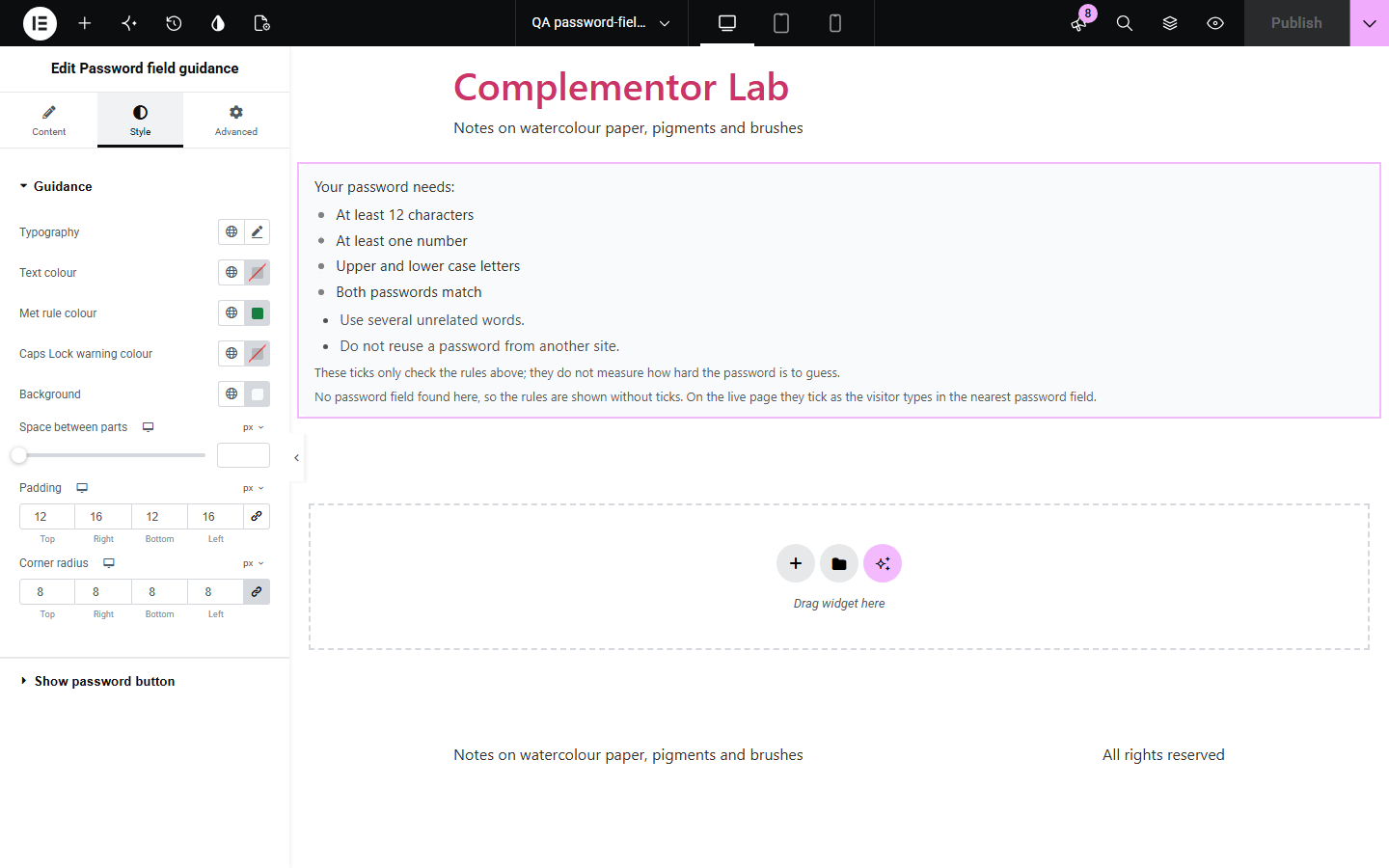
Sign-up and account forms often reject a password only after it is sent, with a vague message. Password field guidance shows the rules beside the field and ticks them as the visitor types, warns when Caps Lock is on and can add a Show password button, without sending or storing the password.
Show the rules before the form is sent.
Guide a password change.
Help visitors meet your rules first time.
Start with Complementor installed and your license connected. Enable this module in the WordPress library, then configure it in Elementor.
Install Complementor, connect your license and enable Password field guidance in the Complementor library.
Place the widget next to the password field, or enter its CSS ID.
Turn on the same rules the form enforces.
Style the box and the button.
Publish the page and try it.
Configure the settings available for this module to suit the page you are building.
Rules ticked as the visitor types.
Counted in characters, not code units.
Match with the confirmation field.
Caps Lock warning.
Show password with aria-pressed.
Never sends or stores the password.
Compare the existing Elementor workflow with this Complementor module before choosing your setup.
Guess how hard a password is to crack; this widget only checks your stated rules.
Appear only after the form is sent.
Complementor uses classic Elementor APIs. Atomic-native controls are not implemented. Check your theme, cache and integrations on a staging site before release.
Check these settings if the published page behaves differently from the editor.
No password field was found. Place the widget in the same container or enter the field’s CSS ID.
There is no second password field after the first in the same form.
The form has other rules. Turn on the same rules here.
It is switched off, or another guidance widget already added one to that field.
No. It works with the free version of Elementor and any password field, including Elementor Pro forms.
No. It is read in the browser only and never sent or stored by the widget.
No. It checks the rules you turn on and says so under the list.
No. The form must enforce them; the widget explains them.
Yes. The rules are linked to the field, met rules are announced in words and changes are announced politely.
This module is included with all 1007 current Complementor solutions. Choose your production website allowance; every plan includes the same modules.
Renews at $29 USD each year.
Renews at $49 USD each year.
Renews at $99 USD each year.
Applicable taxes extra. Annual subscriptions renew automatically unless canceled in your customer account. Elementor Pro is required for Exclude current post. Read the terms and 14-day technical-issue refund policy.