Footers
Legal, help and company links editors can change in one place.
 I Build Elementor.
Show the links of a WordPress menu as an accessible navigation list with the current page marked, anywhere in an Elementor design.
These are the actual published outputs of the widget showing the same menu.
Content sets the menu, the levels, the name for screen readers, the hidden new-tab text and the layout. The Style tab covers the links and their states, the current page and the sub-items.
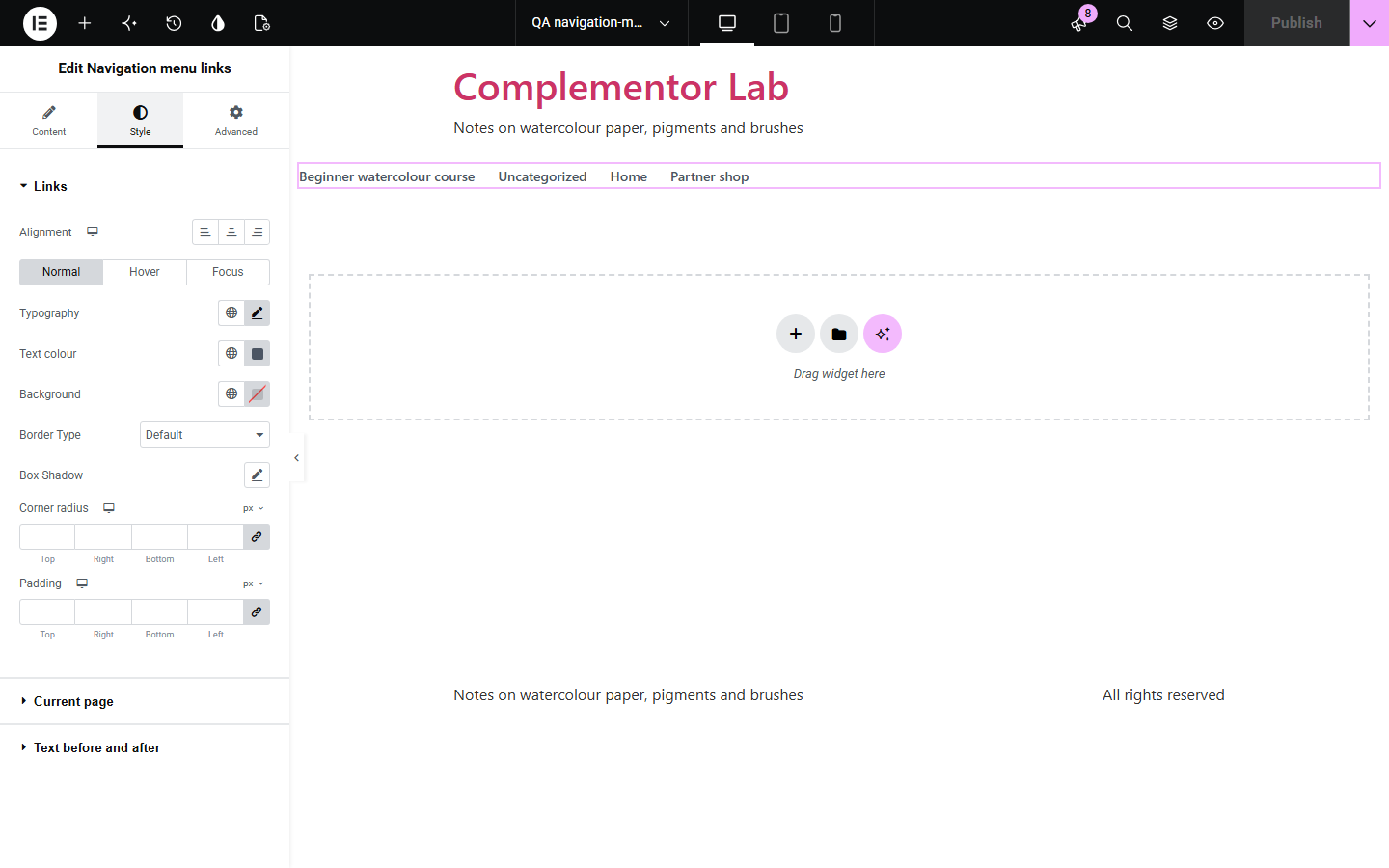
Footers, sidebars and landing pages often need a simple list of links that site editors can change without opening Elementor. Navigation menu links shows a menu made under Appearance, Menus as an accessible navigation list, marks the page being viewed, respects each item's new-tab, class and relationship settings, and leaves out links to content that is not public.
Legal, help and company links editors can change in one place.
A section menu beside documentation pages.
A short menu without the full header.
Start with Complementor installed and your license connected. Enable this module in the WordPress library, then configure it in Elementor.
Install Complementor, connect your license and enable Navigation menu links in the Complementor library.
Make or edit a menu under Appearance, Menus.
Add the widget to a header, footer or sidebar.
Choose the menu, the levels and the layout.
Style the links and the current page.
Configure the settings available for this module to suit the page you are building.
Any menu from Appearance, Menus.
Current page marked with aria-current.
New-tab links announced.
Item classes, XFN and titles kept.
Non-public items left out.
Stacked or inline, nested sub-items.
Compare the existing Elementor workflow with this Complementor module before choosing your setup.
Must be edited in Elementor for every change.
More than a simple list needs, with hover menus to maintain.
Complementor uses classic Elementor APIs. Atomic-native controls are not implemented. Check your theme, cache and integrations on a staging site before release.
Check these settings if the published page behaves differently from the editor.
It links to a draft, private or password-protected page, or to a hidden taxonomy.
Sub-items are shown as indented lists; choose Top level only to hide them.
None of the links points to the page being viewed.
Menus are made under Appearance, Menus; block themes may need the classic menu screen enabled.
No. It works with the free version of Elementor.
From the menu you choose under Appearance, Menus, and the pages it links to.
In a header, footer or sidebar template, or on any page.
No. Everything is read from your own WordPress site while the page is built.
Yes. It is a named nav landmark with a list, the current link is marked, and new-tab links are announced.
This module is included with all 1007 current Complementor solutions. Choose your production website allowance; every plan includes the same modules.
Renews at $29 USD each year.
Renews at $49 USD each year.
Renews at $99 USD each year.
Applicable taxes extra. Annual subscriptions renew automatically unless canceled in your customer account. Elementor Pro is required for Exclude current post. Read the terms and 14-day technical-issue refund policy.