Job applications
Check CVs and portfolios before sending.
 I Build Elementor.
Let visitors check whether their files fit your size limit and accepted types before they upload them, without uploading anything.
These are the actual published outputs of the widget. Try each one on this page.
Content sets the limit per file (this site’s upload limit or your own), the total limit, accepted types, several files, units and the wording. The Style tab covers the text, the result colours, the row lines and the Clear button.
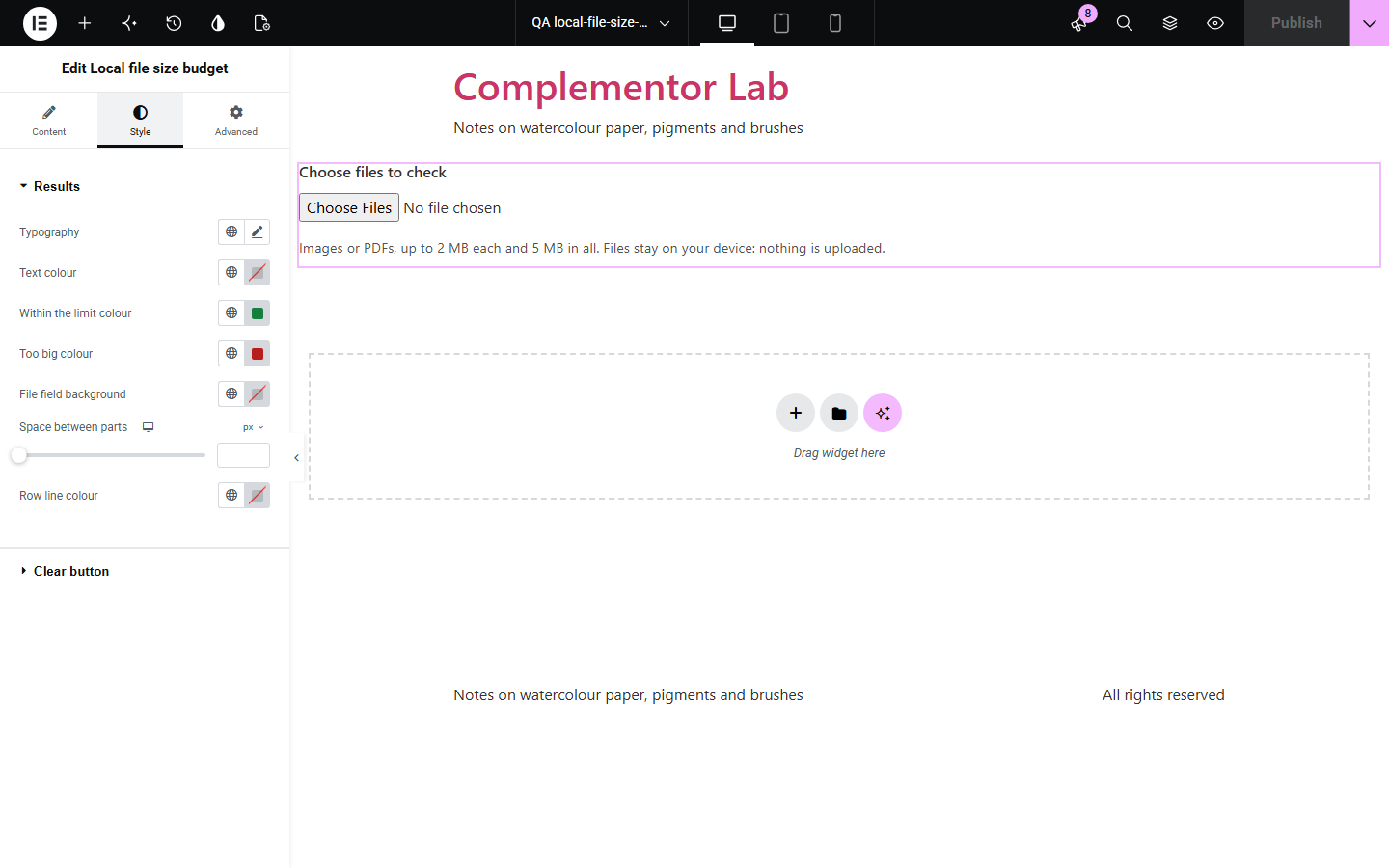
Upload forms often reject a file only after a long upload, with a message that does not say by how much it was too big. Local file size budget lets visitors check their files first: each file’s size, whether it fits your limit and accepted types, and the total, all in the browser with nothing uploaded.
Check CVs and portfolios before sending.
Check entries against the size rules.
Check screenshots and logs before attaching them.
Start with Complementor installed and your license connected. Enable this module in the WordPress library, then configure it in Elementor.
Install Complementor, connect your license and enable Local file size budget in the Complementor library.
Add the widget above your upload form.
Choose the limit and any accepted file types.
Adjust the hint and style the results.
Publish the page and try it.
Configure the settings available for this module to suit the page you are building.
Site upload limit or your own.
Optional total for all files.
Accepted types like the accept attribute.
How much too big, per file.
KB of 1,024 or 1,000.
Nothing is uploaded.
Compare the existing Elementor workflow with this Complementor module before choosing your setup.
Appear only after the upload.
Visitors must know where to look and how sizes are counted.
Complementor uses classic Elementor APIs. Atomic-native controls are not implemented. Check your theme, cache and integrations on a staging site before release.
Check these settings if the published page behaves differently from the editor.
Sizes depend on units. Choose KB and MB of 1,000 to match macOS.
Its extension or type is not in Accepted types.
No. It only checks; your form still sets the rules.
WordPress’s maximum upload size, shown under the control.
No. It works with the free version of Elementor.
No. Only names, sizes and types are read, in the browser.
No. Types come from the file name and the type the browser reports.
Yes, with an optional limit for all files together.
Yes. The field is labelled, results are a table and the summary is announced.
This module is included with all 1007 current Complementor solutions. Choose your production website allowance; every plan includes the same modules.
Renews at $29 USD each year.
Renews at $49 USD each year.
Renews at $99 USD each year.
Applicable taxes extra. Annual subscriptions renew automatically unless canceled in your customer account. Elementor Pro is required for Exclude current post. Read the terms and 14-day technical-issue refund policy.