Software and firmware downloads
Let users confirm an installer is the exact file you released.
 I Build Elementor.
Let visitors check that a file they downloaded is identical to yours by computing its SHA-256 checksum in the browser and comparing it with the one you publish.
These are the actual published outputs of the widget set up with the checksum of a sample PDF: the default checker, a styled button and a checksum-only version. Choose any file to try it; nothing is uploaded.
Content › File and expected checksum takes the SHA-256 you publish and the largest file size to read. Labels and messages sets the button texts, result labels, match and mismatch messages and the explanation under the button, with options to show the file name and the expected checksum. The Style tab covers the button with states, border, radius, padding and icon, the result and verdict text, and spacing.
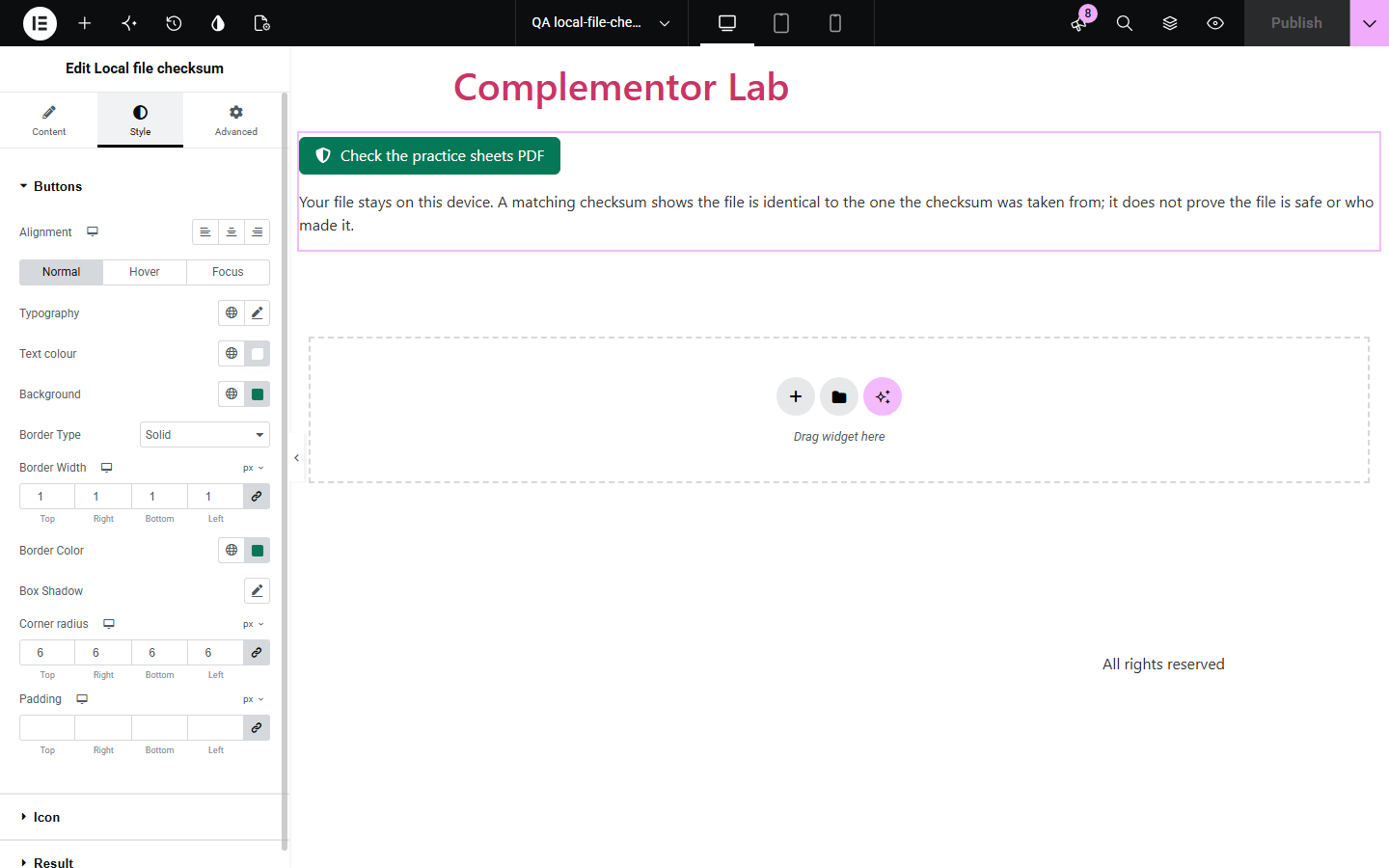
When you offer software, firmware or documents for download, careful users want to confirm the file arrived intact and unchanged, but checksum tools mean a command line most visitors never use. Local file checksum adds a button that reads the chosen file on the visitor's device, computes its SHA-256 and says whether it matches the checksum you publish.
Let users confirm an installer is the exact file you released.
Show that a contract or report is unchanged from the published version.
Help researchers verify a large data file downloaded completely.
Start with Complementor installed and your license connected. Enable this module in the WordPress library, then configure it in Elementor.
Install Complementor, connect your license and enable Local file checksum in the Complementor library.
Compute your file's SHA-256, for example with sha256sum or Get-FileHash.
Add the widget next to the download and paste the checksum into Expected SHA-256.
Set the largest file size and the button text.
Publish, download your file and check it with the widget.
Configure the settings available for this module to suit the page you are building.
SHA-256 computed on the visitor's device with the browser's own Web Crypto.
Optional expected checksum with a clear match or no-match result.
Largest file size to read, up to the built-in cap.
Progress bar and Cancel button for large files.
Editable button texts, messages and explanation.
Style: button states, icon, result and verdict text, spacing.
Compare the existing Elementor workflow with this Complementor module before choosing your setup.
sha256sum and Get-FileHash give the same result but most visitors never open a terminal.
Many upload the file to a server. This widget reads it locally and sends nothing.
Complementor uses classic Elementor APIs. Atomic-native controls are not implemented. Check your theme, cache and integrations on a staging site before release.
Check these settings if the published page behaves differently from the editor.
The page is not served over HTTPS, or the browser lacks Web Crypto. Secure pages are required for in-browser hashing.
Check the expected value is the SHA-256 (64 characters) of the same file version, without spaces.
It is larger than the Largest file setting. Raise it, up to the built-in cap.
No. It shows the file is identical to the one the checksum came from, not that it is free of malware.
No. It works with the free version of Elementor.
No. The file is read in the visitor's browser and never leaves their device.
Yes. The button is keyboard operable, progress and results are announced, and the checksum is selectable text.
SHA-256, the most common checksum published for downloads.
Yes. It then shows the file's SHA-256 for visitors to compare themselves.
This module is included with all 1007 current Complementor solutions. Choose your production website allowance; every plan includes the same modules.
Renews at $29 USD each year.
Renews at $49 USD each year.
Renews at $99 USD each year.
Applicable taxes extra. Annual subscriptions renew automatically unless canceled in your customer account. Elementor Pro is required for Exclude current post. Read the terms and 14-day technical-issue refund policy.