Typing tutors
Give students practice phrases between lessons.
 I Build Elementor.
Let visitors practise typing a phrase and see every character marked right or wrong as they type, then their time, speed and accuracy.
These are the actual published outputs of the widget. Try each one on this page.
Content sets the phrases, their order, whether capital letters must match, whether speed and accuracy are shown, and every label and message. The Style tab covers the phrase colours and highlights, the input, labels and messages, and the buttons.
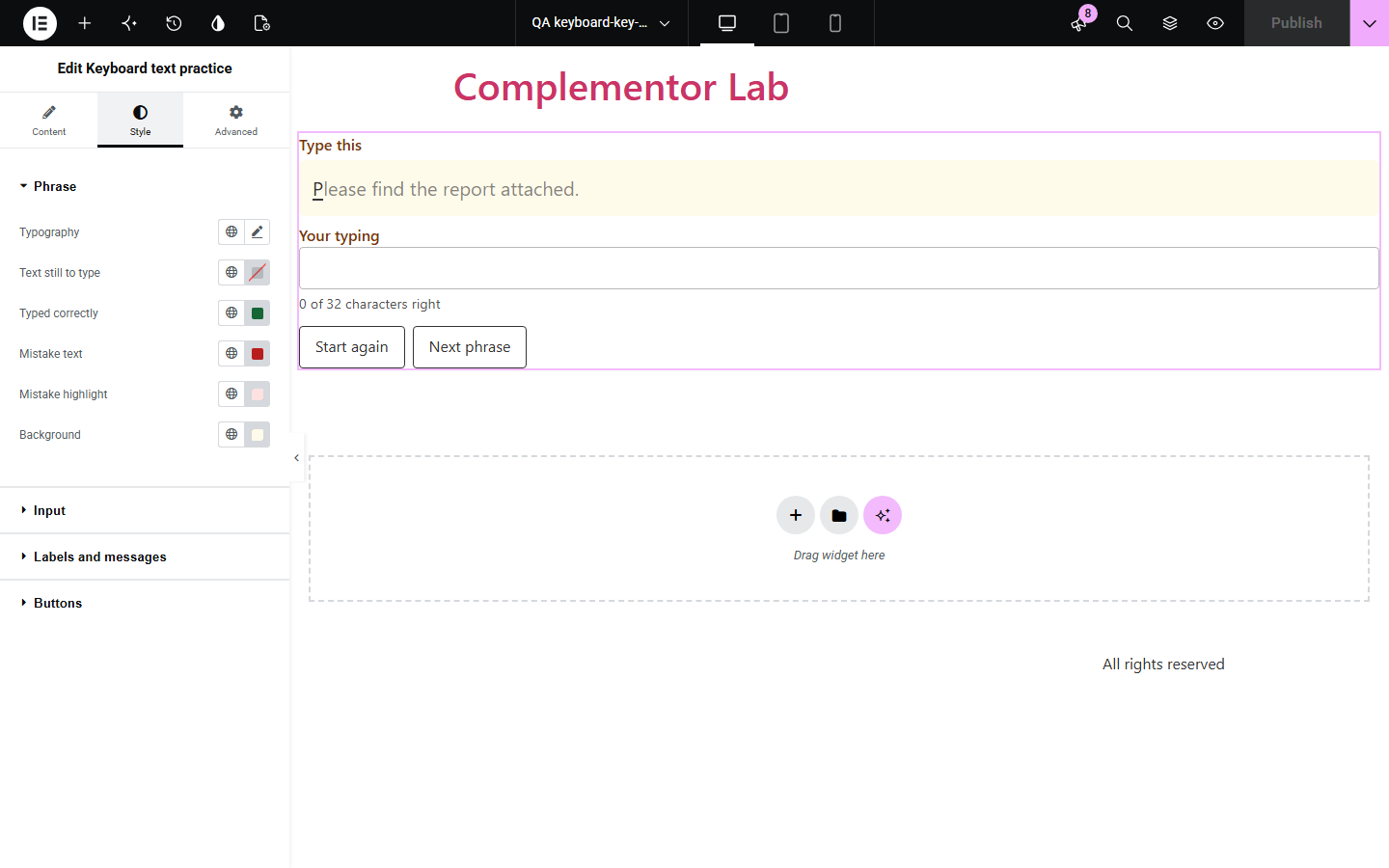
Typing tutors and schools want a quick practice box on their own pages, but most typing tests are separate sites full of adverts. Keyboard text practice puts one on your page: visitors type a phrase, see each character marked right or wrong as they go, and get their time, words per minute and accuracy at the end. Phrases are yours, in order or at random, and nothing typed leaves the browser.
Give students practice phrases between lessons.
Spelling and keyboard practice on the class page.
Practise typing accented words and phrases.
Start with Complementor installed and your license connected. Enable this module in the WordPress library, then configure it in Elementor.
Install Complementor, connect your license and enable Keyboard text practice in the Complementor library.
Enter one or more phrases, one per line.
Choose the order and whether capital letters must match.
Style the phrase colours and try it.
Publish the page and try it.
Configure the settings available for this module to suit the page you are building.
Live right and wrong marks.
Time, words per minute and accuracy.
Your own phrases, in order or random.
Curly quotes match keyboard quotes.
Next phrase and Start again.
Typing never leaves the browser.
Compare the existing Elementor workflow with this Complementor module before choosing your setup.
Take visitors away and use their own text.
Gives no feedback while typing.
Complementor uses classic Elementor APIs. Atomic-native controls are not implemented. Check your theme, cache and integrations on a staging site before release.
Check these settings if the published page behaves differently from the editor.
Capital letters must match. Switch that off to ignore case.
Curly quotes and dashes in the phrase match the keyboard versions.
It appears when there is more than one phrase.
Each phrase is limited to 300 characters.
No. It works with the free version of Elementor.
No. Everything happens in the visitor’s browser and nothing is saved.
Five characters count as a word, from the first keystroke to the last.
Yes. The input is labelled, mistakes are underlined as well as coloured, and the result is announced.
Yes. Each copy works on its own.
This module is included with all 1007 current Complementor solutions. Choose your production website allowance; every plan includes the same modules.
Renews at $29 USD each year.
Renews at $49 USD each year.
Renews at $99 USD each year.
Applicable taxes extra. Annual subscriptions renew automatically unless canceled in your customer account. Elementor Pro is required for Exclude current post. Read the terms and 14-day technical-issue refund policy.