Product photos
Let shoppers see the texture or label.
 I Build Elementor.
Show an image that opens a larger view in a dialog when clicked, with an actual-size view for close detail.
These are the actual published outputs of the widget. Try each one on this page.
Content sets the image or a page image by CSS ID, the size, the caption, closing by clicking outside and the labels. The Style tab covers the image border and radius, the zoom badge, the caption, the page dimming, the dialog colours and the buttons.
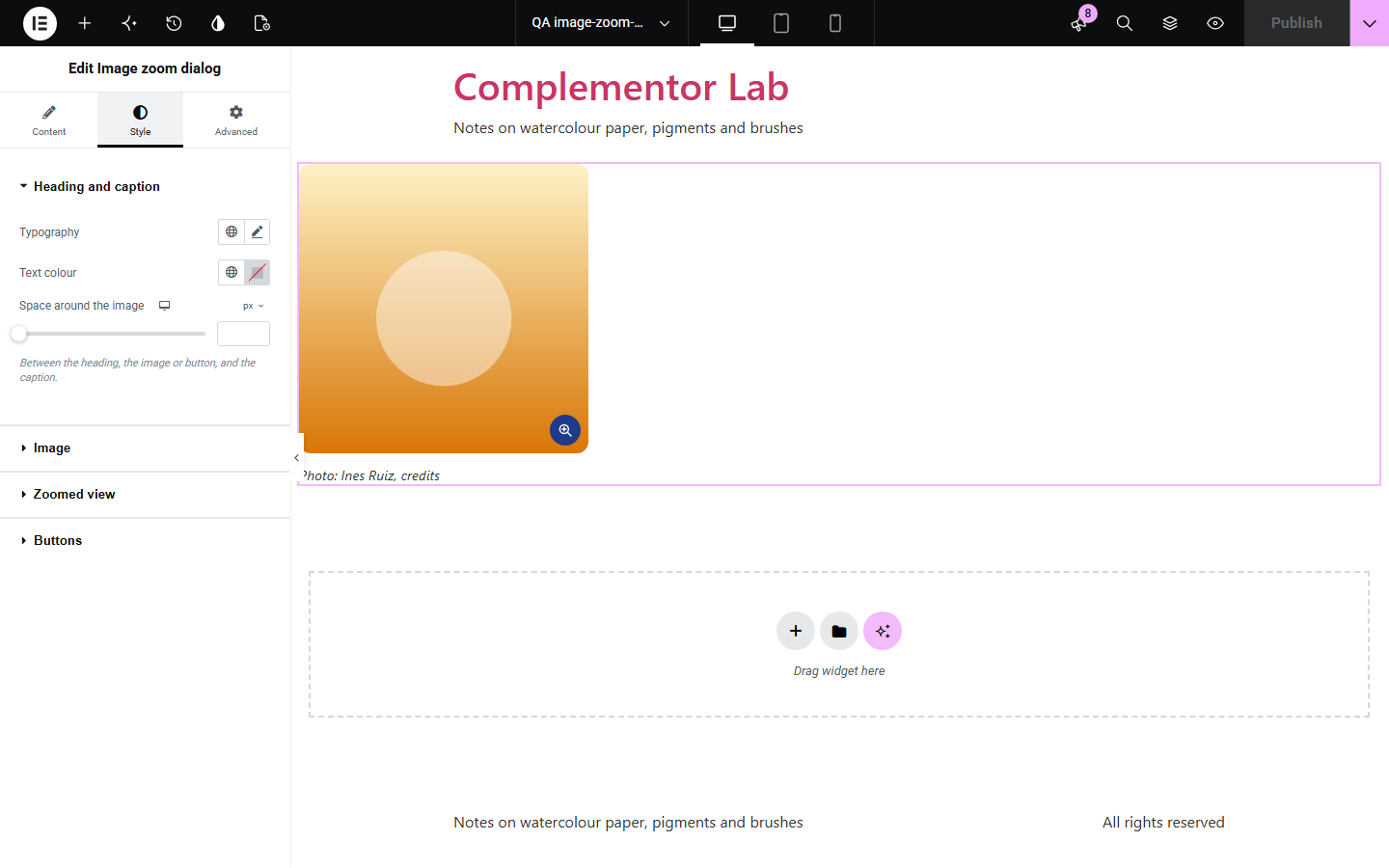
Product shots, plans and diagrams often need a closer look, but many lightboxes trap keyboard users, lose focus or load every full-size file up front. Image zoom dialog opens the larger view in the browser’s own modal dialog, loads the full file only when asked and returns focus to the image when closed.
Let shoppers see the texture or label.
Floor plans, maps and charts at full size.
A larger view of each piece.
Start with Complementor installed and your license connected. Enable this module in the WordPress library, then configure it in Elementor.
Install Complementor, connect your license and enable Image zoom dialog in the Complementor library.
Add the widget and choose an image and its size.
Decide whether a click outside closes the larger view.
Style the image, badge and dialog.
Publish the page and try it.
Configure the settings available for this module to suit the page you are building.
Native modal dialog.
Esc, Close or outside click.
Focus returns to the image.
Actual-size view with aria-pressed.
Full file loaded on demand.
Plain link without JavaScript.
Compare the existing Elementor workflow with this Complementor module before choosing your setup.
Opens images linked to their file in Elementor’s own lightbox; it has no actual-size toggle.
Leaves the page and loses the visitor’s place.
Complementor uses classic Elementor APIs. Atomic-native controls are not implemented. Check your theme, cache and integrations on a staging site before release.
Check these settings if the published page behaves differently from the editor.
No image is chosen, or it is attached to a draft or private post.
No image was found at the CSS ID. The editor shows a note.
Close when clicking outside the image is off. Esc and Close still work.
Turn off Elementor’s image lightbox for this page, or do not link the image elsewhere.
No. It works with the free version of Elementor.
Yes. It is a real link or button, the dialog is named after the alt text and focus returns when it closes.
No. The full-size file loads when the dialog first opens.
Yes. Give that image a CSS ID and choose An image elsewhere on the page.
The image links to the full-size file.
This module is included with all 1007 current Complementor solutions. Choose your production website allowance; every plan includes the same modules.
Renews at $29 USD each year.
Renews at $49 USD each year.
Renews at $99 USD each year.
Applicable taxes extra. Annual subscriptions renew automatically unless canceled in your customer account. Elementor Pro is required for Exclude current post. Read the terms and 14-day technical-issue refund policy.