Long application forms
Stop people losing their answers.
 I Build Elementor.
Warn visitors who have started filling in a form, and ask before they leave the page with unsaved changes.
Each example below is the actual published output of the Form change warning widget. On a real page the message changes when a visitor types in a form.
Content sets which forms to watch, the leave question, the messages and an icon. The Style tab covers the message box and its colours after a change.
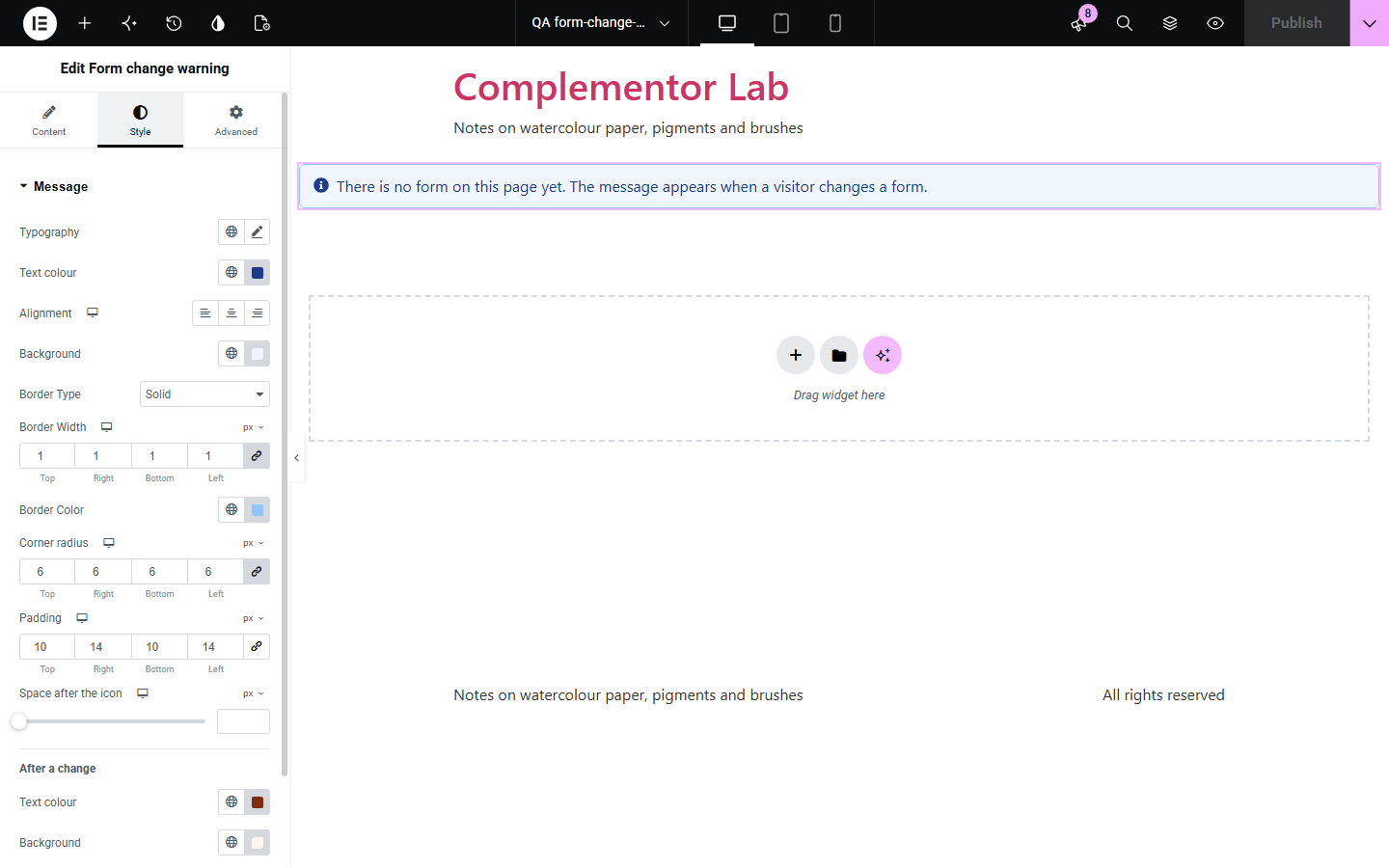
Long forms take time, and one wrong click on a link loses everything a visitor has typed. Form change warning notices when a form has been changed, shows a clear message, and asks the browser to confirm before the visitor leaves. Changing a field back, sending the form or resetting it clears the warning.
Stop people losing their answers.
Warn before leaving a half-made booking.
Remind visitors to send their answers.
Start with Complementor installed and your license connected. Enable this module in the WordPress library, then configure it in Elementor.
Install Complementor, connect your license and enable Form change warning in the Complementor library.
Add the widget to the page.
Choose every form on the page, or enter the form’s CSS ID.
Write the message shown after a change.
Style the message.
Configure the settings available for this module to suit the page you are building.
Every form or one CSS ID.
Changes compared with the start.
Browser leave question.
{count} of changed fields.
Cleared on send and reset.
Search forms ignored.
Compare the existing Elementor workflow with this Complementor module before choosing your setup.
Visitors lose their typing with one wrong click.
Needs accounts and storage for each visitor.
Complementor uses classic Elementor APIs. Atomic-native controls are not implemented. Check your theme, cache and integrations on a staging site before release.
Check these settings if the published page behaves differently from the editor.
Browsers show their own wording and ignore custom text.
Search forms are left out on purpose.
The fields are back to how they started, or the form was sent or reset.
The form’s ID, or the CSS ID of the Form widget or its section.
No. It works with the free version of Elementor.
Yes. Enter the Form widget’s CSS ID, or watch every form on the page.
No. It warns them; it does not store anything.
Yes. The message is a status message announced by screen readers, and the leave question is the browser’s own dialog.
No. It works in the visitor’s browser and makes no requests of its own.
This module is included with all 1007 current Complementor solutions. Choose your production website allowance; every plan includes the same modules.
Renews at $29 USD each year.
Renews at $49 USD each year.
Renews at $99 USD each year.
Applicable taxes extra. Annual subscriptions renew automatically unless canceled in your customer account. Elementor Pro is required for Exclude current post. Read the terms and 14-day technical-issue refund policy.