Long-form articles
Cite sources without breaking up the paragraphs.
 I Build Elementor.
Add numbered footnotes to an article: small linked markers in the text and a notes list at the end, each linking back to its marker.
These are the actual published outputs of the widget for a sample article on blue pigments: the default notes, a Sources list styled in blue, and a plain numbered list.
Content › Notes lists one row per note, sets a note set name for pages with two lists, and shows the marker code to type in your text. Behaviour turns the back-links on or off and sets their symbol. Display adds an optional heading with its level. The Style tab covers the notes' typography, colours, alignment, background, border, radius and padding, number colour, spacing and the line above, the heading, and the back-link colours with hover and focus.
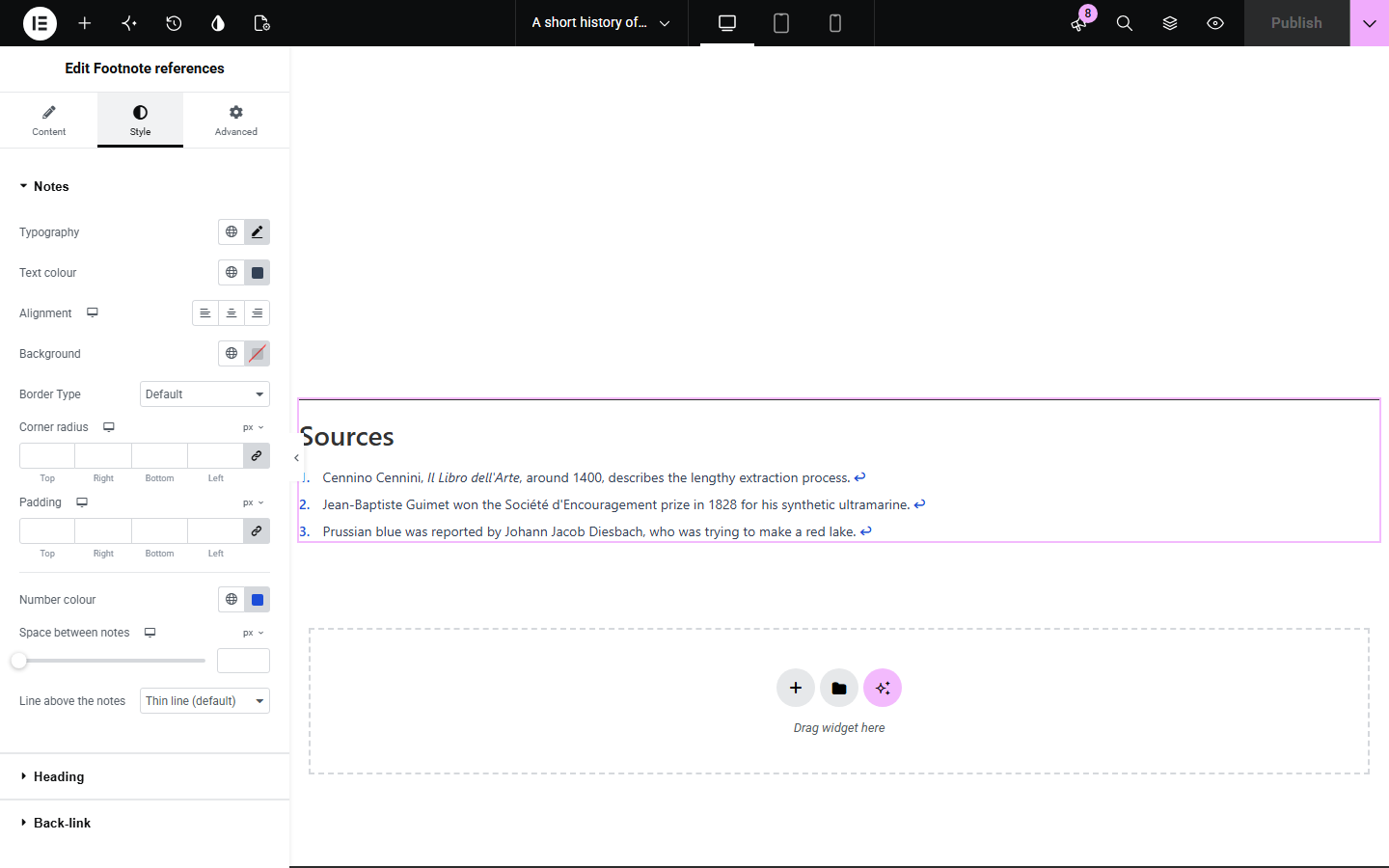
Articles that cite sources or add asides need footnotes, but Elementor has no way to link a number in the text to a note at the end and back again. Footnote references adds a notes list widget and a short code you type in your text for each marker; markers and notes link to each other and move keyboard focus, so readers never lose their place.
Cite sources without breaking up the paragraphs.
Keep references numbered and linked in published findings.
Add fine-print notes such as conditions next to the claims they qualify.
Start with Complementor installed and your license connected. Enable this module in the WordPress library, then configure it in Elementor.
Install Complementor, connect your license and enable Footnote references in the Complementor library.
Add the widget at the end of your article and enter one row per note.
In your Text Editor, type [co_footnote n="1"] where note 1 is referenced, and so on.
Add a heading such as Notes or Sources if you want one.
Publish, click a marker, then use the arrow to come back.
Configure the settings available for this module to suit the page you are building.
Numbered notes with basic formatting such as italics and links.
Superscript markers from the [co_footnote n="1"] code, linked to their notes.
Back-links from each note to its marker, named for screen readers.
Focus moves to the note or marker, with a brief highlight.
Note set name for pages with more than one list of notes.
Style: note typography and colours, number colour, spacing, rule, heading and back-link states.
Compare the existing Elementor workflow with this Complementor module before choosing your setup.
The block editor has its own footnotes. They do not work inside Elementor layouts; this widget does.
Putting sources in the text interrupts reading. Footnotes keep them one click away.
Complementor uses classic Elementor APIs. Atomic-native controls are not implemented. Check your theme, cache and integrations on a staging site before release.
Check these settings if the published page behaves differently from the editor.
The code is outside Elementor content, or the module is turned off. Type it in an Elementor Text Editor on a page that uses the widget.
Check the number matches a row in the notes list, and that the set name matches if you changed it.
The default arrow is the text version. If you typed your own symbol, choose a plain character.
Yes. Give each list its own set name and add set="name" to its markers.
No. It works with the free version of Elementor.
Yes. Markers are named Footnote 1 and so on, back-links say which reference they return to, and focus moves with each jump.
Yes. Notes are numbered in the order of their rows; markers use the same numbers.
Yes. Basic formatting such as links, italics and bold is kept.
No. You place each marker with the short code, so nothing is guessed.
This module is included with all 1007 current Complementor solutions. Choose your production website allowance; every plan includes the same modules.
Renews at $29 USD each year.
Renews at $49 USD each year.
Renews at $99 USD each year.
Applicable taxes extra. Annual subscriptions renew automatically unless canceled in your customer account. Elementor Pro is required for Exclude current post. Read the terms and 14-day technical-issue refund policy.