Contact sections
Show a clear 'Email us' button that opens a message with the right subject.
 I Build Elementor.
Turn an email address into a validated mailto link or button, with an optional pre-filled subject and body and a click-to-reveal option.
These are the actual published outputs of the widget for a sample address: a labelled link, a teal pill button with a pre-filled subject, the address as its own label with a subject and body, and a click-to-reveal button you can press.
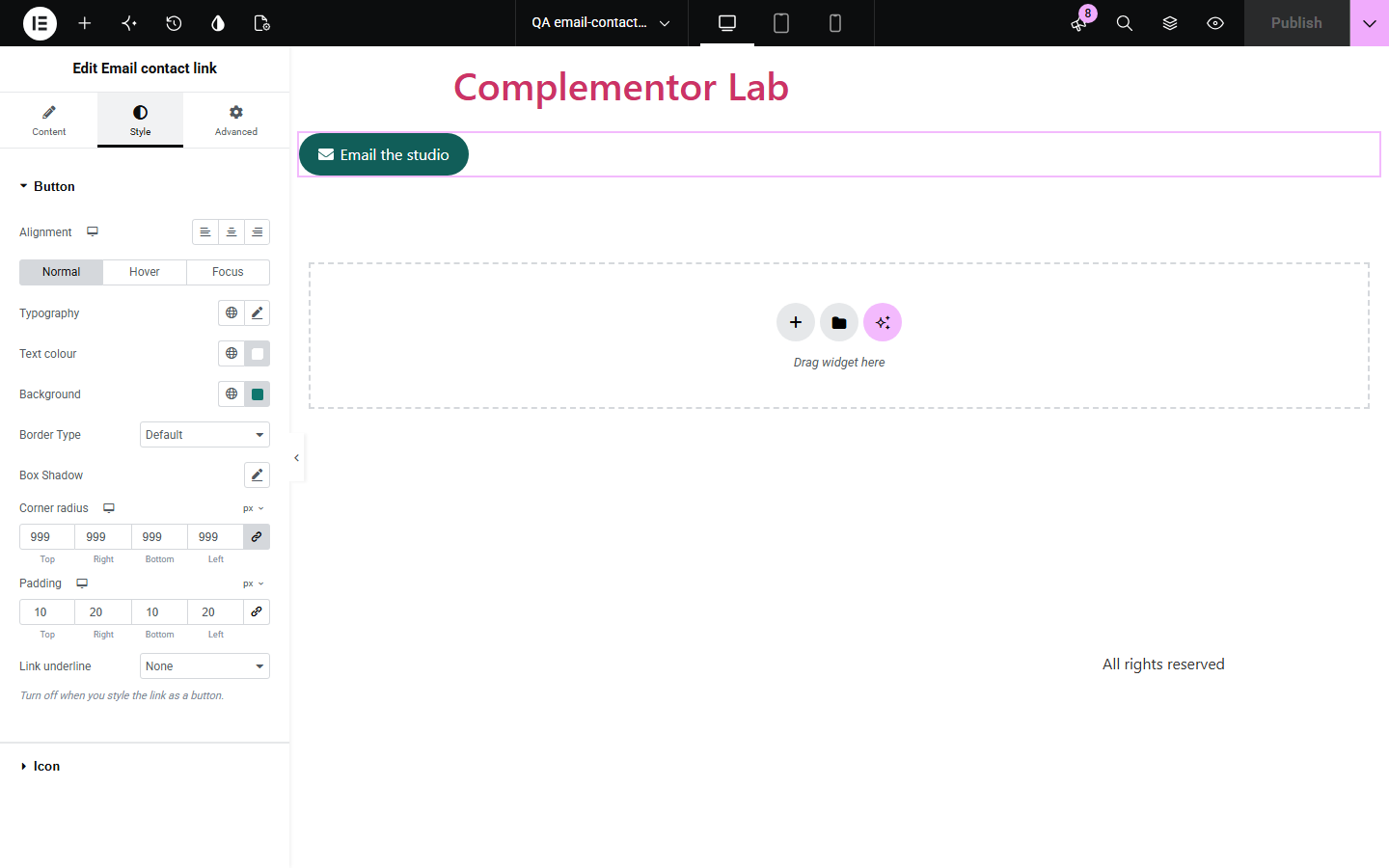
Content › Content holds the email address, an optional subject and body, and the displayed label. Icon adds an optional envelope or any icon. Behaviour turns on click to reveal and edits its button text. The Style tab covers alignment, typography, text colour, background, border, shadow, Hover and Focus states, radius, padding and link underline, plus icon colour, size and gap.
A contact email should open the visitor's mail app with the right address and, ideally, a useful subject line. Building that mailto link by hand is easy to get wrong when subjects contain spaces or punctuation. Email contact link validates the address, encodes the subject and body correctly, and shows it as a link or a styled button, with an optional click-to-reveal step.
Show a clear 'Email us' button that opens a message with the right subject.
Pre-fill the subject so incoming emails are easy to sort.
List a contact address as a tidy link, optionally behind a reveal click.
Start with Complementor installed and your license connected. Enable this module in the WordPress library, then configure it in Elementor.
Install Complementor, connect your license and enable Email contact link in the Complementor library.
Add the widget and enter the email address.
Optionally add a subject and body, and a label such as 'Email the studio'.
Add an icon and style it as a link or a button; turn off the underline for buttons.
Publish and click the link to check your mail app opens with the subject filled in.
Configure the settings available for this module to suit the page you are building.
Email address checked with WordPress's is_email(); invalid addresses show nothing on the site.
Optional subject and body, correctly encoded in the mailto link.
Label of your choice, or the address itself.
Optional icon before the label.
Click to reveal: a 'Show email' button that becomes the link when pressed.
Style: typography, colours, background, border, shadow, Hover and Focus states, radius, padding, underline and icon.
Compare the existing Elementor workflow with this Complementor module before choosing your setup.
A Button can link to mailto:, but subjects and bodies must be encoded by hand and the address is not checked. This widget does both.
A form sends messages through your site and needs spam handling. Use a form for that; use this widget when visitors should simply email you.
Complementor uses classic Elementor APIs. Atomic-native controls are not implemented. Check your theme, cache and integrations on a staging site before release.
Check these settings if the published page behaves differently from the editor.
The email address is empty or not valid. The editor shows a notice until a valid address is entered.
A mailto link opens the visitor's default mail app. If none is set up, the browser may do nothing.
No. The address is still in the page's code. It only adds a step for casual copying.
Links are underlined by default. Set Link underline to None in the Style tab when you style it as a button.
No. It opens the visitor's own mail app with the address, subject and body filled in.
No. It works with the free version of Elementor.
Yes. Add a subject and a body; both are encoded so spaces and punctuation work.
Yes. It is a real link, or a real button when click to reveal is on, with a visible focus outline; the revealed link receives focus.
Only when click to reveal is on.
This module is included with all 1007 current Complementor solutions. Choose your production website allowance; every plan includes the same modules.
Renews at $29 USD each year.
Renews at $49 USD each year.
Renews at $99 USD each year.
Applicable taxes extra. Annual subscriptions renew automatically unless canceled in your customer account. Elementor Pro is required for Exclude current post. Read the terms and 14-day technical-issue refund policy.