Shops
Delivery details or a size guide next to the price.
 I Build Elementor.
Add a button that opens a message in a modal dialog: delivery details, terms, a size guide or a short notice.
These are the actual published outputs of the widget. Try each one on this page.
Content sets the button text, the dialog title, the message, the Close text and whether a click outside closes it. The Style tab covers the button, the Close button and the dialog’s width, colours, dimming, typography, border and padding.
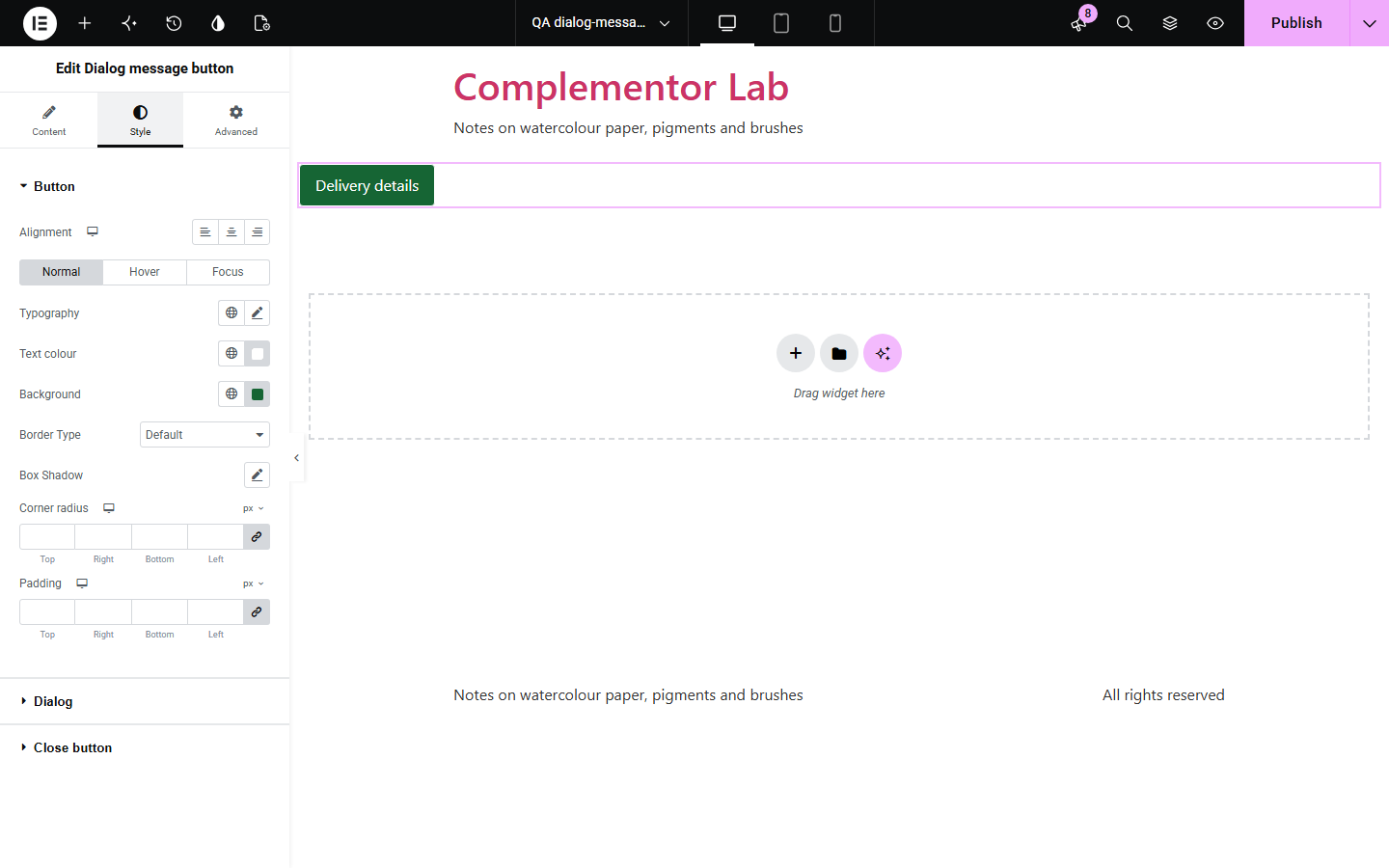
Delivery details, terms and size guides clutter a page, but hiding them in a popup often breaks keyboard use: focus is lost, Esc does nothing and screen readers keep reading the page behind. Dialog message button uses the browser’s own modal dialog, so focus moves in and back out properly, Esc closes it and the page behind is out of reach. Without JavaScript the message simply shows in the page.
Delivery details or a size guide next to the price.
Terms or what is included, one click away.
Opening hours or a short announcement.
Start with Complementor installed and your license connected. Enable this module in the WordPress library, then configure it in Elementor.
Install Complementor, connect your license and enable Dialog message button in the Complementor library.
Enter the button text and the dialog title.
Write the message; links, lists and bold text are fine.
Style the button and the dialog.
Publish the page and try it.
Configure the settings available for this module to suit the page you are building.
Native modal dialog.
Esc, Close or outside click closes it.
Focus returns to the button.
Rich-text message.
Shown in the page without JavaScript.
Inline fallback for older browsers.
Compare the existing Elementor workflow with this Complementor module before choosing your setup.
Powerful, but need Pro and a separate template for each message.
Pushes the page down instead of overlaying it.
Complementor uses classic Elementor APIs. Atomic-native controls are not implemented. Check your theme, cache and integrations on a staging site before release.
Check these settings if the published page behaves differently from the editor.
JavaScript is off or blocked; the message is then shown in the page instead.
Close when clicking outside is switched off. Esc and Close still work.
Set Maximum width in the Dialog style section.
The message is empty. Add a message; the editor shows a hint.
No. It works with the free version of Elementor.
Yes. It uses the native modal dialog with a title, focus moves in and back out, and Esc closes it.
Yes. It is a rich-text field; content is filtered like post content.
To open as a dialog, yes. Without it the message shows in the page.
Yes. Each copy works on its own.
This module is included with all 1007 current Complementor solutions. Choose your production website allowance; every plan includes the same modules.
Renews at $29 USD each year.
Renews at $49 USD each year.
Renews at $99 USD each year.
Applicable taxes extra. Annual subscriptions renew automatically unless canceled in your customer account. Elementor Pro is required for Exclude current post. Read the terms and 14-day technical-issue refund policy.