Long articles
Let readers skip to the discussion.
 I Build Elementor.
Link from a post to its comments, or to the comment form when there are none yet, with a label that matches each case.
These are the actual published outputs of the widget on a sample post with one comment: a text link, a dark jump button, and an outlined pill.
Content sets the label for posts with comments and the label for posts without, text before and after, a fallback, the HTML tag and an optional icon. The Style tab covers typography, link Normal, Hover and Focus states, alignment, radius and padding, plus icon position, size, gap and colour.
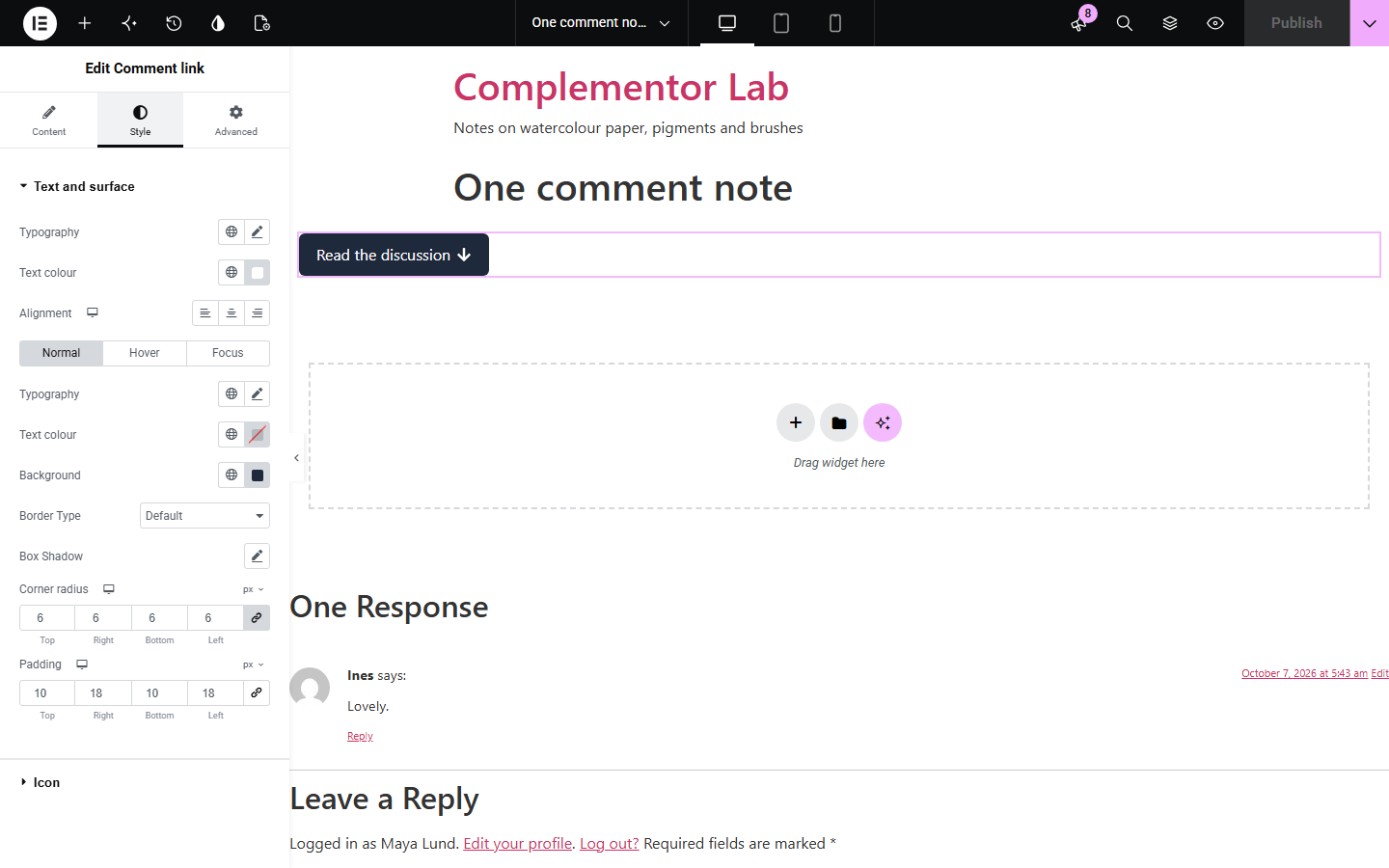
Long posts bury the comments at the bottom, and a fixed “View comments” link points at an empty list on posts nobody has answered yet. Comment link jumps to the comments when there are some and to the reply form when there are none, with a label for each, and hides itself on posts closed to comments that have none.
Let readers skip to the discussion.
Invite the first reply on new posts.
Pair it with the date and author in the post meta.
Start with Complementor installed and your license connected. Enable this module in the WordPress library, then configure it in Elementor.
Install Complementor, connect your license and enable Comment link in the Complementor library.
Add the widget near the top of your post template.
Set the labels for posts with and without comments.
Optionally add an arrow or comment icon.
Style the link and its hover state, then publish.
Configure the settings available for this module to suit the page you are building.
Links to the comment list or, with none yet, the comment form.
Separate labels for each case.
Hidden on closed posts with no comments.
Still links to comments on closed posts that have them.
Normal, Hover and Focus link states.
Optional icon before or after.
Compare the existing Elementor workflow with this Complementor module before choosing your setup.
A typed #comments link points at an empty list on new posts. This one switches to the form.
Pro's Post Info can link comments. This widget works with the free version of Elementor.
Complementor uses classic Elementor APIs. Atomic-native controls are not implemented. Check your theme, cache and integrations on a staging site before release.
Check these settings if the published page behaves differently from the editor.
Comments are closed on this post and it has none. Set Text when source is empty to show something there.
The post has no approved comments yet, so the link goes to the comment form.
Your theme must show the comments section; the link targets the standard #comments and #respond anchors.
Set the colours you want in the Hover tab of the link style.
No. It works with the free version of Elementor.
No. Only approved comments decide which label and target are used.
No. Use the Comment count widget for the number.
Yes. It is a real link with descriptive text and a visible focus style.
No. It is a plain link to an anchor on the page.
This module is included with all 1007 current Complementor solutions. Choose your production website allowance; every plan includes the same modules.
Renews at $29 USD each year.
Renews at $49 USD each year.
Renews at $99 USD each year.
Applicable taxes extra. Annual subscriptions renew automatically unless canceled in your customer account. Elementor Pro is required for Exclude current post. Read the terms and 14-day technical-issue refund policy.