Photography portfolios
List each photo's resolution.
 I Build Elementor.
Show the pixel size and file size of a Media Library image, or of the current post's featured image, next to photos and downloads.
These are the actual published outputs of the widget for real Media Library images: a plain pixel size, an original-size badge for a large upload, and a download note.
Content sets whether to use a chosen image or the current post's featured image, the image, the wording with {width}, {height} and {filesize}, text before and after, a fallback, the HTML tag and an optional icon. The Style tab covers typography, colour, alignment, background, border, radius and padding, plus icon position, size, gap and colour.
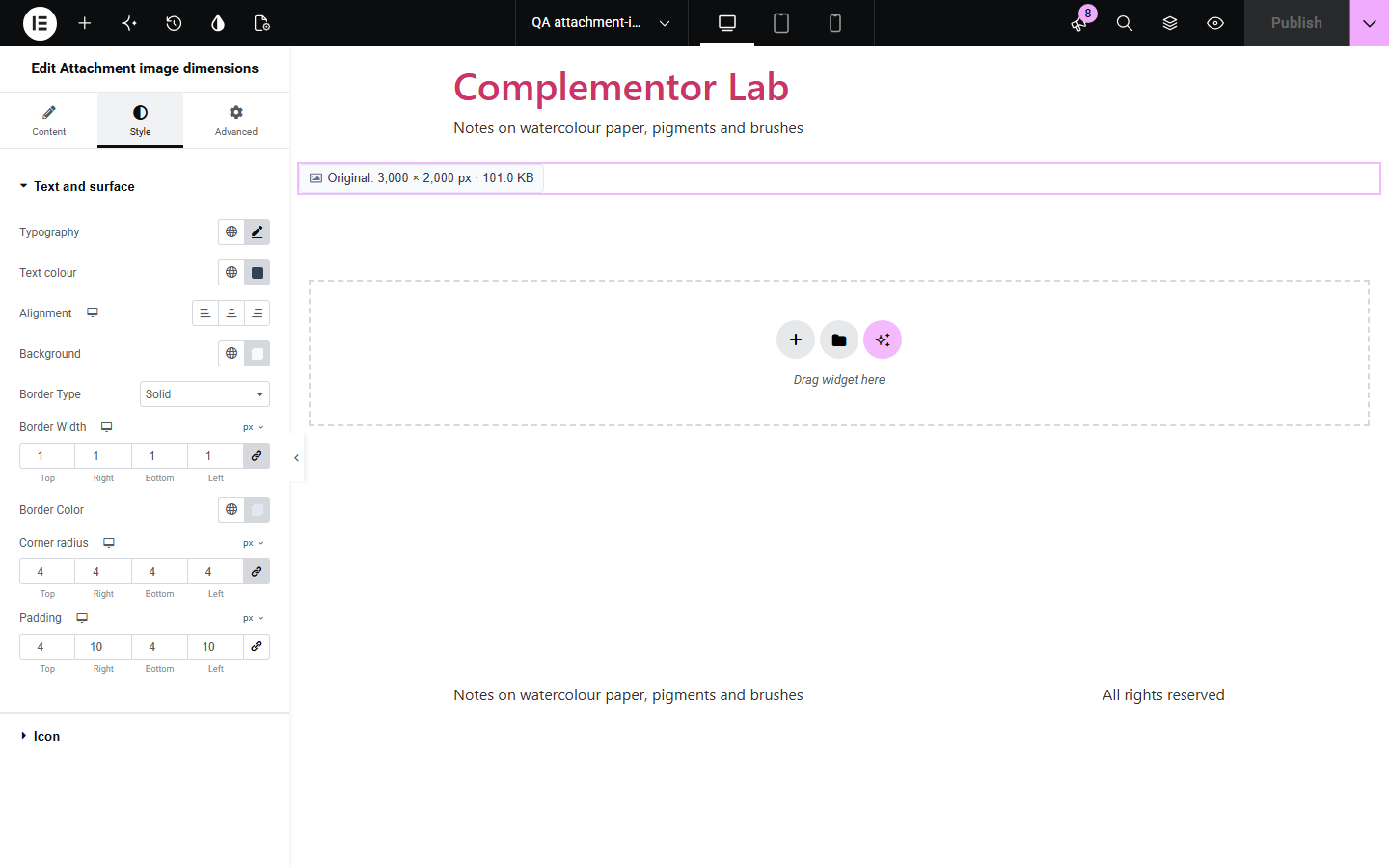
Photographers, designers and download pages often list an image's size, and typed sizes go wrong when a file is replaced. Attachment image dimensions reads the size from the Media Library, reports the original upload even when WordPress stored a scaled copy, and can add the file size.
List each photo's resolution.
Show the size of downloadable logos and photos.
Tell visitors what they will get before downloading.
Start with Complementor installed and your license connected. Enable this module in the WordPress library, then configure it in Elementor.
Install Complementor, connect your license and enable Attachment image dimensions in the Complementor library.
Add the widget next to an image or download link.
Choose a Media Library image, or the post's featured image in a template.
Adjust the wording with {width}, {height} and {filesize}.
Style it and check the frontend.
Configure the settings available for this module to suit the page you are building.
A chosen image or the current post's featured image.
Original upload size, even when WordPress scaled it.
Optional file size, such as 1.2 MB.
Your own wording with {width}, {height} and {filesize}.
Numbers formatted for the site language.
Style: typography, colour, surface, icon.
Compare the existing Elementor workflow with this Complementor module before choosing your setup.
Typed sizes go wrong when a file is replaced. This reads the Media Library.
Visitors want to know first. The size is shown up front.
Complementor uses classic Elementor APIs. Atomic-native controls are not implemented. Check your theme, cache and integrations on a staging site before release.
Check these settings if the published page behaves differently from the editor.
No image is chosen, the post has no featured image, or the image is not public. Set Text when source is empty to show something there.
It reports the original upload, not the size the image is displayed at.
SVG files have no pixel size stored in the Media Library.
The file could not be read on the server; check the upload still exists.
No. It works with the free version of Elementor.
Yes. For uploads over 2560 px it reports the original size, not the scaled copy.
Yes. Choose Featured image of the current post for templates.
Yes. It is plain text, and the optional icon is hidden from screen readers.
No. It is plain HTML and CSS.
This module is included with all 1007 current Complementor solutions. Choose your production website allowance; every plan includes the same modules.
Renews at $29 USD each year.
Renews at $49 USD each year.
Renews at $99 USD each year.
Applicable taxes extra. Annual subscriptions renew automatically unless canceled in your customer account. Elementor Pro is required for Exclude current post. Read the terms and 14-day technical-issue refund policy.