What’s included
List the contents of a tour, class or package.
 I Build Elementor.
Turn each line of a saved ACF Textarea field into a list with bullets, numbers, ticks, an icon or tags, with typed markers removed, a title and Show more for long lists.
These are the actual published widgets reading sample ACF Textarea values saved on this page.
List picks the Textarea field and sets the marker, where new items start, removing typed markers, a title, how many items show before Show more, the layout, columns and gap, text before and after each item, text for an empty field, the item tag and an icon. The Style tab covers each item’s text and surface, the markers, tags, title and Show more, and the icon.
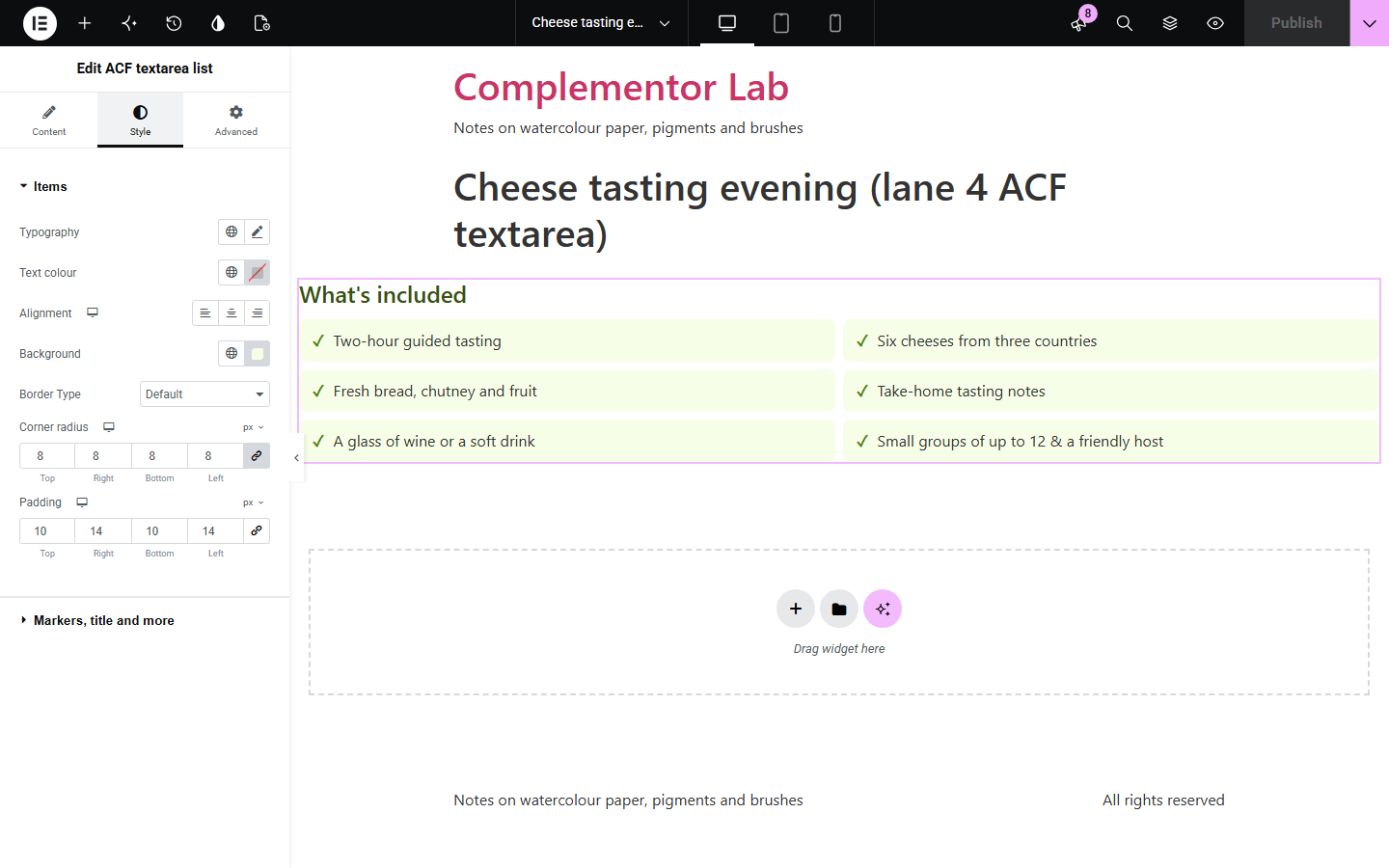
Editors often type features, what’s included or allergens into an ACF Textarea one per line, with their own dashes and numbers, and printing that field as it is gives an uneven block of text. ACF textarea list turns each line into a proper list item, removes the typed markers, skips blank lines, shows markup as plain text, and styles the result as bullets, numbers, ticks, an icon or tags, in columns and with Show more for long lists.
List the contents of a tour, class or package.
Show product features as a checklist.
Show short comma-separated values as tags.
Start with Complementor installed and your license connected. Enable this module in the WordPress library, then configure it in Elementor.
Install ACF and Complementor, connect your license and enable ACF textarea list in the Complementor library.
Add a Textarea field to your posts and type one item per line.
Add the widget to the post or its template and choose the field.
Choose bullets, numbers, ticks, an icon or tags, and a title if you like.
Set columns or Show more for long lists, then style the items.
Configure the settings available for this module to suit the page you are building.
Bullets, numbers, ticks, an icon of your choice, no marker, or tags.
A new item at each line, or also at commas and semicolons.
Typed dashes, bullets and numbers removed and blank lines skipped.
A title that names the list for screen readers.
Show more for long lists, with numbering continued.
Stacked or inline layout, up to four columns, and per-item text before and after.
Compare the existing Elementor workflow with this Complementor module before choosing your setup.
Shows a notice from an ACF number.
Joins items into a sentence-style list.
Complementor uses classic Elementor APIs. Atomic-native controls are not implemented. Check your theme, cache and integrations on a staging site before release.
Check these settings if the published page behaves differently from the editor.
Blank lines are skipped, and lists stop at 50 items. A line with only a typed marker, such as a lone dash, is also skipped.
Typed list numbers such as “1. ” are removed. Turn off removing typed bullets and numbers to keep them; amounts such as 12.5 kg are kept either way.
It does not: HTML in the field is removed and the text is shown plainly, so links and formatting in the field are not used.
No. It works with the free versions of Elementor and ACF.
Yes. Choose a new item at each line, comma or semicolon.
No. It uses the browser’s own details element, which works with the keyboard.
Yes. Choose the icon marker and pick any icon.
No. Each line is shown as plain text.
This module is included with all 1007 current Complementor solutions. Choose your production website allowance; every plan includes the same modules.
Renews at $29 USD each year.
Renews at $49 USD each year.
Renews at $99 USD each year.
Applicable taxes extra. Annual subscriptions renew automatically unless canceled in your customer account. Elementor Pro is required for Exclude current post. Read the terms and 14-day technical-issue refund policy.