Venue, product or listing features
Let editors tick features such as 'Wheelchair access' or 'Live music' in an ACF field and show them as links to every page with the same feature.
 I Build Elementor.
Show the terms chosen in an ACF Taxonomy field as links to their archives, in the order the editor picked them.
These are the actual published outputs of the widget for sample Taxonomy fields: the default comma-separated links, a labelled version with icons and link colours, a stacked list from a checkbox field, and plain names limited to two terms.
Content › Source picks a top-level ACF Taxonomy field or a field name. Behaviour turns archive links on or off, opens them in a new tab, limits the number of terms and sets text for an empty field. Display adds a label, inline or stacked layout, a separator and an optional icon. The Style tab has Terms (typography, colour, alignment, spacing, padding), Links (Normal, Hover, Focus) and Label and icon sections.
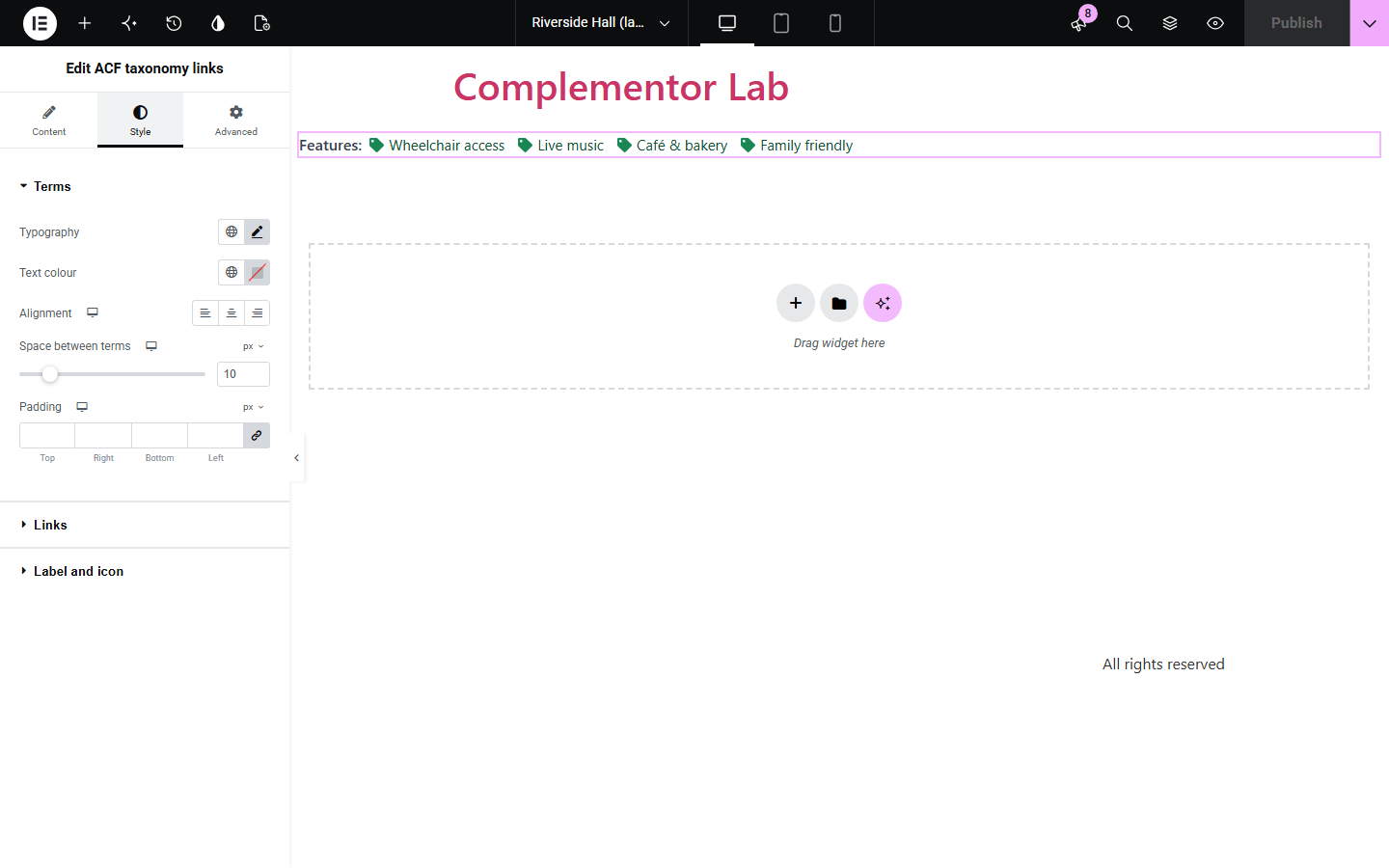
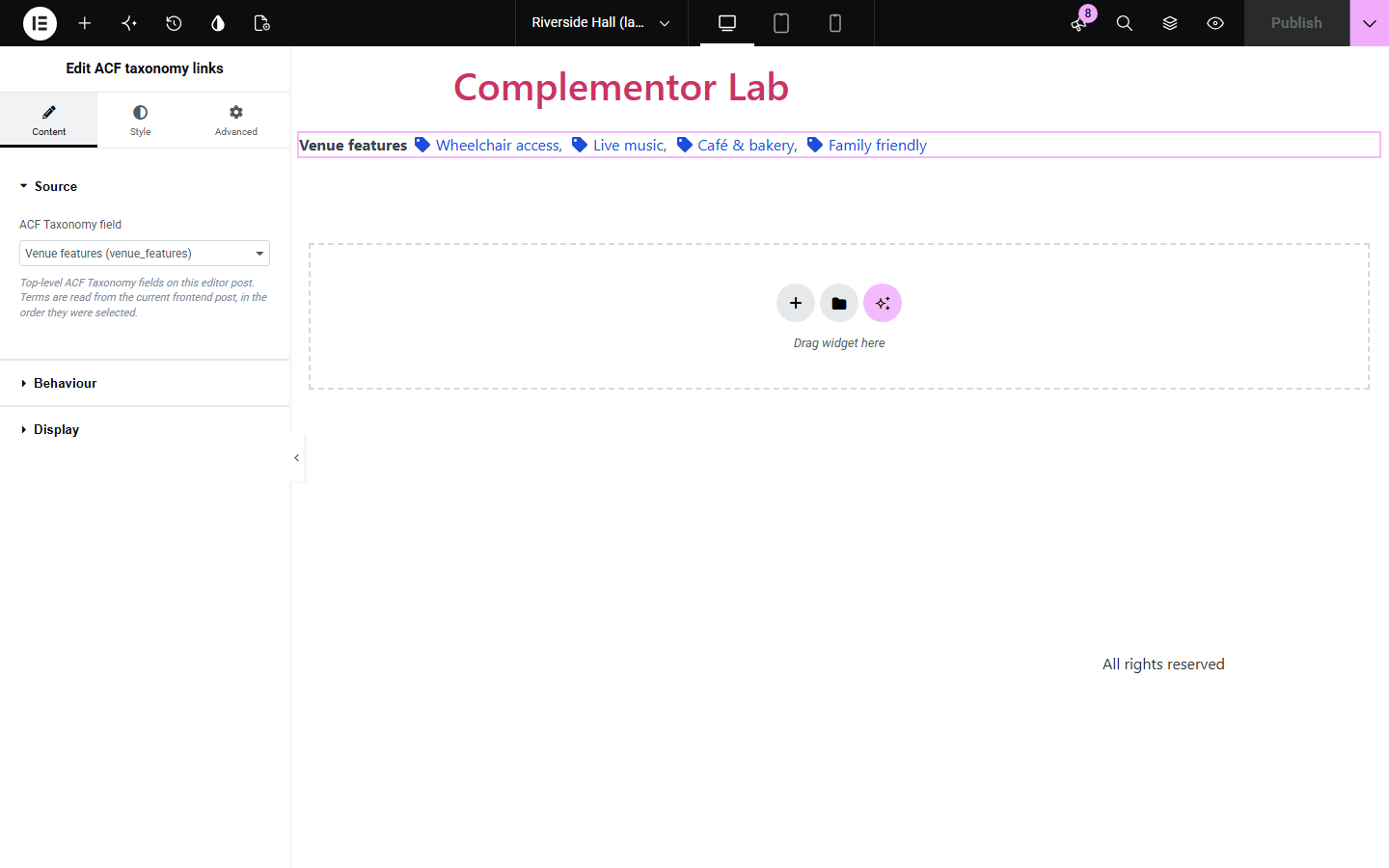
ACF Taxonomy fields let editors pick tags, categories or custom terms for a page, but showing those choices usually needs a template tweak. ACF taxonomy links lists the terms saved in one field as links to their archive pages, in the order they were chosen.
Let editors tick features such as 'Wheelchair access' or 'Live music' in an ACF field and show them as links to every page with the same feature.
Show a curated set of topics for an article that differs from its main categories, in the order the editor chose.
Display terms from a public custom taxonomy chosen through ACF in an Elementor single template.
Start with Complementor installed and your license connected. Enable this module in the WordPress library, then configure it in Elementor.
Install Complementor and Advanced Custom Fields, connect your license and enable ACF taxonomy links in the Complementor library.
Add a top-level ACF Taxonomy field (tags, categories or a public custom taxonomy) to your post type and choose terms on each post.
Add the ACF taxonomy links widget in Elementor and select the field in Content › Source.
In Behaviour choose links, new tab, a maximum number of terms and optional empty text; in Display set the label, layout, separator and icon.
Style terms, links and the label in the Style tab, publish, and check the published post and its term links.
Configure the settings available for this module to suit the page you are building.
Source: a top-level ACF Taxonomy field picked from the list, or typed by field name or key; terms appear in the order they were selected.
Behaviour: link to term archives or show plain names, open links in a new tab, maximum number of terms and text for an empty field.
Display: label before the terms (also the list's accessible name), inline or stacked layout, custom separator and an optional icon per term.
Terms style: typography, text colour, responsive alignment, spacing between terms and padding.
Links style: colour and underline for Normal and Hover, plus Focus colour and outline colour, width and offset.
Label and icon style: label typography and colour, icon colour, size and gap.
Compare the existing Elementor workflow with this Complementor module before choosing your setup.
Elementor Pro's Post Info widget lists the categories or tags assigned to the post itself. Use it when you want the post's own taxonomy terms; this widget shows the specific terms chosen in an ACF Taxonomy field, in the editor's order.
In block themes, the Post Terms block shows a post's assigned terms for one taxonomy. It also reads the post's own terms rather than an ACF field selection.
Complementor uses classic Elementor APIs. Atomic-native controls are not implemented. Check your theme, cache and integrations on a staging site before release.
Check these settings if the published page behaves differently from the editor.
The field must be a top-level ACF Taxonomy field with saved terms, the post must be published without a password, and the taxonomy must be public. Add text under 'Text when no terms' to show a message instead of nothing; the editor explains which case applies.
Terms that were deleted, belong to another taxonomy or have no public archive link are skipped. Maximum terms also cuts the list after the chosen number.
The widget keeps the order the terms were picked in the ACF field, not alphabetical or term ID order.
No. Only top-level Taxonomy fields are supported; nested fields are ignored and the editor shows a hint.
No. The Taxonomy field is part of free Advanced Custom Fields.
Tags, categories and custom taxonomies that are public and have archive pages. Non-public taxonomies are not linked or shown.
Yes. Turn off 'Link to term archives' in Behaviour to show plain names.
Each term wraps as a whole with its icon and separator, and very long names break inside the column instead of overflowing.
Terms are a list named by your label (or 'Terms'), links keep a visible focus outline you can style, separators and icons are hidden from screen readers.
This module is included with all 1007 current Complementor solutions. Choose your production website allowance; every plan includes the same modules.
Renews at $29 USD each year.
Renews at $49 USD each year.
Renews at $99 USD each year.
Applicable taxes extra. Annual subscriptions renew automatically unless canceled in your customer account. Elementor Pro is required for Exclude current post. Read the terms and 14-day technical-issue refund policy.