Event and venue pages that get printed
Show a booking or ticket link as a QR code so a printed page or poster still leads people to the right address.
 I Build Elementor.
Draw a scannable QR code for a link saved in an ACF URL field, rendered on your own server with no QR service, script or tracking.
These are the actual published outputs of the widget for a sample ACF URL field: the default code, a branded version styled with native Style controls, a code-only print variant with high error correction, and an address that is longer than the selected size limit. Point your phone camera at a code to open the sample address.
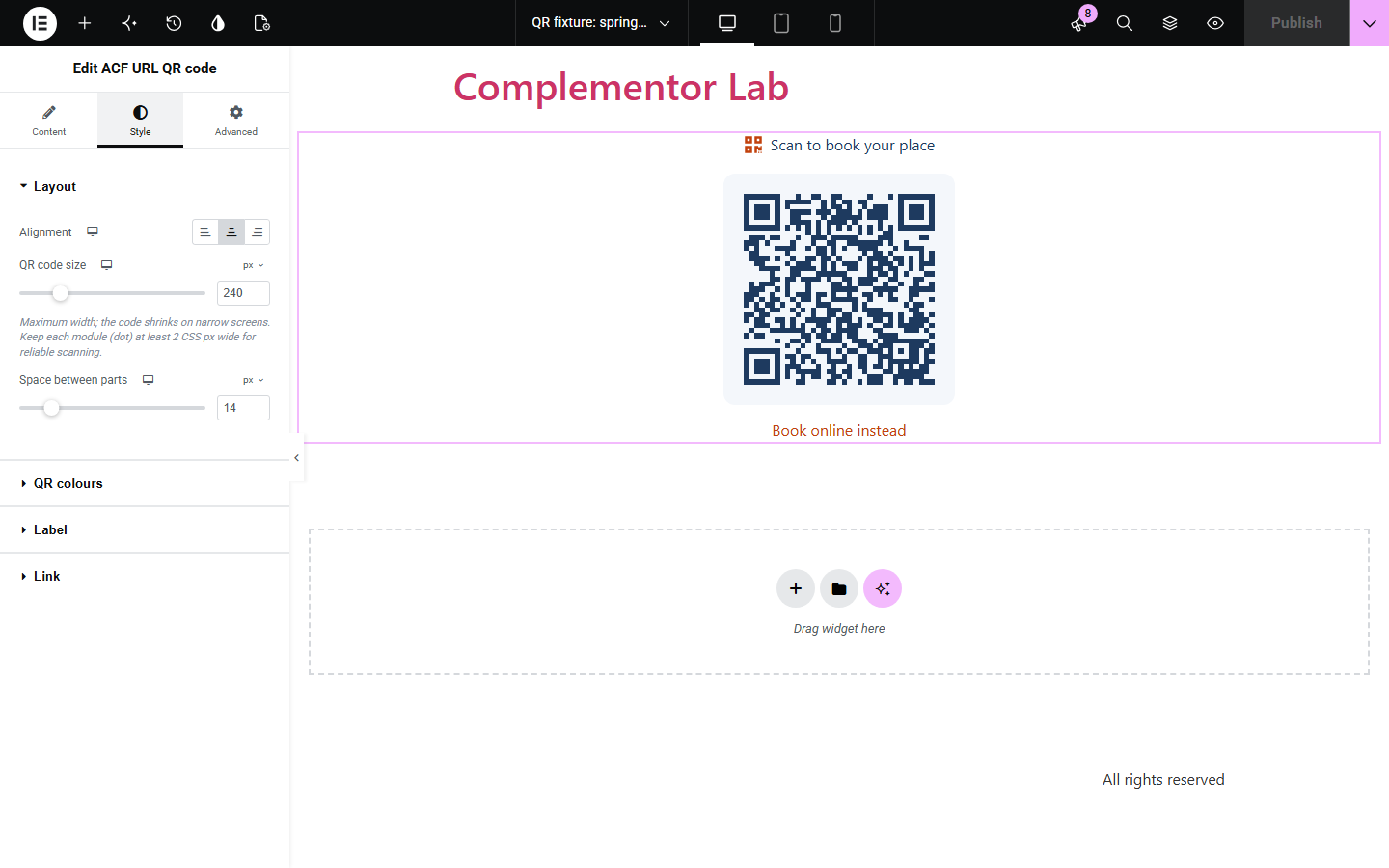
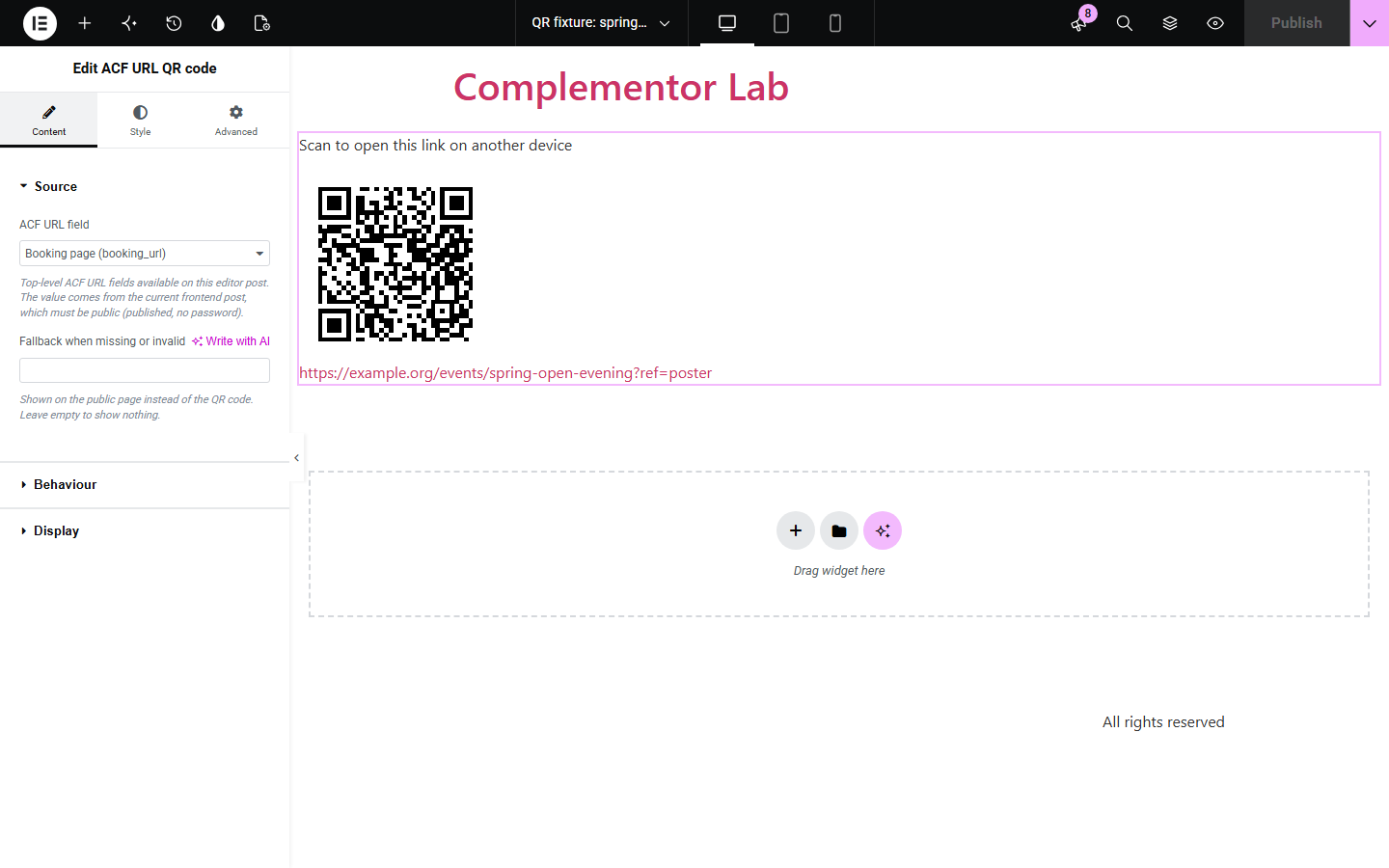
Content › Source picks a top-level ACF URL field and an optional fallback message. Behaviour sets error correction (L, M, Q, H), the largest QR version, the readable link and its text, and the note shown when an address is too long. Display edits the label and optional icon. The Style tab has Layout (alignment, size, spacing), QR colours with a corner radius, Label, and Link with Normal, Hover and Focus states.
Event pages, menus and printed handouts often need visitors to open a link on their phone. ACF URL QR code reads the address saved in an ACF URL field on the current post and draws a QR code for it, with the address shown underneath for anyone who cannot scan.
Show a booking or ticket link as a QR code so a printed page or poster still leads people to the right address.
Save each menu's online version in an ACF URL field and let guests scan it from a table card or screen.
Let desktop visitors open a signup, app or map link on their phone by scanning the code from the screen.
Start with Complementor installed and your license connected. Enable this module in the WordPress library, then configure it in Elementor.
Install Complementor and Advanced Custom Fields, connect your license and enable ACF URL QR code in the Complementor library.
Create a top-level ACF field of type URL for your posts or pages and save an address on the post you want to show.
Add the ACF URL QR code widget in Elementor and choose the field in Content › Source; optionally type a fallback message.
In Behaviour choose error correction, the largest QR version and whether to show the readable link; in Display edit the label and icon.
Style the code size, colours and link in the Style tab, publish, and scan the code on the published page with a phone.
Configure the settings available for this module to suit the page you are building.
Source: one top-level ACF URL field on the current post, plus an optional fallback message for missing or invalid addresses.
Error correction L, M, Q or H and a largest QR version from 1 to 10; addresses that do not fit show an editable note and the readable link instead of a code.
Readable link under the code showing the address or your own link text, always kept when no code can be drawn.
Label text with an optional Elementor icon such as the QR symbol.
Layout: responsive alignment, code size and spacing; QR colours with a contrast check (4.5:1) and a corner radius.
Label and link typography and colours, including Hover and Focus states and a configurable focus outline.
Compare the existing Elementor workflow with this Complementor module before choosing your setup.
With Elementor Pro, a Button can link to an ACF URL field. Use it when visitors are on the same device as the page; it is simpler and needs no code. This widget adds a scannable code for print and other devices.
You can create a QR image elsewhere and upload it, but it must be remade whenever the link changes and some services route scans through their own redirects. This widget draws the code from the saved field each time the page renders.
Complementor uses classic Elementor APIs. Atomic-native controls are not implemented. Check your theme, cache and integrations on a staging site before release.
Check these settings if the published page behaves differently from the editor.
The field must be a top-level ACF URL field with a saved http or https address, and the post must be published without a password. Otherwise the fallback message appears, or nothing if the fallback is empty. The editor explains which case applies.
The address does not fit within the Largest QR version at the selected error correction. Raise the version, choose a lower error correction, or use a shorter address. The readable link is still shown.
Custom colours are only used when the dark colour is clearly darker than the background, with a contrast ratio of at least 4.5:1. Otherwise the code falls back to black on white so it stays scannable. Use six-digit hex colours; transparency is ignored.
The code is rebuilt from the saved field on every page render. If you still see the old code, clear your page cache or CDN cache for that page.
No. The code is generated on your server as an SVG by the plugin itself. It loads no script, image service or tracking, and scans go straight to your address.
No. It reads ACF URL fields, which are available in the free version of Advanced Custom Fields.
Absolute http and https addresses. Other schemes such as javascript:, mailto: or data: are rejected. Addresses with accented characters are encoded so phone scanners open the same page.
Up to QR version 10: 271 characters at error correction L and 119 at H. You can set a lower version limit to keep codes simple for print.
The SVG has a text alternative naming the address, and the readable link below it can be shown so everyone can open the address without scanning.
This module is included with all 1007 current Complementor solutions. Choose your production website allowance; every plan includes the same modules.
Renews at $29 USD each year.
Renews at $49 USD each year.
Renews at $99 USD each year.
Applicable taxes extra. Annual subscriptions renew automatically unless canceled in your customer account. Elementor Pro is required for Exclude current post. Read the terms and 14-day technical-issue refund policy.