Editorial and travel articles
Show a hero or feature photo with a caption and a linked credit to the photographer on every article.
 I Build Elementor.
Show the image saved in an ACF Image field with its Media Library alt text and caption, plus a photographer or source credit from ACF fields.
These are the actual published outputs of the widget for a sample ACF Image field and credit fields: the default image, caption and linked credit, a rounded version with a credit icon, and a variant with the caption hidden and a plain credit.
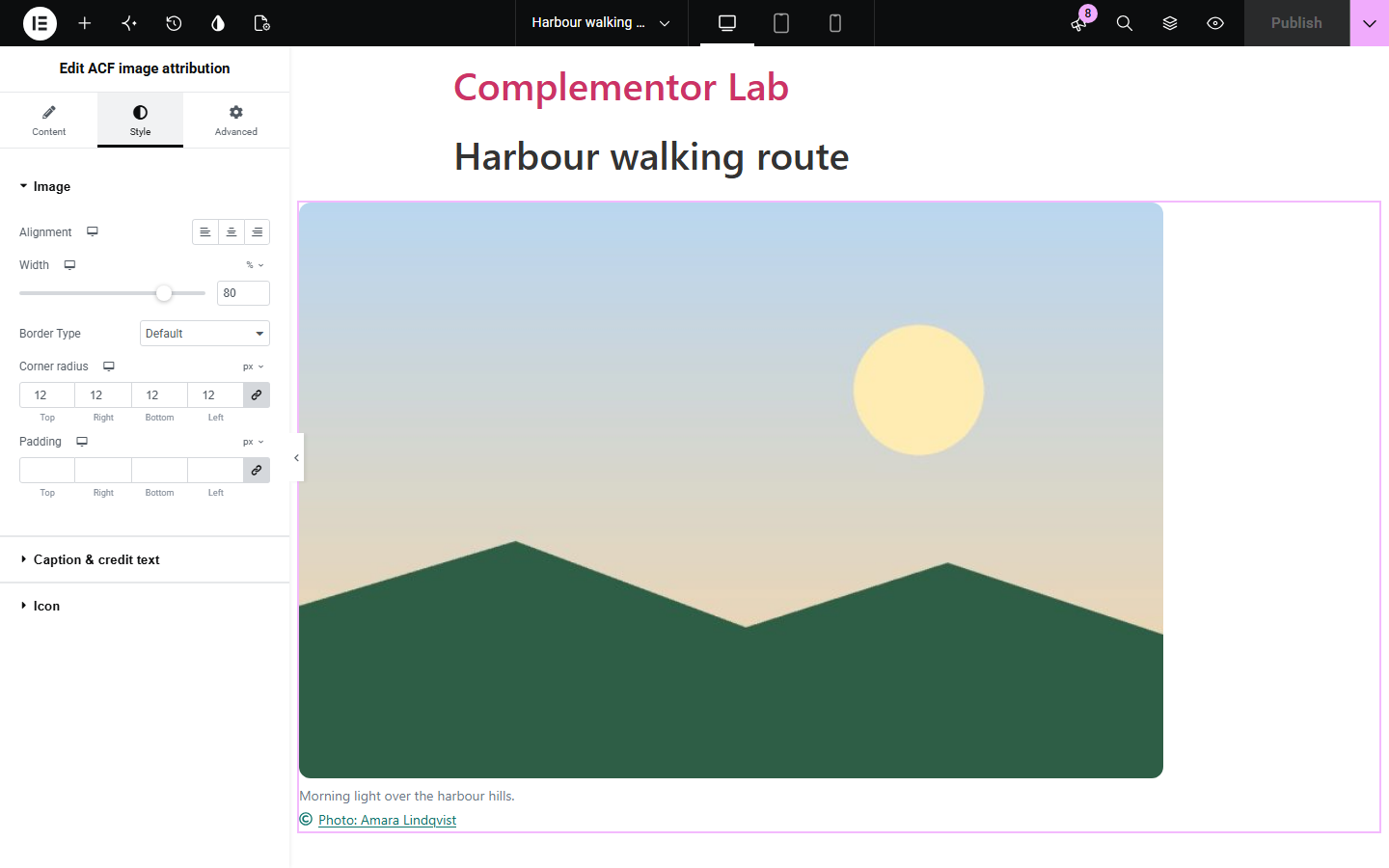
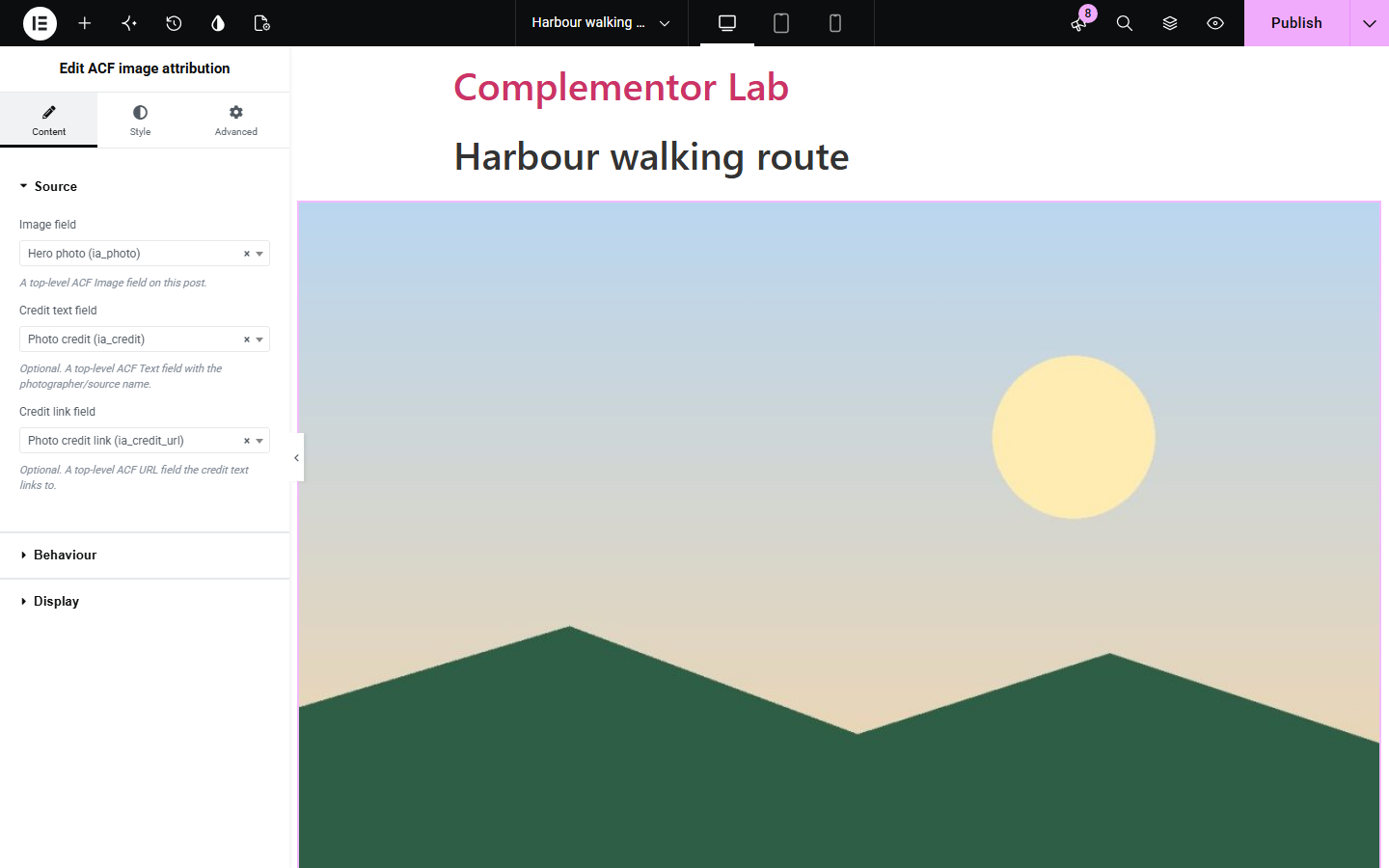
Content › Source picks the ACF Image field and optional credit text and credit link fields. Behaviour shows or hides the caption, sets the fallback link text and new-tab opening. Display chooses the image size and an optional credit icon. The Style tab covers the Image (alignment, width, border, radius, padding), Caption & credit text and the Icon.
Photos on articles, travel guides and portfolios often need a caption and a credit to the photographer or source. ACF image attribution shows the image saved in an ACF Image field together with its Media Library caption and a credit line built from your own ACF text and URL fields.
Show a hero or feature photo with a caption and a linked credit to the photographer on every article.
Credit the source of stock or Creative Commons images with a link, as many licences require.
Display project photos with captions and credit the photographer or studio from fields on each project.
Start with Complementor installed and your license connected. Enable this module in the WordPress library, then configure it in Elementor.
Install Complementor and Advanced Custom Fields, connect your license and enable ACF image attribution in the Complementor library.
Add a top-level ACF Image field, plus optional Text and URL fields for the credit, and fill them in on your post; set alt text and caption in the Media Library.
Add the ACF image attribution widget in Elementor and choose the image, credit text and credit link fields in Content › Source.
In Behaviour and Display choose whether to show the caption, the link text fallback, new-tab opening, image size and credit icon.
Style the image, caption, credit and icon in the Style tab, publish, and check the published page.
Configure the settings available for this module to suit the page you are building.
Source: one top-level ACF Image field (ID, array or URL return format) plus optional ACF Text credit and ACF URL credit link fields.
Image output uses WordPress responsive sizes with srcset and the attachment's own alt text; choose any registered image size.
Caption from the attachment's Media Library caption, which can be shown or hidden.
Credit line: plain text, or a link (http and https only) with a fallback label when only a URL is saved; optional new tab with rel="noopener noreferrer".
Image style: alignment, responsive width, border, corner radius and padding.
Caption and credit style: typography, colour, background, border, radius, padding, credit link and hover colours, and icon position, size, gap and colour.
Compare the existing Elementor workflow with this Complementor module before choosing your setup.
Elementor's Image widget can show the attachment caption or custom caption text. Use it for single images you place by hand; this widget reads the image from an ACF field and adds a credit line from ACF fields on each post.
You can type credits into each Media Library caption, but the same image may need different credits or links in different places. Separate ACF credit fields keep the credit with the post.
Complementor uses classic Elementor APIs. Atomic-native controls are not implemented. Check your theme, cache and integrations on a staging site before release.
Check these settings if the published page behaves differently from the editor.
The selected field has no saved image, or the attachment is missing, private, trashed or not an image. Nothing is shown to visitors; the editor shows a hint.
The widget uses the alt text saved on the attachment in the Media Library. Add Alternative Text to the image there.
Only http and https links are used. Check the URL saved in the credit link field; other schemes are ignored.
A credit link is saved but no credit text. Add credit text, or change the Credit fallback label in Behaviour.
No. Image, Text and URL fields are part of free Advanced Custom Fields.
No. The credit comes only from the ACF fields you choose; EXIF, camera and GPS data are never read or shown.
Yes. It uses WordPress image sizes with srcset, so browsers can load a suitable size.
From the caption saved on the image in the Media Library. Turn off Show caption to hide it.
The image keeps its Media Library alt text inside a figure with a figcaption, the credit link is named by its text, and decorative icons are hidden from screen readers.
This module is included with all 1007 current Complementor solutions. Choose your production website allowance; every plan includes the same modules.
Renews at $29 USD each year.
Renews at $49 USD each year.
Renews at $99 USD each year.
Applicable taxes extra. Annual subscriptions renew automatically unless canceled in your customer account. Elementor Pro is required for Exclude current post. Read the terms and 14-day technical-issue refund policy.