Shops and cafés
Show open now on each location page.
 I Build Elementor.
Show whether a daily window saved in two ACF Time Picker fields is open now, with when it closes or opens, a closing-soon state and the hours, kept current in the browser.
These are the actual published widgets reading sample ACF Time Picker values on this page; the status depends on the time you view it.
Time window picks the opening and closing Time Picker fields and sets the open, closed and closing-soon text, when closing soon starts, the detail line and countdown, the daily hours and their label, the time format, the time zone note, text before and after, text when no times are saved, the HTML tag and an icon. The Style tab covers the text and surface, the status colours and detail lines, and the icon.
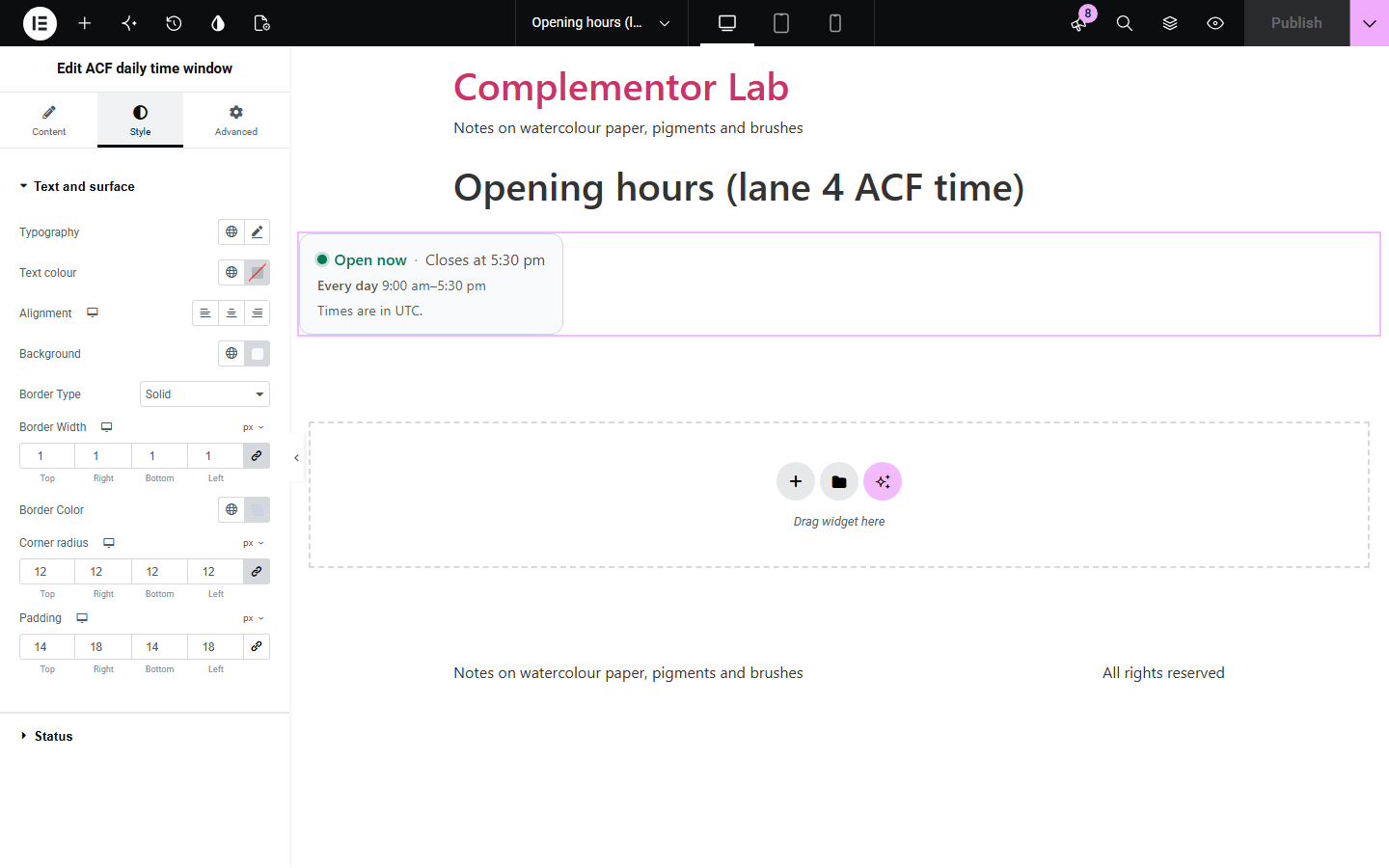
Shops, kitchens, phone lines and help desks store their daily hours in ACF, but visitors want to know at a glance whether they are open right now, and a status worked out on the server goes stale on cached pages. ACF daily time window reads the opening and closing Time Picker fields on the current post, shows Open now, Closing soon or Closed now with when that changes and the daily hours, and keeps it current in the visitor’s browser in the site’s time zone.
Show open now on each location page.
Tell visitors whether someone is there to answer.
Show hours that run past midnight.
Start with Complementor installed and your license connected. Enable this module in the WordPress library, then configure it in Elementor.
Install ACF and Complementor, connect your license and enable ACF daily time window in the Complementor library.
Add two Time Picker fields, opening and closing, to your posts and save the times on each.
Add the widget to the post or its template and choose the two fields.
Set the open, closed and closing-soon text and how the times show.
Style the status colours and the card.
Configure the settings available for this module to suit the page you are building.
Opening and closing Time Picker fields, with closing times after midnight supported.
Open, closed and closing-soon text, with closing soon starting when you choose.
When it closes or opens next, or a countdown to opening.
The daily hours with a label, on the site’s clock format or a 12 or 24-hour clock.
A time zone note for visitors whose clock is in another zone.
Text before and after, text when no times are saved, a status dot or an icon.
Compare the existing Elementor workflow with this Complementor module before choosing your setup.
Shows a saved ACF location with directions.
Counts working days between dates.
Complementor uses classic Elementor APIs. Atomic-native controls are not implemented. Check your theme, cache and integrations on a staging site before release.
Check these settings if the published page behaves differently from the editor.
The times are in the site’s time zone, set in Settings › General. Visitors in another zone see a note saying so.
One of the fields has no time saved on this post, or both times are the same. Add text for that case to show a message instead.
No. It shows one daily window. Use separate fields and widgets for days with other hours.
No. It works with the free versions of Elementor and ACF.
Yes. The page carries the times, and the visitor’s browser works out the status and updates it every minute.
Yes. A closing time before the opening time, such as 10:00 pm to 2:00 am, runs into the next day.
The site’s time zone from Settings › General, for every visitor.
Yes. Set your own open, closed and closing-soon text and text before or after it.
This module is included with all 1007 current Complementor solutions. Choose your production website allowance; every plan includes the same modules.
Renews at $29 USD each year.
Renews at $49 USD each year.
Renews at $99 USD each year.
Applicable taxes extra. Annual subscriptions renew automatically unless canceled in your customer account. Elementor Pro is required for Exclude current post. Read the terms and 14-day technical-issue refund policy.