Store headers
Help shoppers jump straight to a product.
 I Build Elementor.
Add a WooCommerce product search with a label, an optional category picker and suggestions of matching products, with images and prices, as shoppers type.
These are the actual published widgets searching the demo store; type to see suggestions.
Search sets the label and whether it shows, the placeholder, button text and a text or icon button, a category picker, suggestions with their number, prices and images, and an icon in the field. The Style tab covers the text and surface, the icon, and the field, button and highlighted suggestion colours with the corner radius.
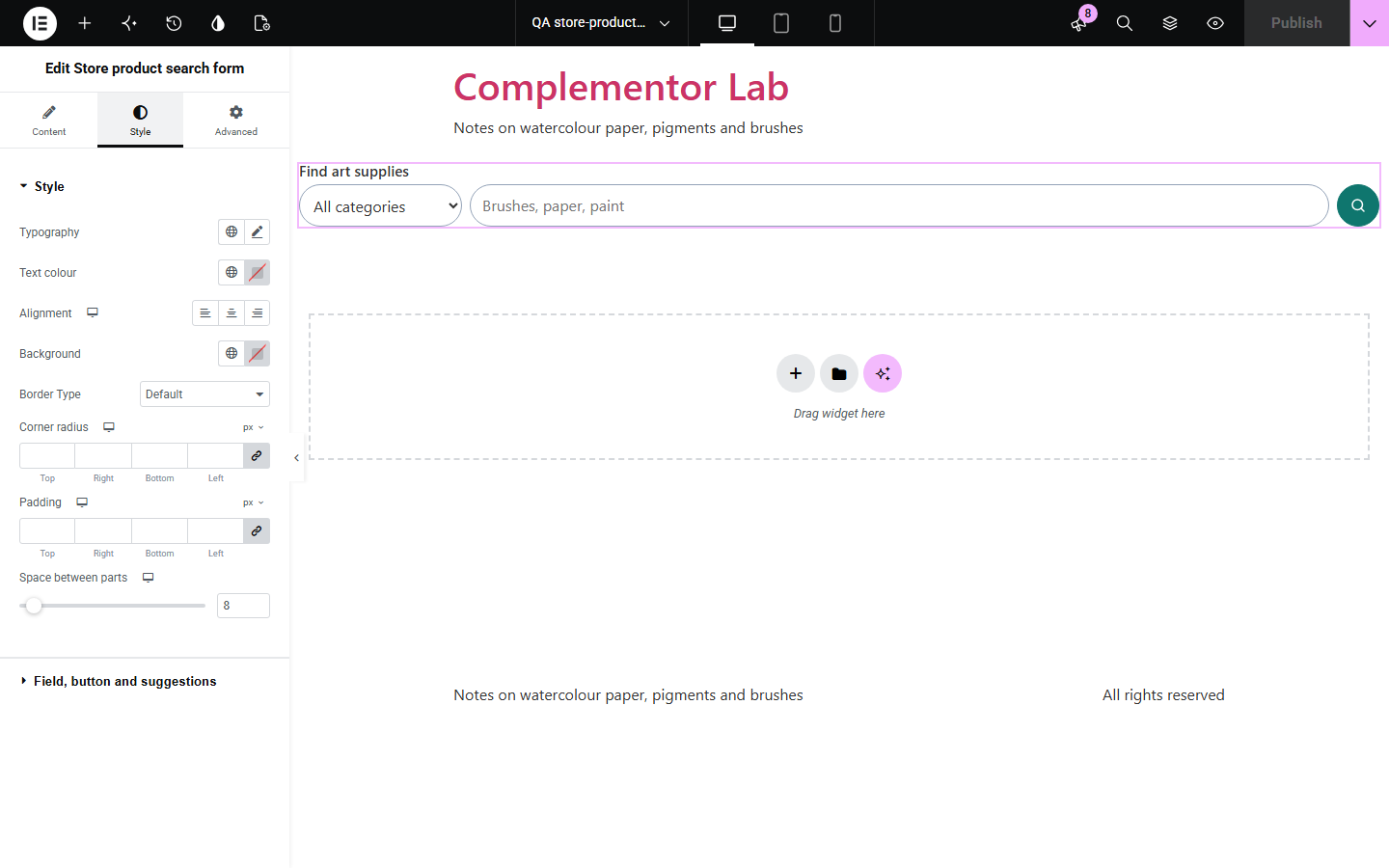
A plain search box makes shoppers type a full word, submit and wait to find out whether the store sells it. Store product search form suggests matching products, with their images and prices, as soon as two letters are typed, lets shoppers narrow by category, works fully with the keyboard and screen readers, and still searches WooCommerce products normally when scripts are off.
Help shoppers jump straight to a product.
Narrow searches by category.
Offer a search where visitors arrive.
Start with Complementor installed and your license connected. Enable this module in the WordPress library, then configure it in Elementor.
Install WooCommerce and Complementor, connect your license and enable Store product search form in the Complementor library.
Add the widget to your header, shop or landing page.
Write the label, placeholder and button text, or choose an icon button.
Turn on the category picker and choose how many suggestions show.
Style the field, button and highlighted suggestion.
Configure the settings available for this module to suit the page you are building.
Suggestions of matching products with images and prices as shoppers type.
An optional category picker that also narrows the suggestions.
A visible label, or one for screen readers only.
A text or search-icon button.
Full keyboard use: arrows to choose, Enter to open, Escape to close.
A plain WooCommerce product search when scripts are off.
Compare the existing Elementor workflow with this Complementor module before choosing your setup.
A link or button to the shop or a category.
A cart link with the item count and total.
Complementor uses classic Elementor APIs. Atomic-native controls are not implemented. Check your theme, cache and integrations on a staging site before release.
Check these settings if the published page behaves differently from the editor.
Type at least two letters. Suggestions come from WooCommerce’s Store API; if a security plugin blocks it, the form still searches normally.
Only published products shown in the catalogue are suggested, up to the number you choose; See all results lists every match.
It lists product categories that contain products; with none, it is left out.
No. It works with the free version of Elementor and WooCommerce.
From your own site’s WooCommerce Store API; nothing is sent elsewhere.
Yes. Arrow keys move through suggestions, Enter opens one and Escape closes the list.
Yes. It is a normal search form that shows WooCommerce’s product results.
Yes. Keep it for screen readers only and use the placeholder as the visible hint.
This module is included with all 1007 current Complementor solutions. Choose your production website allowance; every plan includes the same modules.
Renews at $29 USD each year.
Renews at $49 USD each year.
Renews at $99 USD each year.
Applicable taxes extra. Annual subscriptions renew automatically unless canceled in your customer account. Elementor Pro is required for Exclude current post. Read the terms and 14-day technical-issue refund policy.