Seasonal sales
Show how many days are left.
 I Build Elementor.
Show when a WooCommerce sale ends, or how long a scheduled sale runs, from the sale dates, in the site's time zone.
These are the actual published outputs of the widget for real WooCommerce products with sale dates.
Content sets the product (the current one or a selected product), the texts during the sale, before the sale and for a sale without an end date, the date format and an optional icon. The Style tab covers typography, colour, alignment, background, border, radius and padding, colours for each state and the icon.
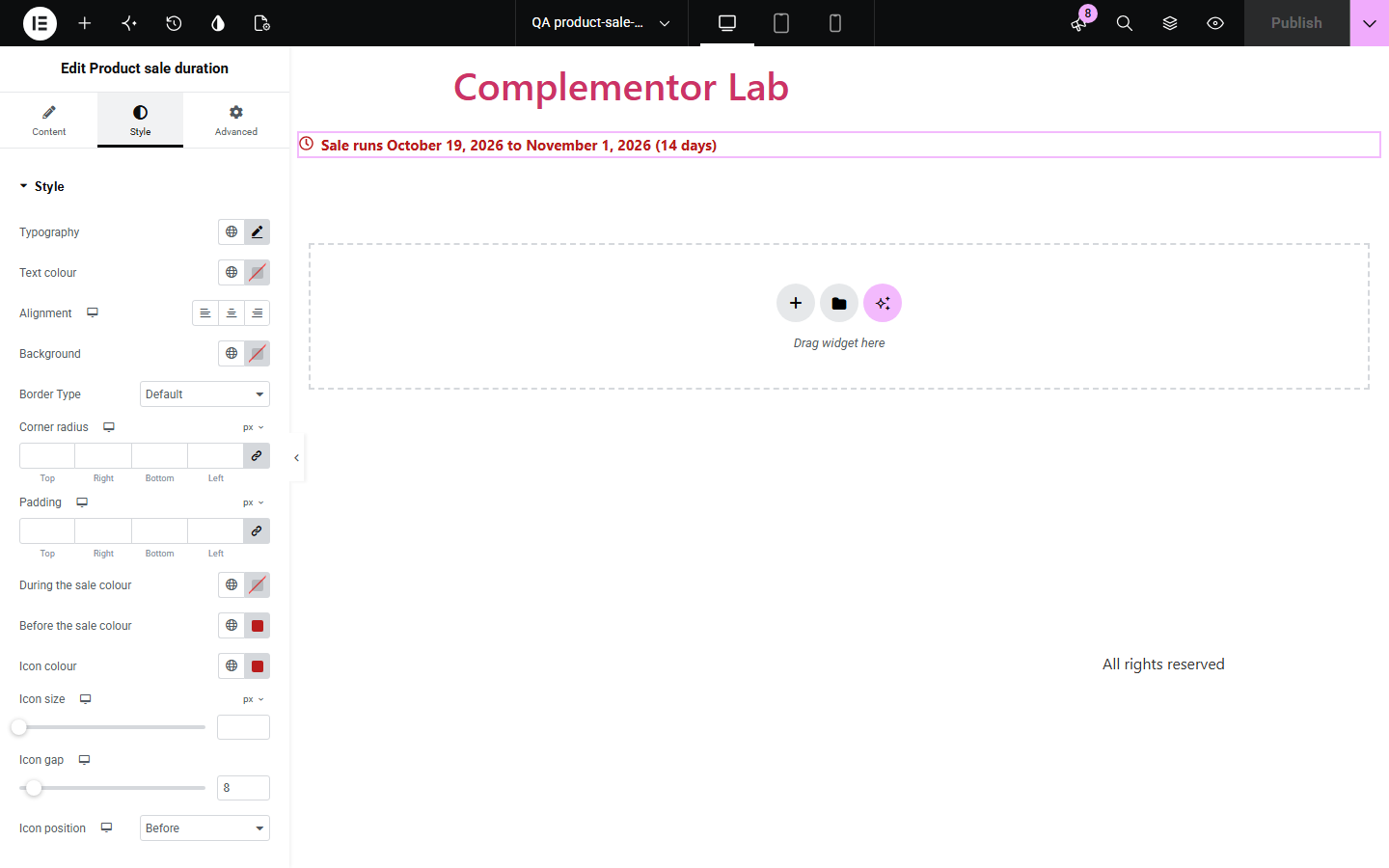
A deadline helps shoppers decide, but WooCommerce never shows when a sale ends. Product sale duration shows how many days are left and the end date during a sale, or the start, end and length of a sale that has not started, from the dates you already set. It uses the same rules as Product sale status and Product sale start notice, so the three never disagree, and stays silent for sales without an end date.
Show how many days are left.
Show that the offer ends today or tomorrow.
Show the sale window before it starts.
Start with Complementor installed and your license connected. Enable this module in the WordPress library, then configure it in Elementor.
Install Complementor, connect your license and enable Product sale duration in the Complementor library.
Give the sale an end date on the product's General tab.
Add the widget to the product template, or choose a product.
Adjust the texts for during and before the sale.
Style it and check a product on sale.
Configure the settings available for this module to suit the page you are building.
Days left and the end date.
Start, end and length before the sale.
Calendar days in the site's time zone.
Silent without an end date.
Same rules as Product sale status.
Own colour per state.
Compare the existing Elementor workflow with this Complementor module before choosing your setup.
Needs its own date and can drift from the real sale end.
Stays on the page after the sale ends.
Complementor uses classic Elementor APIs. Atomic-native controls are not implemented. Check your theme, cache and integrations on a staging site before release.
Check these settings if the published page behaves differently from the editor.
The product is not on sale and has no scheduled sale, or the sale has no end date.
WooCommerce ends a sale at the end of its end date, so the last day counts.
Both the first and last day are counted.
Its options on sale have different end dates.
No. It works with the free version of Elementor and WooCommerce.
From the product's sale schedule in WooCommerce, read by the same rules as Product sale status.
Yes. Leave Product on Current public product and it follows the product being viewed.
It stays silent when the information would be missing or untrue. In the editor a short note explains why.
No. WooCommerce ends it on the end date; the widget only reads the schedule.
This module is included with all 1007 current Complementor solutions. Choose your production website allowance; every plan includes the same modules.
Renews at $29 USD each year.
Renews at $49 USD each year.
Renews at $99 USD each year.
Applicable taxes extra. Annual subscriptions renew automatically unless canceled in your customer account. Elementor Pro is required for Exclude current post. Read the terms and 14-day technical-issue refund policy.