Art print shops
Tell buyers whether a print is portrait or landscape before they choose a frame.
 I Build Elementor.
Show whether a WooCommerce product's image is portrait, landscape or square, with its aspect ratio such as 3:2 and its size in pixels.
These are the actual published outputs of the widget for sample products and images.
Source picks the current product or a selected one. Display sets the portrait, landscape and square texts, a template with {orientation}, {ratio}, {width} and {height}, how close to square counts as square, an outline in the image's shape and an icon. Style covers typography, colour, alignment, background, border, padding, radius, the outline and the icon.
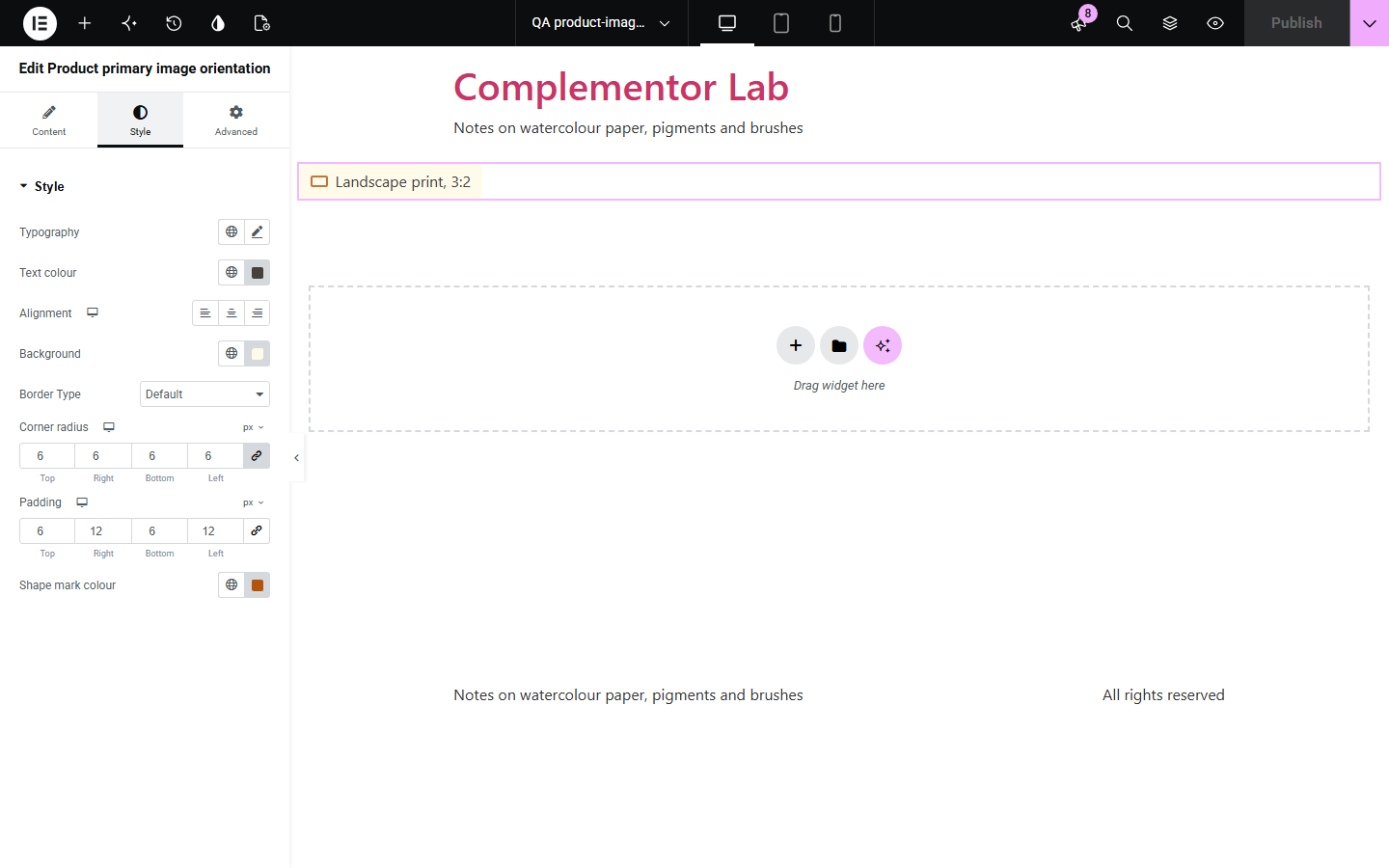
Buyers of prints, photos, posters and canvases need to know the shape before they think about frames and walls, and a product photo cropped into a square grid hides it. Product primary image orientation reads the size of the product's main image from the Media Library and says whether it is portrait, landscape or square, with the aspect ratio (3:2, 4:5, 16:9 and other common ratios) and the pixel size if you want them, plus an optional outline in the image's own shape.
Tell buyers whether a print is portrait or landscape before they choose a frame.
Show the ratio and pixel size of a digital download.
Mark wide panoramic formats such as 21:9.
Start with Complementor installed and your license connected. Enable this module in the WordPress library, then configure it in Elementor.
Install Complementor, connect your license and enable Product primary image orientation in the Complementor library.
Give each product a product image showing the full artwork or photo.
Add the widget to a single product template, or to any page with Source set to a selected product.
Under Display, edit the texts and the template, and turn on the shape mark if you like.
Style the text and panel under Style, then check a portrait and a landscape product.
Configure the settings available for this module to suit the page you are building.
Current product on product pages and templates, or any selected published product.
Editable texts for portrait, landscape and square images.
Template with {orientation}, {ratio}, {width} and {height}, such as “Landscape, 3:2 (1,500 × 1,000 px)”.
Common ratios (1:1, 5:4, 4:3, 3:2, 16:10, 5:3, 16:9, 2:1, 21:9, 3:1) are recognised within 1.5 %.
Images whose sides differ by up to a chosen percentage count as square.
An optional outline drawn in the image's own proportions, with its own colour.
Typography, colours, surface and an optional icon.
Compare the existing Elementor workflow with this Complementor module before choosing your setup.
Fine for a few products, but easy to get wrong when images change.
An Orientation attribute you set by hand can also filter the shop; prefer it when shoppers should filter by shape.
Complementor uses classic Elementor APIs. Atomic-native controls are not implemented. Check your theme, cache and integrations on a staging site before release.
Check these settings if the published page behaves differently from the editor.
The product has no product image; the editor says so.
Images whose sides differ by up to the square tolerance (2 % by default) count as square.
The image does not match a common ratio, so the exact ratio is shown.
The Media Library stores no pixel size for it, so the shape cannot be read.
No. It works with the free version of Elementor and WooCommerce.
The product image, at the size it was uploaded to the Media Library.
No. It reads the width and height WordPress already stored.
Yes. Leave {width} and {height} out of the template.
No. It only describes it.
This module is included with all 1007 current Complementor solutions. Choose your production website allowance; every plan includes the same modules.
Renews at $29 USD each year.
Renews at $49 USD each year.
Renews at $99 USD each year.
Applicable taxes extra. Annual subscriptions renew automatically unless canceled in your customer account. Elementor Pro is required for Exclude current post. Read the terms and 14-day technical-issue refund policy.