Before and after
Let visitors drag between two versions of an image.
Each example below is the actual published output of the Image comparison widget with two sample images: a pencil sketch of a valley and the finished watercolour. Drag anywhere on the image, or focus it and use the arrow keys.
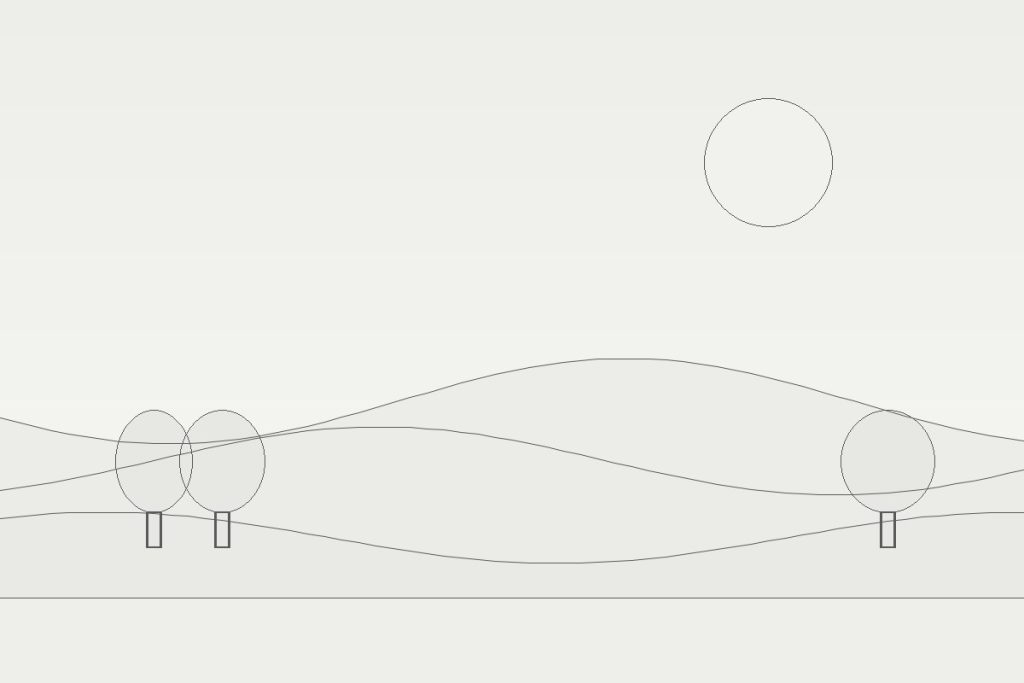

Default settings: a 400px frame, the divider in the middle with a white round handle, and Before and After tags.